

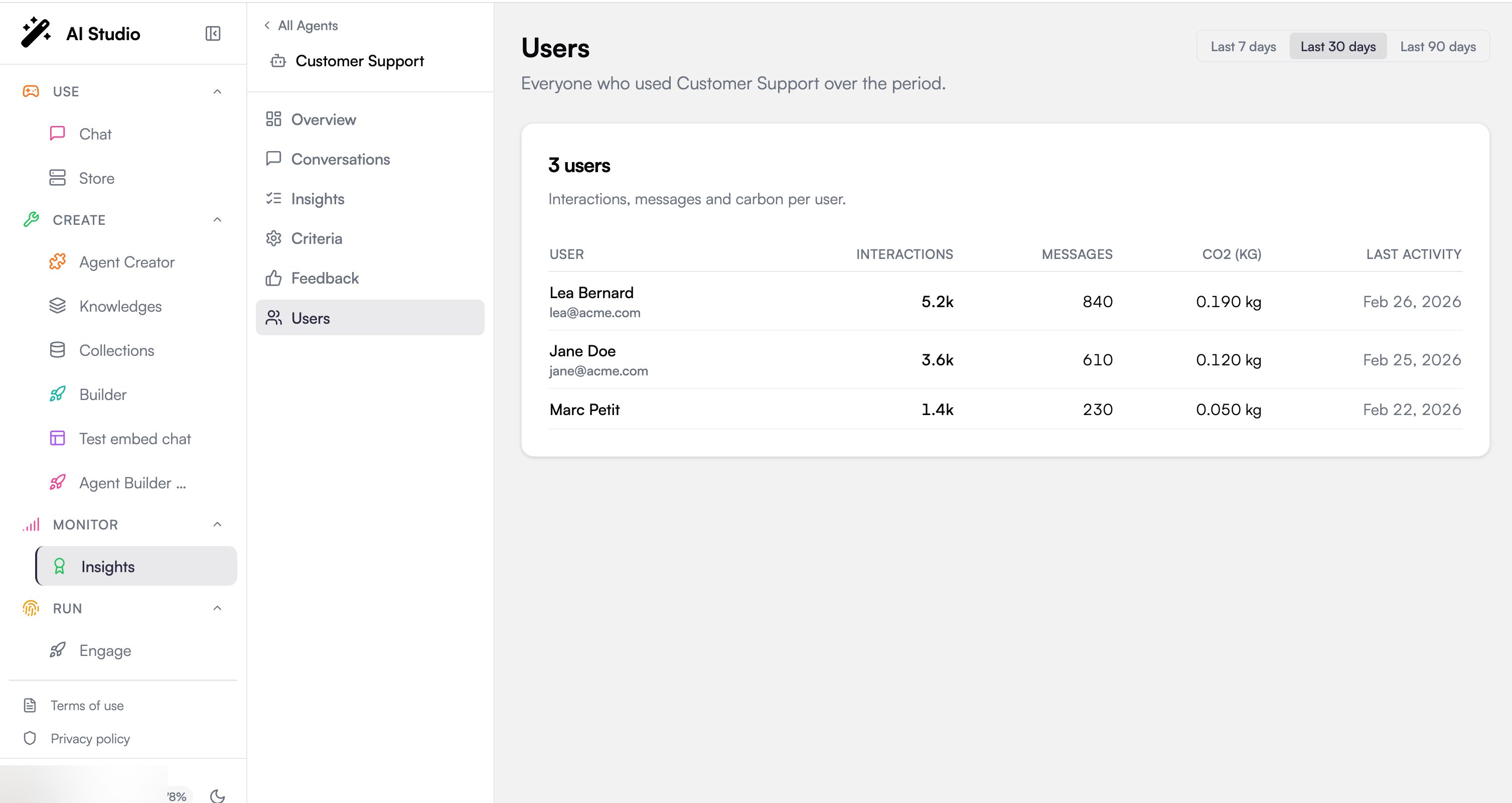
This page is per-agent. It appears when an agent is selected, so it always reflects the one agent you are viewing, not the whole fleet. For organization-wide, chargeback-style consumption, use the per-user table on Consumption.
Period selector
The date filter in the top-right scopes the table: presets of 7 days, 30 days (the default) or 90 days, or a custom range of UTC days. Changing it reloads the roster for that window, and the window is kept when you move to another agent or tab.The users table
The table header shows the number of users, and each row is one member who used the agent in the period:Some columns are conditional: Messages and the carbon column only appear when that data is present for the period, so a lighter environment may show fewer columns.
Where to go next
Consumption
Organization-wide interactions, LLM requests, and per-user chargeback.
Adoption
Segment users into Power, Regular, and Basic across the fleet.