

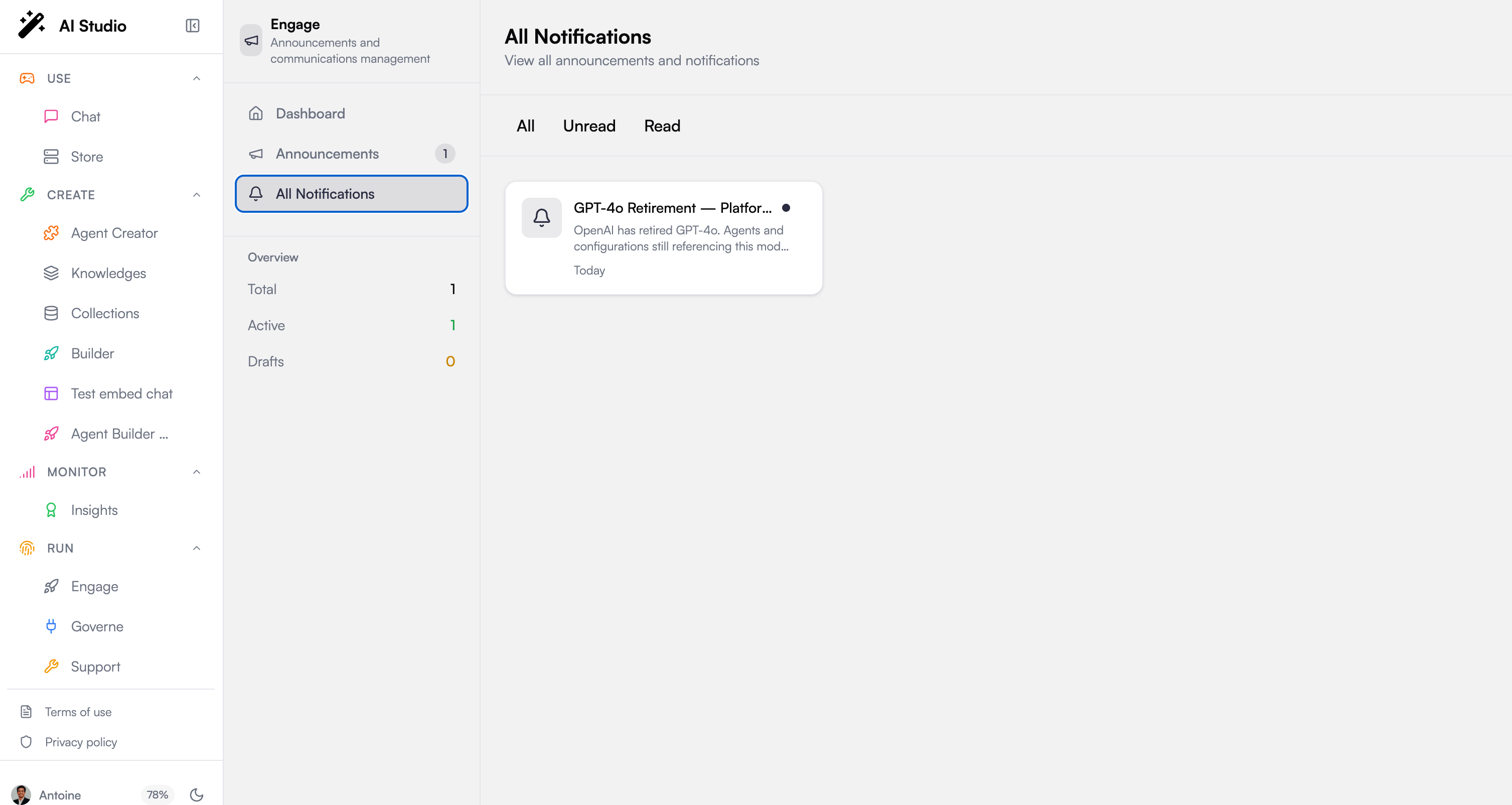
The feed
The All Notifications page presents notifications as a grid of cards. Each card shows the notification’s icon, title, summary, and how long ago it arrived. An unread notification is marked with a small dot so it stands out.Filtering
Filter tabs at the top narrow the feed:Reading, marking as read, and dismissing
There are two things you can do with a notification:- Open it. Select a card to open the notification and read its full content. Opening an unread notification marks it as read automatically. If a notification carries an external link and no content, opening it takes you to that link.
- Dismiss it. Use the dismiss control on a card to remove it from your feed once you have handled it.
How it is powered
The feed is backed by the platform’s/v1/notifications endpoints. Notifications here are the delivery of announcements published from Announcements: what admins publish is what users receive.
Next steps
Announcements
Create and publish the announcements that land here
Overview
See how Engage drives adoption end to end