

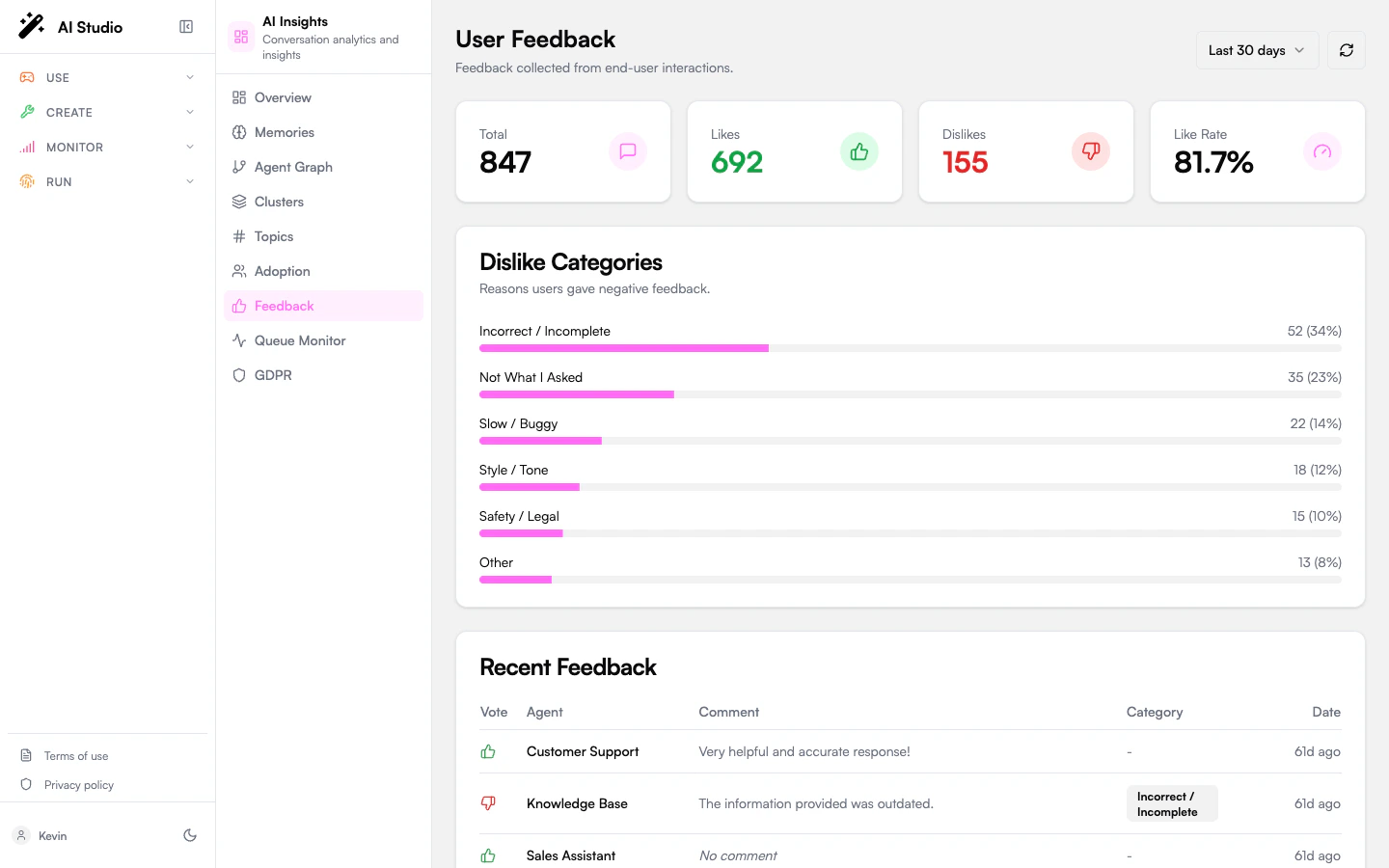
- Organization Feedback (sidebar entry at the org level): every agent in the org.
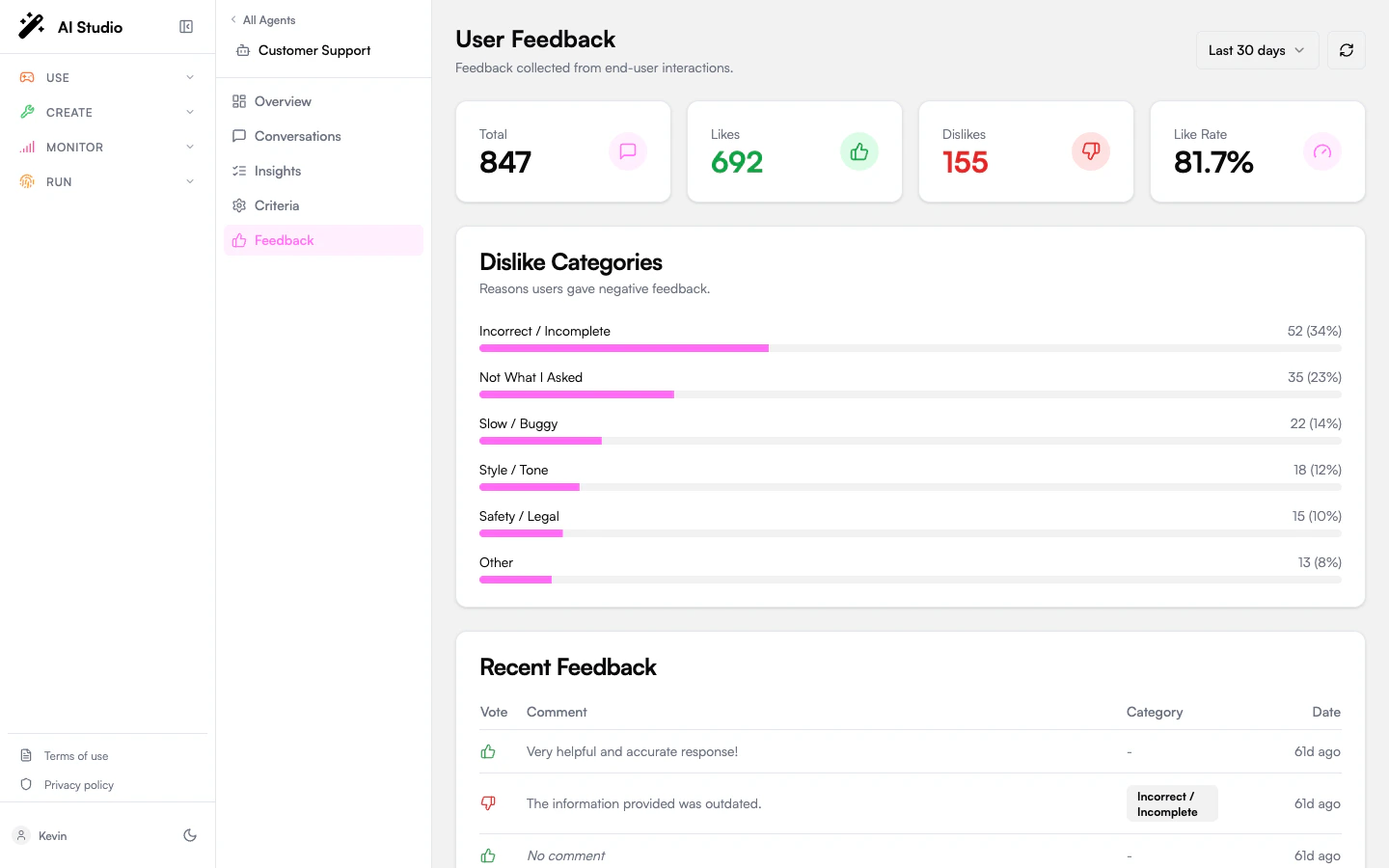
- Agent Feedback (sidebar entry at the agent level, simply labeled “Feedback”): only the selected agent.
Period selector
A7d / 30d / 90d selector in the header scopes the data on the page. A refresh button forces a re-fetch.
Distribution cards
Four KPI cards:Dislike categories
When users dislike a reply, they can optionally tag the reason. The categories card shows progress bars for each:
The card is hidden when there are no dislikes in the period.
Recent feedback table
The most recent feedback items, paginated with a See more button. Columns:
On mobile the table collapses to a card layout with the same data.
When this page is empty
If no feedback has been collected, the page shows: “No feedback collected yet.” You can:- Make sure the agent’s UI exposes thumbs-up / thumbs-down; Chat and the Builder UI components do this by default.
- Encourage users with prompts (“Was this helpful?”) inside the agent’s reply.
What to use this for
- Quality triage. A surge in the Style/Tone category often points at a system prompt change. The Safety/Legal category should be reviewed daily; every entry is a candidate audit case.
- Compare against LLM-as-judge. If your evaluation scores are high but the like rate is low, your criteria don’t align with what users actually value.
- Per-agent diffing. Compare a known-good agent against a struggling one in the dislike category mix.
Where to go next
Read the per-conversation analysis
Cross-reference disliked conversations with the LLM-as-judge result.
Adoption
See like rate aggregated as part of the broader quality picture.