

Latest Release
Features:
- Builder: Page sources, the published app, prerendered pages and uploaded files are versioned workspace assets that travel with exports, imports, Git push and pull, and rollbacks. See Assets.
- Builder: Choose who can open each asset: only the workspace collaborators, any signed-in user, or anyone. A private asset can also be shared with chosen organizations and groups, or require a permission of the organization role, and security rules can open assets by path, label or metadata (
ASSETS_MAX_SIZE,ASSETS_ALLOWED_MIMETYPES,ALLOW_CROSS_ORG_SHARING). See Assets → Access levels. - Builder: Pages are published all at once from the page editor, which replaces the Deploy button of the header. The publish dialog lets you choose whether to also version the workspace, and on which repository: the platform’s own or one of your Git repositories. It warns while the workspace has endpoints open to anyone. See Deployment → Publish pages.
- Builder: Choose who can call the endpoints of a workspace and emit its events (anyone, signed-in users, or chosen organizations and groups, optionally holding a permission of their organization role) from Settings > Security > Access control. See RBAC → Control who calls the endpoints and emits events.
- Builder: Security rules and roles can be limited to some users, by sign-in method, organization or group, with a
usercondition. See RBAC → Restrict a rule to some users. - Runtime:
authorizations.action: publicopens an automation to anyone, anonymous visitors included, even when the endpoints of its workspace are private. - Builder: An installed app can take on a role and reach its own secrets in the workspace installing it. Workspace owners see what an installed app asks for, grant it from Imports, and are asked again when a new version asks for more. See Integrations → Granting what an app asks for.
- Builder: Workspace owners can list and delete the secrets stored by installed apps from an automation, without ever seeing their values. Uninstalling an app withdraws the access the workspace granted it and keeps its secrets unless an owner deletes them too, so a reinstalled app waits for an owner to grant it again. See Integrations → Secrets stored by apps.
- Runtime: An automation can list the names of the secrets it may read, without their values, and an installed app can use the secrets of another app once the workspace grants it by a rule. See Secrets → list.
- Connectors: Members connect an installed connector without being workspace editors, and its scheduled syncs use that connection once the workspace grants the connector its roles.
- Chat: MCP tools can display interactive views (MCP Apps) in the conversation, and the actions of a view follow the tool approvals of the agent.
- Agent Factory: The embedded chat shows the canvas and the interactive views of MCP tools inside the widget (
enableArtifacts,enableApps). - Builder: New apps embed their own libraries and reach the platform through the
appobject; an existing app can switch to this format when it is deployed. An isolated app can open its agent’s chat next to its page. - Platform: The side menu can be split into a Work menu and a Platform menu: administrators mark a category as Platform in the menu editor and can rename both modes.
- Chat: Conversation starters open a menu on right click or long press to start them in voice mode or edit them before sending, and they stay available during a voice conversation.
- AI Governance: Administrators choose the speech providers and voices offered in voice mode, and each member picks the voice that reads the answers. See Model Governance → Speech synthesis models and voices.
- AI Governance: Organization administrators choose the default transcription model used for dictation and voice conversations. See Model Governance → Transcription model for dictation.
- AI Governance: Platform and organization administrators can define file upload policies through the AI Governance API. See Hooks → Governance API.
- Agent Factory: A new Agent Editor role edits, publishes and shares agents and knowledge bases without creating either. See Identity & Access → Built-in Roles.
- AI Governance: On an organization’s console domain, its SSO providers restricted to email domains also show a sign-in button. See Identity & Access → SSO Buttons per Console Domain.
- GitLab: Agents can list the discussion threads of a merge request or an issue, reply inside a thread, and resolve or reopen merge request threads. See GitLab.
- SharePoint: A new action reads a file’s sensitivity label, and, when allowed, gives the name and protection of its labels. The configuration flags the requested OAuth scopes that Entra did not grant, and can request exactly the granted permissions with your own Entra client. See SharePoint → Checking requested against granted scopes.
- Events: A maintenance endpoint realigns the events indices of a workspace with its event schema and can reindex its past events in the background, so that analytics cover them (
WORKSPACES_API_URL). See Elasticsearch → Reconcile events mappings. - LLM Gateway: Provider headers can carry the ID of the agent behind each call (
{agent.id}in a provider’soptions.headers). See Model Governance → headers.
- Agent Factory: When an agent’s model hits an LLM quota or a provider rate limit,
messages/sendand A2Atasks/sendanswer HTTP 429 with aRetry-Afterheader instead of a 200 with a failed task. - Agent Factory: A tool call waiting for an external approver can be approved or rejected.
- Agent Factory: In voice mode, a spoken yes to an approval is taken reliably: a question you talk over is asked again, and a yes said once it is heard approves.
- Agent Factory: In voice mode, answers are transcribed in the session language, and phrases transcribed from silence no longer interrupt the agent.
- AI Governance: The warning modal assigned to an app shows on every page of that app, including the chat home page, conversation links and shared conversations.
- Platform: Upload policies apply to every upload: chat, Secure Chat home, Knowledge, Builder files, and evaluation and collection CSV imports. See Hooks → The client-side file gate.
- Platform: Upload policies read the metadata of PDF files, including their custom properties.
- Platform: A file the browser cannot read is refused only by a policy that checks its metadata, and a malformed upload policy refuses the files it targets instead of being ignored.
- Connectors: The tools of the Prisme.ai connectors and MCP servers state whether they only read, only add, or can change or delete existing data, following the MCP tool annotations: the agent builder shows their read-only and destructive badges and can hide every destructive tool in one click.
- Connectors: The SharePoint, Jira, OneNote, Google Workspace, Teams, Salesforce and Knowledges tools document the values their query parameters accept, and return them when a value is refused.
- Connectors: The Outlook, SharePoint and Teams connectors try a silent reconnection when a connection expires, before asking the user to sign in again. See Capabilities → Silent reconnection.
- Workspaces: Imports, Git pulls, rollbacks and exports no longer load the whole workspace in memory (
IMPORT_NESTED_ARCHIVE_MAX_SIZE,IMPORT_DSUL_FILE_MAX_SIZE). - Workspaces: Concurrent file uploads no longer run the service out of memory, and uploads recover from temporary storage errors (
UPLOADS_TMP_DIR). See Configuration → Temporary disk for uploads and imports. - Workspaces: Legacy block pages can be skipped on imports, pulls and rollbacks (
DISABLE_LEGACY_PAGES_IMPORT). - LLM Gateway: GPT 6.2 Sol is in the reference model catalogue.
- Workspaces: Security improvements.
- Custom Code: Security improvements.
- Helm chart prismeai-core:
1.15.1: The API gateway no longer rate limits platform pulls after the third workspace group.1.15.0: Serves workspace assets: the API gateway gets theassetsendpoint and theassetUploadspipeline, and workspaces get a dedicated temporary disk for uploads and imports (prismeai-workspaces.uploadsTmpDir) andglobal.allowCrossOrgSharing. See Configuration → Serving workspace assets.1.14.1: Documents the minimum platform version and the image pull secret of the optional Logstash.1.14.0: Deploys an optional, preconfigured Logstash that receives the platform events (global.storage.events.logstash.enabled), for platformv27.10.0and later. See Logstash → Deploy Logstash with the Helm chart.
- Agent Factory: Conversations no longer look empty after 30 days: their messages stay until the retention policy deletes them.
- Agent Factory: Loading older messages in a long conversation works again.
- Agent Factory: Sharing a long conversation includes its latest messages, and any of its messages can be shared.
- Agent Factory: A user’s GDPR export includes their recent conversation messages.
- Agent Factory: The expired data purge removes every expired task at each run, and its dry run no longer deletes anything.
- Agent Factory: The answer to a clarification question asked after a tool approval reaches the agent instead of being taken for an approval decision.
- Agent Factory: The playground shows slides canvases as slides, as in Secure Chat.
- Agent Factory: Pinned agents appear at the top of the agent list, even when they are not on the first page. An agent pinned from Agent Creator is unpinned once you can no longer edit it, while its Chat pin stays.
- Chat: Pinned agents appear at the top of the home and Store lists, even when they are not on the first page.
- Builder: Pinned workspaces appear at the top of the workspace list, even when they are not on the first page, and deleting a pinned workspace also removes it from the pinned items.
- Chat: Images pasted into the chat bar of the home page are attached, as in conversations.
- Secure Chat: The app no longer crashes when a conversation title is not plain text.
- Platform: Legacy Word, Excel and PowerPoint files and Outlook messages can be uploaded again.
- Builder: Link previews of an app show its image again when it was set with a relative path.
- LLM Gateway: Importing a model catalog works when it contains disabled models, and keeps them disabled.
- LLM Gateway: Answers from models that return their reasoning as structured content are displayed as plain text again.
- OneNote: Calls made on a member’s behalf keep working in workspaces that install the connector, including when Microsoft renews the member’s token.
Previous Releases
Features:
- Chat: Talk to your agents out loud: ask your question by voice, hear the answer, interrupt the agent at any time and choose how fast it speaks. A voice agent profile, fast and hosted in Europe, keeps spoken conversations fluid. See Voice mode.
- Agent Creator: Choose which tools of an MCP server an agent can use, and force one from the chat. See Choosing which tools of an MCP server the agent can use.
- Agent Creator: A Web Reader capability lets agents read the content of a web page from its URL. The user approves each new website once per conversation, redirects included, and internal addresses are always refused. See Web Reader.
- Agent Creator: A connected tool can ask the user to approve an action before it runs, and the approval card shows what the tool asks to be allowed.
- AI Governance: Join rules follow identity provider changes: users join as soon as they match a rule, and members’ role and groups can be updated at each login. See Identity & Access → Re-evaluating members at login.
- AI Governance: Restrict which tools of a catalog MCP server agents can use. See Capabilities → Limiting the tools agents can use.
- Knowledges: A knowledge base shows the shared connectors that feed it to everyone who can edit it, and its admins can take a connection over with their own account.
- Knowledges: Protected SharePoint documents are decrypted with the connection owner’s rights, with no tenant-wide Rights Management permission to grant. See Rights-Protected Documents.
- Knowledges: Administrators and knowledge base owners choose which sensitivity labels each knowledge base may decrypt, within defaults that the organization and the platform can set and lock (
decryptable_labelsin the Storage workspace configuration). - Platform: Users can pick their cloud instance on the sign-in, sign-up and forgot-password pages and are sent to the matching environment (
PLATFORM_INSTANCES). See Environment variables → Instance picker. - Builder: An app opened from its link shows its own name and favicon in the browser tab, and link previews (Slack, Teams, LinkedIn) show its title, description and image without signing in. The link preview can be set from the Share tab of the publish dialog, and is kept when the app is redeployed.
- Events: Events can be pushed to Logstash instead of being written directly into Elasticsearch or OpenSearch, to filter, transform and forward them to other tools such as a SIEM (
EVENTS_STORAGE_WRITE_MODE). See Logstash. - Microsoft Teams: Read the transcripts of direct calls started from a chat. See Microsoft Teams.
- Custom Code: The
runinstruction accepts atimeoutto stop a Python run sooner than the platform limit, and a newmodulesinstruction lists what custom code can import on your deployment. See Custom Code. - Automations:
fetchcan lower or turn off its automatic retries for a single call, so that a request that must not be sent twice is sent only once. See Sending a request only once. - Automations: Only one call at a time renews a shared token, across every runtime instance, and the secrets module can write or delete a secret only if it has not changed since it was read. See Renewing a rotating token once.
- Agent Factory: When a tool does not answer in time, the agent gets an explicit timeout error instead of an empty result, and no longer resends the same call in a loop.
- Agent Factory: Code Interpreter stops a run just before the agent stops waiting for it and tells the agent the code timed out, instead of losing the result.
- Agent Factory: Code Interpreter tells the agent which Python modules your deployment lets it import, so the agent no longer tries modules that are refused.
- Agent Factory: The connect button shows as soon as a connector reports an expired sign-in, and the request resumes once you are reconnected. See Reporting an expired sign-in from a tool.
- Agent Factory: In voice mode, the agent speaks its answer in one flow, tells you when it did not understand you, and reports its delays and failures in the activity feed.
- AI Governance: The catalog recognizes MCP servers that stream their replies or keep a session, such as DeepWiki or Microsoft Learn.
- LLM Gateway: The
allowed_toolstool choice works on every model; only OpenAI and Gemini keep the call within the listed tools. See Create a chat completion. - LLM Gateway: Gemini models on Vertex AI honor a required tool call.
- Knowledges: A project’s mandatory tools are enforced on Azure OpenAI, Mistral, vLLM and Claude models too.
- Runtime: Scheduled automations follow the current version of their workspace: after an import, the imported schedules apply right away, and the schedules of automations an import removes are no longer triggered.
- Custom Code: Python functions that stay unavailable restart on their own instead of waiting for a manual restart, and are ready sooner after a restart (
KERNEL_POOL_UNAVAILABLE_PERCENT,KERNEL_POOL_UNAVAILABLE_GRACE). See Functions → Health Checks. - Custom Code: Python functions run in their own container: one exhausting its memory no longer interrupts the JavaScript functions, nor the services relying on them. A Python function consuming too much memory fails alone with
MemoryLimitExceeded. See Python Memory Management. - Events: Events waiting to be written are capped at 50,000 instead of growing in memory while Elasticsearch rejects writes; beyond, they are dropped and counted in
events_persistence_dropped_total(EVENTS_BUFFER_MAX_PENDING). - prismeai-crawler & prismeai-searchengine: Run in full reliability mode by default, for more stable document parsing. See Crawler & Search Engine → Reliability mode.
- prismeai-crawler:
ELASTIC_INDEX_SETTINGSalso applies to the search engine indices. - API Gateway: Security improvements.
- Runtime: Security improvements.
- Builder: Security improvements.
- Knowledges: Security improvements.
- Helm chart prismeai-core:
1.13.0: Generates the api-gatewayPLATFORM_SERVICE_ACCOUNTSfromglobal.platformServiceAccount, so that the gateway accepts the crawler’s platform identity on workspace webhooks. See Environment variables → API Gateway.
- Helm chart prismeai-apps:
0.9.1: Runs the Python functions in apythoncontainer separate from thenodeone;resourcesis replaced bynode.resourcesandpython.resources. No longer sets--max-old-space-sizeon the functions NodeJS process, and refusesnodejsOldSpaceSize. Thepythoncontainer has no liveness probe with a functions image older than27.9.2, which does not serve it. See Kubernetes resources → Functions sizing.
- Agent Creator: Adding a catalog MCP server without a display name no longer fails.
- Agent Factory: Malformed tool-call arguments no longer end the agent’s turn.
- AI Governance: Organization administrators can open Observability and its LLM tab without access to the LLM Gateway workspace.
- AI Governance: Re-evaluating join rules applies every planned group change on PostgreSQL.
- AI Governance: Saving the Models tab of Agents Controls no longer erases model settings that another administrator changed after the tab was opened.
- AI Governance: The help of the Vertex format setting says which format Claude, Gemini image and Imagen models need, and two help texts no longer show raw HTML tags.
- LLM Gateway: Claude models served by Google Vertex AI work when their Vertex account is left on the default format. See Model Governance → Google Vertex AI.
- Chat: Cited uploaded documents are shown as documents again, and a cited PDF opens in the canvas with the matching passages highlighted.
- Builder: Redeploying an app from a script no longer turns it from public back to sign-in required.
- Embed: Visitors, anonymous ones included, can open the documents an agent cites again.
- Embed: The playground starts on the organization selected in the console, and its organization field stays editable.
- Secure Chat: The app no longer crashes when a conversation title is not plain text.
- Runtime: A workspace no longer loses its automations when the runtime fails to load it, for example during a brief storage outage or right after an import.
- Runtime: Unscheduling an automation no longer affects others whose name starts the same way.
- prismeai-functions: Fix memory leaks of the Python kernels and the Node workers.
- prismeai-events: Saving a workspace event schema no longer fails on events indices created by an earlier version, so analytics on the new fields work for incoming events.
- API Gateway: Platform administrators can pull several workspace groups in a row without being rate limited after the third one.
- Knowledges: Creating a knowledge base when the vector engine is full shows a clear message instead of a raw error.
- Google Workspaces: Drive files over 1.45 MB are indexed in knowledge bases again.
- Microsoft Teams: Meeting transcripts load again when the tenant hides speaker names.
- App+MCP connectors: Reconnecting while a previous request is still renewing its session no longer signs you out again.
- App+MCP connectors: A Jira or Confluence personal access token saved while an older request is still running is no longer erased when that request is refused.
- Builder / AI Governance / Agent Factory: Browsers no longer fill saved login credentials into workspace secrets, SSO client secrets, provider API keys and configuration password fields.
- Platform: The console starts even when
SPA_HEAD_CA_FILEis invalid.
Features:
- Chat: An agent’s answer reads in the order it worked: its plan is shown and checked off step by step, its tools are grouped and detailed on demand, and a visual appears where it was produced. An action you approved or refused stays visible in the answer, even after a reload or an error. See Following the agent’s plan.
- Mobile: Push notifications tell users when an agent has finished its answer or is waiting for their approval, even when the app is closed. Tapping the notification opens the conversation. The content is encrypted between the instance and the device: the Prisme.ai gateway, Apple and Google cannot read it. See Mobile notifications.
- For administrators: no Apple or Google account is needed. Each instance must be registered on the Prisme.ai push gateway and receive its two secrets,
push_instance_idandpush_instance_private_key; without them, no notification is sent. See Push notifications.
- For administrators: no Apple or Google account is needed. Each instance must be registered on the Prisme.ai push gateway and receive its two secrets,
- Platform: A super admin can attach console domains to an organization. The sign-in page of each domain shows the name, logo and colors of its primary organization, and only the SSO buttons of the organizations attached to it. See Platform Customization → Console Domains.
- AI Governance: A Hide on sign-in page switch removes an SSO provider’s button from the sign-in page while it keeps working for direct sign-in, email discovery and token exchange (
hideOnLoginin the API). See Authentication → Enable the Provider in UI. - Knowledges: Documents protected by Microsoft Purview sensitivity labels can be indexed: the crawler decrypts them in memory, with an application permission, and only for the labels you allow. See Rights-Protected Documents.
- Connectors > Google Search: Vertex AI can serve Gemini Grounding, for higher daily search quotas. See Google Search.
- Automations: The
fetchinstruction takesredirect(follow,manualorerror) to control redirects andmaxResponseSizeto cap the response size. See fetch. - AI Governance > Models: The reference catalogue recommends GLM-5.3, Titan Embed Text v2 and the EU-hosted variants of Claude, Mistral and GPT-5.6.
- Agent Factory: When you select tools in the chat, the agent can ask you a clarifying question first, then use those tools with your answer instead of acting on a guess.
- Agent Factory: When connecting to a service from a conversation fails, the connection card gives the reason and offers to retry, and the agent no longer presents the connection as successful.
- Agent Factory: The agent no longer offers to connect to a service that is already connected but momentarily unavailable, and no longer announces a connection button that does not appear.
- Agent Factory: A delegation whose sub-agent fails is reported as a failure to the orchestrator, instead of passing the error off as the sub-agent’s answer.
- Connectors > Microsoft: Outlook, SharePoint and Teams reconnect without a Connect card while the reader’s Microsoft session is still open, only to the account they connected with, and never after they disconnected on purpose.
- Connectors > Microsoft: OneNote, SharePoint, Teams and Outlook always get a lasting connection, even when the configured scopes omit
offline_access: knowledge bases synchronize instead of failing with not connected. The scopes field says this scope is required, and the administrator configuration says that the saved client secret is kept when its field is left empty. - Connectors > Outlook: A knowledge base folder opens with its emails, and a folder is listed and synchronized beyond its first 100 emails. Existing knowledge bases ingest the remaining emails on their next sync.
- Connectors: A configuration error in a connector’s OAuth application no longer disconnects users: only access that is really revoked asks them to sign in again.
- Connectors: Users stay signed in when a session expires during parallel tool calls, and are offered to reconnect only when the provider really refuses the sign-in.
- Connectors: The sign-in return page only shows a short error code when a connection fails.
- Connectors: Credentials are kept out of execution events.
- Connectors: A test bench checks OAuth connections against a simulated provider, covering token expiry and rotation, parallel tool calls, disconnection and reconnection.
- Connectors > Power BI: Users can query a semantic model with only Read and Build permission on it, without a role on the workspace that hosts it.
- Connectors > Power BI: A request refused for lack of rights says so, instead of looking like an expired connection that needs a pointless reconnection.
- Connectors > Salesforce: Disconnecting really revokes the access granted to the platform, and opening the sign-in window twice no longer makes the connection fail.
- Knowledges: A connector error comes with a reference you can copy and give to support.
- Brave Search: Web search results are no longer restricted to a predefined list of sites by default.
- API keys: The Never expiration is gone from the API key forms, which default to one year: every organization API key expires. An expired key is rotated with a new expiration date only, and Rotate is greyed out on it. See Identity & Access → API Keys.
- Secure Chat: The 👍 / 👎 buttons are hidden from users whose role cannot give feedback, and a vote that could not be saved is reported instead of looking saved.
- AI Engage: Markdown pasted into an announcement is formatted instead of showing as raw text.
- Platform: The logo chosen when creating an organization is also used as its favicon.
- Platform: Outbound HTTPS calls work behind HTTP proxies that send their
CONNECTreply in several parts, and a proxy refusal is reported as such instead of a TLS error. - Custom Code: A Python function that crashes (out of memory, for example), cannot start or times out now fails alone with a clear error (
KernelDied,StartFailed,TimeoutError), and the next calls run normally. A streamed function that fails ends its stream with the error, then[DONE]. - prismeai-api-gateway: Platform services authenticate to workspace webhooks with a Kubernetes service account token; a token whose issuer is not listed in
PLATFORM_SERVICE_ACCOUNTSis refused with401. See Environment variables → API Gateway. - prismeai-runtime:
__proto__,constructorandprototypeare refused in variable names, and{{x.constructor.name}}now resolves to nothing: check a value’s type withisObject(),isNumber(),isArray()orisString(). An automation can no longer set a service account user id (ServiceAccountSwitchError). - Helm chart prismeai-apps:
0.8.0: Mounts a platform service account token in the crawler (global.platformServiceAccount.enabled, on by default), and requiresglobal.apiUrlandglobal.internalApiUrlin the values.
- Agent Factory: Fixed a connection card missing when the agent proposed several connectors in the same answer: each one gets its card, and the agent resumes once each is connected or skipped.
- Agent Factory: Fixed approval decisions, plans and clarifications showing under the wrong message when a conversation was reloaded.
- Agent Factory: Fixed the authentication of a connector tool being lost when an agent was edited.
- Agent Factory: Fixed paginated API lists returning
pageandlimitas strings, which broke iteration in the Python SDK. - Agent Creator: Fixed files attached to a conversation failing for users without Knowledge rights, including anonymous sessions and users of organizations an agent is shared with.
- LLM Gateway: Fixed delegating to a sub-agent on a model served through the Responses API failing on a prompt cache key over 64 characters.
- LLM Gateway: A per-model setting, with a probe and catalogue values, handles providers that ignore
tool_choice: none. Fixes DeepSeek V4 Pro showing raw tool-call markup. - Knowledges: Fixed SharePoint, Teams and OneNote sources failing to browse right after sign-in with The MCP server returned a JSON-RPC error.
- Knowledges: Fixed deleting a knowledge base disconnecting the connector account other agents and knowledge bases used: only its own connection is removed.
- Knowledges: Fixed listing a Microsoft Teams team’s channels.
- Knowledges: Fixed large code-heavy documents refused by the embedding provider for exceeding its per-request token limit.
- Knowledges: Fixed the Unstructured with OCR parser rejecting scanned PDFs as empty.
- Knowledges: Fixed Excel workbooks with an empty sheet being rejected with a parsing error.
- Crawler: Files and pages submitted individually (SharePoint attachments, connector download links) are indexed even when their host’s
robots.txtforbids crawlers; configured website crawls still followrobots.txt. See Crawler & Search Engine. - Crawler: Fixed pending webhook deliveries never being reclaimed on Redis 6.2.
- Connectors > Jira: Fixed the Data Center personal token form staying disabled when the connector instance name contains a space.
- AI Governance: Fixed the Scopes field of the SSO configuration refusing spaces between scopes.
- Platform: Fixed the page reloading endlessly when an account could not be opened after an SSO sign-in; the user is asked to contact their administrator.
- Runtime: Fixed automations triggered by a workspace import running the previous version: upgrade migrations take effect on the first import.
- Runtime: Fixed values written to the user context during a tool call being lost or read inconsistently depending on the server handling the next request.
Deprecation notice
PUT /v2/user/active-org is deprecated and will be removed in a later release. Send the x-prismeai-org-slug header with each request instead. See Authentication → Active Organization.- API Gateway: Each browser tab can work on its own organization, and any API request — Personal Access Tokens included — can choose its organization with the
x-prismeai-org-slugheader. See Authentication → Active Organization. - AI Governance: Edit several organizations at once from Organizations › Bulk edit, with the organization page editors — appearance and legal texts, left menu, Agents Controls, capabilities — a live preview and a detailed report.
- AI Governance > Models: The API of a model, Chat Completions or Responses, is part of the Prisme.ai reference catalogue and prefilled from it. See Model Governance → Reference catalogue.
- LLM Gateway: New
recompute-usage-footprintsupport tool, showing what an organization’s past carbon footprint, energy and cost weigh with the current model settings, next to the recorded values. It is read-only: dashboards keep the recorded values. See Model Governance → Costs are never recalculated. - Governance: Platform users can be filtered by organization, including users with no organization.
- Agent Creator: Choose the model used by the LLM guardrails, and the reply Topic Guard gives to off-topic messages. See Guardrails.
- Chat: The model picker shows the cost and environmental impact of each model in a readable, comparable way.
- Chat: Shared slide decks are displayed as slides instead of their raw source.
- Collections: Organization administrators see and manage every collection of their organization, and collections can be filtered to those used by an agent.
- Knowledges: A knowledge base shows its ready, processing and failed document counts, with pagination above the documents list.
- Connectors > SharePoint: The connector works with a service account restricted to an explicit set of sites (Microsoft
Sites.Selectedpermission), without read access to your whole tenant. Declare the allowed sites in the connector’s configuration app: agents, MCP resources and indexing are limited to them, and an undeclared site is refused with an explicit message. Existing configurations are unchanged. See SharePoint. - Connectors > Outlook: Agents can prepare a reply, a reply-all or a forward as a draft, filed in the conversation thread, without sending anything: the user reviews and sends it. Drafts only need the Microsoft Graph
Mail.ReadWritepermission. See Outlook. - Connectors > Outlook: Message search results can be paged through. See Outlook.
- Connectors > Odoo: New connector: an agent can query Odoo data read-only, with the API key of a service account.
- Platform: The studio and the mobile apps are available in Italian, Portuguese, Norwegian and Dutch, on top of French, English, Spanish, German, Arabic and Japanese. The language chosen on one applies to the others.
- Agent Creator: Long conversations make better use of the prompt cache on every provider: the instructions an agent gives itself mid-answer stay in place and no longer force the provider to reprocess the whole conversation, which lowers cost and response time. See Model Governance → Prompt caching.
- Agent Creator: The low per-profile tool call limit that stopped agents early is gone: tool calls share one high safety ceiling, 100 by default — above the default of 50 for Max Turns — configurable with
config.tool_call_budget. See Runtime safeguards → Configurable budgets. - Agent Creator: Canvas content is kept in the history across the turns of one answer, and still removed from later messages.
- Agent Creator: Topic Guard answers off-topic messages in the user’s language.
- Agent Creator: A model response cut off before its end is reported as interrupted, instead of asking to check the API key configuration.
- Agent Creator: Choosing Other in a question the agent asks no longer requires typing in the custom input field first.
- Chat: The microphone tooltip says when the audio goes to the browser’s speech service, and a dedicated message explains when that service cannot be reached. Browser dictation stops after 2 minutes, like server dictation. See Dictation.
- Chat: The Stop button really stops the agent: it stops writing and calling tools as soon as you click, and only the part displayed is kept and billed.
- Sharing: Sharing an agent, a knowledge base or a collection with a whole organization asks for confirmation first.
- Knowledges: Any user can delete a file they uploaded that no document uses.
- Knowledges: Migrating a legacy AI Knowledge project no longer goes through the legacy storage APIs.
- LLM Gateway: Syncing models with the reference catalogue updates their capabilities and context window.
- LLM Gateway: A Google Vertex AI model returning an HTTP error, streamed or not, is retried or failed over to another model. A mid-conversation system message or a forced tool choice the model refuses is replayed in an accepted form.
- LLM Gateway: A streamed completion cut off before its end now ends on an explicit error chunk (
IncompleteStream) instead of a silent end. - prismeai-runtime: A failed streaming HTTP call returns the provider’s error message instead of an empty stream.
- prismeai-runtime:
application/*+jsonresponses are decoded as JSON. - prismeai-runtime: A call whose error response is not valid JSON keeps being retried.
- prismeai-workspaces: Storage errors on downloads return
502instead of404, with the actual cause logged, and S3 timeouts are configurable (30 seconds by default). - API Gateway: The API answers
403instead of400when a user is not allowed to manage organization roles or API keys. - Connectors: Hardened credential handling on the ServiceNow, Tableau, SonarQube, Excel and Word connectors.
- Platform: October 2026 Node.js and Brotli security updates applied to every service.
- Agent Creator: Fixed conversations stopping without an answer when the agent asked an empty clarification question.
- Agent Creator: Fixed agents rewriting the same canvas several times within one answer.
- Agent Creator: Fixed files attached to a message taking long to index when the same file was already attached in another conversation or added to a knowledge base; they are indexed within seconds again.
- Agent Creator: Fixed a connector’s tools missing after connecting it from the chat’s connectors menu; they are available on the next message.
- Agent Creator: Fixed the settings of a knowledge base attached to an agent showing its vector store ID instead of its name — when an agent had several knowledge bases, all but one were affected.
- Agent Creator: Fixed agents whose Max Turns was set to 0 failing to save; the editor now names the field when a value is rejected.
- Agent Creator: Fixed LLM guardrails failing with an access error for regular users calling an agent through the API.
- Agent Creator: Fixed agent analytics failing when a model returned a malformed tool name.
- Agent Evaluations: Fixed evaluations run by builders and other non-admin users being left unjudged.
- Chat: Fixed dictation missing on Chrome and Edge when no transcription model is configured. See Dictation.
- Chat: Fixed messages over 100,000 characters being silently discarded; a warning is shown instead. See Document handling.
- Chat: Fixed uploaded files showing a stuck loading icon instead of a check once processed.
- Knowledges: Fixed large documents failing to index when they exceeded the embedding provider’s per-minute rate limit.
- Knowledges: Fixed a document too large to index reporting exceeds given threshold instead of asking to split it.
- Knowledges: Fixed the sharing tab showing an empty list to non-admins; every member allowed to share a knowledge base sees who has access to it.
- Knowledges: Fixed deleting a document or a knowledge base no longer deleting its uploaded file when no other document uses it.
- Knowledges: Fixed scheduled connector synchronizations failing with an authorization error on instances updated without their new configuration.
- Collections: Fixed added columns never being created when a JSON column had stayed a text column.
- AI Governance: Fixed importing a model governance export erasing the organization’s default transcription model; settings the file does not contain are kept.
- LLM Gateway: Fixed models added from a provider or the catalogue missing from model pickers.
- LLM Gateway: Fixed document parsing with Bedrock models indexing invented text instead of the file content.
- AI Insights: Fixed the per-user consumption tab showing Unknown user instead of user names.
- Settings: Fixed the access token list appearing empty after revoking a token.
GETandDELETE /v2/user/accessTokensnow return the tokenidinstead of_id, as the API specification documents. - Connectors > Outlook: Fixed message search failing when combined with filters, sorting or paging.
- Connectors > Salesforce: Fixed the connection being lost when an agent ran several Salesforce tools in parallel right after the session expired, or on an organization that renews its keys on every use. When Salesforce does refuse to renew the session, the connector shows as disconnected and the agent offers to reconnect, and the status dot turns red right after a disconnection instead of on a second click.
- prismeai-workspaces: Fixed file downloads hanging when storage timed out.
- prismeai-events: Fixed the events cleanup job failing on older, write-locked OpenSearch indices.
Features:
- Agent Creator: Agents can now read an attached file in full rather than only retrieving passages from it, which is what finding an exact value in a document requires. Enable it in the agent’s settings. See Knowledge architecture → Conversation file search.
- Agent Creator: An agent can attach a connector file of up to 100 MB to the conversation, like a file dropped in the chat.
- Agent Creator: MCP tools can receive the user’s message, through the
user_messagescope. - Chat: The model picker warns about a model’s end of life — orange before the date, red after.
- Chat: A model menu filter shows only the models able to listen to an audio file, each marked with its own pictogram, on the web and on the mobile applications.
- Knowledges: E-mails (
.eml,.msg) are indexed, from uploads and from connector syncs, and unreadable file types are refused with a clear error. - Knowledges & AI Governance: Organization administrators can enforce per-user access control on connector sources, including through Knowledge Explorer. See Connectors.
- Connectors > Outlook: Microsoft Entra authentication can use a certificate held in your key store instead of a client secret. See Outlook.
- Connectors > Outlook: Microsoft Graph calls can be routed through your own API gateway. See Outlook.
- Connectors > Outlook: Agents choose which of the files uploaded in the chat to attach to an e-mail, keep their file names, and stop rather than send the mail when a requested file cannot be included.
- AI Governance > Models: A model carries a Max response tokens (max) ceiling, pre-filled from the reference catalogue, which the default Response Tokens can no longer exceed. See Model Governance.
- AI Governance > Models: A model carries an end-of-life date, a brand picked from the known brands with its logo previewed, and a carbon region chosen from a list that defaults to From the provider.
- AI Governance > Models: Request parameters can be excluded or renamed per model, with the catalogue’s suggestions.
- AI Governance > Models: A reference catalogue model is found through a searchable selector, and a model can be cloned under another catalogue id.
- AI Governance > Providers: Each provider entry takes an optional carbon region, and models can be added from the list a provider exposes, with an optional alias and catalogue model per row.
- AI Governance: Catalogue updates are reviewed in three tabs — to update, kept values, to add — and applied per tab or per model.
- LLM Gateway: Excluded and renamed request parameters can be set per model.
- Governance: An organization’s join rules can be re-evaluated on existing users, with a dry-run preview, and optionally update the role and groups of existing members. See Identity & Access → Simulating and applying rules.
- Governance > SAML: The SAML request binding can be chosen, HTTP-POST or HTTP-Redirect. See Identity & Access → Adding a SAML Provider.
- AI Insights: A custom date range on the Consumption, Memories, Feedback and agent Users pages.
- AI Insights: The feedback modal shows the question and the answer the feedback was given on, and opening the conversation lands on the evaluated message, highlighted. See Feedback.
- Platform: Built-in apps can be opened standalone, at
/p/<slug>. - prismeai-runtime: New
crypto.signJwt, signing JWTs with your own private key and certificate (RS256, PS256, ES256). See Crypto Module → signJwt. - prismeai-events: The events index settings, the number of replicas for instance, can be customized with
EVENTS_STORAGE_ES_INDEX_SETTINGS.
- Agent Creator: When a search in a conversation file finds nothing, the agent is told which attached files failed to index, were refused by a content policy, or are still indexing, instead of concluding the file does not hold the answer.
- Agent Creator: A file refused by a content policy at upload is reported with the same public reason it gets on later searches.
- Agent Creator: An agent’s description is now required in the interface. Existing agents without one are untouched beyond an information modal inviting you to add one, and creation through the API is unchanged.
- Agent Creator: Agent lists no longer show agents created in another organization.
- Agent Creator: An agent reserves only its own Max Response Tokens for its answer, rather than the model’s setting, so an agent with a lower limit keeps more conversation history. See Settings.
- Chat: The model picker shows each model’s brand logo, built into the image so it works offline.
- Chat: Canvas titles run on two lines across the whole card, so canvases with close titles can be told apart.
- Knowledges: Large documents are indexed batch by batch, and no longer stay in progress after the indexing worker runs out of memory.
- Knowledges: The upload dialog offers every supported format, e-mails included.
- Connectors > SharePoint: Reading a non-text file — PDF, PowerPoint, image — offers it as a chat attachment instead of returning raw base64 that floods the agent’s context. See SharePoint.
- Connectors > OneNote: Page content is kept out of the activity feed, and every Microsoft Graph call is recorded as an audit event. See OneNote.
- LLM Gateway: Every call is capped at the model’s maximum response length, and the caller’s own limit is applied whether it arrives as
max_tokensormax_completion_tokens, on every provider — including GPT-5 and o-series models behind an entry that excludesmax_tokens. - LLM Gateway: The carbon footprint region is taken from the provider entry actually serving the model on each call, so it follows a model moved to another entry or region, and Bedrock cross-region profiles (
eu.,us.,global.) count in their own geography. - AI Governance: Model end-of-life dates and maximum response lengths are tracked from the reference catalogue, and each response-length field carries an (i) hint explaining the default and the maximum.
- AI Governance: The role editor shows the API key permissions and the AI Collection product.
- Governance > SAML: Signed SAML requests use SHA-256 digests instead of SHA-1, and requests sent with the HTTP-Redirect binding are always compressed.
- Platform: Pinned agents, workspaces and apps are kept separate for each organization.
- Workspaces: Better behaviour on imports and git pulls of large workspaces running out of memory.
- api-gateway: New debug log of the SAML claims received, enabled with
LOG_LEVEL=debug. - Platform: Security upgrades and dependency updates.
- E2E testing framework: Added cross-tool challenging to the API model tests.
- Agent Creator: Fixed agents losing a file’s content when searching it again later in a long conversation.
- Agent Creator: Fixed serving the persisted service-account permissions to cross-organization callers.
- Agent Evaluations: Fixed large runs stopping around case 46 on the maximum call depth; cases are now evaluated in slices.
- Agent Evaluations: Fixed a stalled run restarting from scratch: it resumes at its first missing case, on its original plan, and a single-case run no longer re-evaluates every case of the agent.
- Agent Evaluations: Fixed rate-limited cases being stored as errors; they are replayed after the retry delay, a throttled judge is replayed alone without calling the agent again, and an exhausted monthly quota is no longer retried.
- Agent Evaluations: Fixed a failed agent call being judged anyway: the case is stored as errored with its failure kind — rate limit, quota exhausted, judge authentication — instead of a misleading score, and an errored multi-turn case is never stored as passed.
- Agent Evaluations: Fixed multi-turn cases answering on top of earlier cases’ turns; each one now runs in its own conversation.
- Chat: Fixed the “Conversation not found” banner staying on every conversation after opening a deleted or inaccessible one.
- Chat: Fixed the connection card not appearing in the conversation for connectors added through a custom configuration — the agent could ask you to click a Connect button that was nowhere on screen.
- Chat: Fixed a failed connection being presented as successful: the card now gives the reason and offers to retry.
- Knowledges: Fixed a run reading a large source staying displayed at 0/0/0, and a cancelled run appearing as an error.
- Collections: Fixed a failed schema update leaving the collection unreadable; it keeps its previous state and can be updated again. Text columns changed to JSON are now converted automatically. See Collection.
- Connectors > Power BI: Fixed signing in failing with
invalid_statewhen Microsoft answers instantly or when the connect button is clicked twice. See Power BI. - Connectors > Power BI: Fixed DAX queries failing with an access error about an hour after connecting; an expired sign-in is now renewed automatically.
- AI Governance: Fixed a model keeping its old capabilities indefinitely once used. Changes made in Governance — audio or image support, context size, excluded parameters, transcription model — now reach agents within minutes, with no technical intervention. A voice memo could previously stay ignored.
- AI Governance: Fixed removing every organization from a model not making it available to all organizations again; the old restriction was kept.
- LLM Gateway: Fixed a model declared in two provider entries being attributed to the wrong one in usage analytics.
- AI Insights: Fixed unknown user IDs appearing in usage analytics for agents called with a service account.
- AI Insights: Fixed the Memories figures on the “Last 90 days” period.
- Builder: Fixed the Pull Version dialog showing only Latest for named repositories; it now lists each repository’s own versions, and Platform no longer lists versions pushed to a git repository. See Versioning.
- Mobile: Fixed canvas editing on Android — changes are taken into account as you type, line breaks keep their formatting, older versions display in full under their banner, and scrolling a canvas no longer closes it by accident. Asking the agent what changed now compares your versions instead of rewriting the document.
Highlights:Features:
- Performance: Slow queries across Knowledges, Agent Factory and Insights have been reworked. The Insights and Consumption pages now load in about a second, even on large organizations, and the daily charts fill their own gaps after a processing outage instead of waiting for a manual backfill.
Known issue — the microphone can disappear entirely, fixed in v27.9.0Until a transcription model is configured on the platform and allowed in the organization, the microphone is not shown at all in the chat, even to users whose role grants Use Audio Transcriptions. There is no fallback in this version.v27.9.0 brings back the browser’s own microphone for the browsers that support it, so dictation works again without a configured transcription model. v27.8.0 behaves like v27.7.3 here.
- Agent Factory: MCP servers can now offer files that the agent attaches to the conversation once you approve, and attached files are indexed and searchable in the chat. Updated servers: SharePoint (OneDrive included), Google Workspace (Drive files and Gmail attachments), Outlook (mail attachments), Confluence (page attachments), HubSpot (files), monday.com (assets) and WebDAV (files).
- Agent Factory: A message can be resent without creating a duplicate: an application that does not know whether its send went through — connection lost, application closed — can send it again safely, as the agent answers only once and the second send returns the original answer. Conversations started by a non-streamed send now get a title like the others, and an agent’s card says where to drop attachments.
- Agent Factory: Hooks take a configurable timeout, 30 seconds by default, and users are told when a hook failed or did not answer. See Hooks.
- Chat > Canvas: The Canvas tab on the home page now gathers all your canvases, with a search, filters by type and by agent, sorting and progressive loading. Deleting a conversation no longer deletes its canvases — they stay available in that tab. See Canvas.
- Chat: Voice dictation now works on every browser and behind corporate proxies: your voice is transcribed by your organization’s transcription model, and is not retained. See Dictation. Since then, when the organization has no transcription model or its allowed models leave it out, users can dictate in desktop Chrome and Edge through the browser’s own speech service: see How dictation works.
- Knowledges: Failed connector documents can be retried from the connection, without resynchronizing the whole source, and indexing failures now state a readable cause. The parser chosen for a document is kept across synchronizations. See Connectors.
- Knowledges: New weekly, every-2-weeks and custom auto-sync frequencies on connectors, plus a name filter in the folder picker. See Connectors.
- Knowledges: A re-index can now force every document, including those carrying an override, to use the knowledge base chunking configuration. See RAG Settings → Chunking Settings.
- LLM Gateway: Prompt caching is enabled by default for conversations on every major provider, with a per-request switch.
- LLM Gateway: New model setting declaring the models that reject a forced tool choice, settable from the Models admin page or detected by the model Test button. See Model Governance.
- AI Governance > Models: Recommended settings are now suggested for the models known to the reference Prisme.ai catalogue. See Model Governance → Reference catalogue.
- AI Insights: The per-user consumption table can be paginated, sorted and searched. See Consumption → Per-user consumption.
- Platform: You can now change your password from Settings › Security after confirming your identity: your other devices are signed out and an email warns you, as after a reset. Passwords known to have leaked are refused, and long passphrases are accepted. See Change your password.
- Platform: SAML authentication requests are now signed with a platform-managed certificate, and the service provider metadata can be downloaded from the provider dialog. Signatures default to SHA-256. See Identity & Access → Adding a SAML Provider.
- Platform: New
/v2/orgs/{orgSlug}/join-rules/applyendpoint, simulating the impact of organization join rules before applying them, and applying them to every matching user at once. See Identity & Access → Simulating and applying rules. - Platform: An AI assistant can now be opened inside the products: Chat, Agent Creator and Builder show an Ask anything… panel, run by a help agent, that answers questions and runs quick actions in the context of the page. Each organization binds its helpers from Governe → Menu Editor. See Help agents → Set up a helper in an organization.
- Connectors > SonarQube: Each user can now connect their own SonarQube token, and SonarQube Server 9.9 LTS is supported. See SonarQube.
- Connectors: The connector configuration page is now organized in two tabs, Authentication and Agents, with a tab bar that stays visible.
- Mobile: You can choose to hear only a short spoken summary of each answer instead of the whole reply. Agents prepare it automatically when you listen, without changing anything you read on screen.
- Agent Factory: Agents reply in the language of your message and of the conversation, instead of falling back to your interface language. This was needed to improve the cache hit rate of the LLM providers.
- Agent Factory: The conversations list now loads as you scroll.
- Chat: A conversation keeps running in the background when you switch to another one.
- Chat: Connect and Disconnect are no longer offered on connectors that use a shared credential.
- Chat: The internal file id prefix is hidden from file names in attachments, processing cards and sources.
- Knowledges: Changing the source or the knowledge base of an existing connection no longer interrupts AI Knowledge: the save shows as in progress, then the connection is updated without reloading the page.
- LLM Gateway & Agents: The fixed limits of 100 requests per minute and 200 messages per hour are gone. Only the governance quotas apply now, with a default of 100 requests per minute per user that you can change. See Subscriptions & Quotas.
- AI Governance: The format of Google Vertex accounts,
geminioranthropic, is now set from the Providers tab. - AI Governance: The default subscription plan can no longer be unset, and is assigned automatically to every new organization. See Subscriptions & Quotas.
- AI Insights: Analytics pages show an error with a retry button instead of zeros when analytics are temporarily unavailable, and loading placeholders instead of empty data while they load.
- AI Insights: Gaps in the daily charts are filled automatically after a data processing outage, with no manual backfill.
- Platform: The organization creation wizard is simpler — fewer steps, and direct links to the AI models and SSO setup at the end. See Identity & Access → The guided setup. See also Help agents → API configuration.
- Workspaces: Git now goes through
HTTPS_PROXY. - prismeai-runtime: Long streaming responses are kept alive by default with a standard SSE comment ping.
- prismeai-workspaces: Downloaded files are served under their clean name, without the internal storage id prefix.
- Functions: Custom Code packages updated for security:
adm-zip,js-yaml,yaml,form-data,@azure/msal-node,axios,follow-redirects,brace-expansion,lodash,sharp,csv-parse. - Helm chart prismeai-core:
1.12.3: Managed identity is available for Azure Blob Storage (azureManagedIdentityClientId,azureSystemIdentity).
- Helm chart prismeai-apps:
0.7.2: Raised theprismeai-functionsliveness probe timeout to 3s.
- Agent Factory: Fixed tool selection failing on Claude Opus 5.5 and other models that reject a forced tool use.
- Agent Factory: Fixed the conversation history being dropped on follow-up messages sent through the
messages/sendAPI. - Agent Factory: Fixed conversations becoming unusable after an agent suggests connecting an OAuth connector and the user answers with a free-text message.
- Agent Factory: Fixed connector tools breaking after a connector is switched to per-user sign-in.
- Agent Factory: Fixed knowledge base citations of connector-synced documents linking to a non-clickable URL.
- Chat: Fixed conversation, recent canvas and shared conversation dates showing in the browser language instead of the interface language.
- Knowledges: Fixed the scheduled synchronizations of knowledge bases fed by a personal-account connector (SharePoint, Google Workspace, Confluence…) in the workspaces that installed that connector: they find again the account each user connected.
- Connectors > SharePoint: Fixed Load more not loading further sites in the folder picker. See SharePoint.
- Connectors > Jira: Fixed listing projects on Jira Cloud with the Next connector. See Jira.
- Connectors > Confluence: Fixed connecting your own Confluence Data Center token on a connector instance whose name contains a space. See Confluence.
- Crawler: Fixed files with many custom metadata fields failing to index with a
Limit of total fields [1000]error; the index template now storescustom_metadataas a single field. - AI Governance: Fixed the API Keys card of the organization overview always showing 0 active keys.
- AI Insights: Fixed the agent graph being recomputed on every visit.
- Platform: Fixed sign-in leaving the user on a
500error when the sign-in session had expired; it now restarts the sign-in. - Platform: Fixed database access failing around 24 hours after startup when PostgreSQL uses Azure managed identity.
- Platform: Fixed custom favicons on Chrome browsers.
- Mobile: Fixed enterprise identity provider sign-in staying stuck on a “Redirecting…” page on Android; a return page now offers to open the application in one tap.
- api-gateway: Fixed the Google SSO callback being refused with a
RequestValidationError. - prismeai-runtime: Fixed
updateOneon collections modifying every matching document instead of one, on PostgreSQL. See Collections Module. - prismeai-runtime: Fixed expressions and conditions silently returning wrong results when a string or a regex contained a digit.
- Functions: Fixed Custom Code functions staying stuck on “Object not found” after an incident on the execution service storage; the service now recovers on its own within seconds.
Features:
- Agent Factory: Approvals can now be set per tool and per action of an MCP server, from Settings › Permissions, with inheritance from server to tool to action. See Tool Permissions → Per-tool overrides.
- Agent Factory: An agent can now be shared with a chosen organization, or with every authenticated user.
- Agent Factory: The AI Collection capability can be added several times to one agent, one per collection.
- Agent Factory: An evaluation run now displays the agent’s model and the judge’s model. See Evaluations.
- Prompt Library: Now multilingual, French and English, with a bulk import and export API. See Prompt Management.
- Connectors: Microsoft Teams becomes a connector in its own right. An agent can browse your teams and channels, read and post messages, follow your conversations, and retrieve the transcripts and attendance sheets of your meetings. Connecting takes one click, with no Microsoft application to register. Your channel threads can feed a knowledge base, each person seeing only what they have access to in Teams. And you can still talk to your agents from Teams. See Microsoft Teams.
- Connectors > GitLab: The connector now also connects to a self-hosted GitLab instance. Two new authentication methods marked self-hosted, by personal token or by OAuth2, take the address of your instance; every connector operation then targets it, including connecting and disconnecting users. See GitLab.
- Connectors > Confluence: The Confluence MCP connector (“next”) now fully supports on-premise Confluence. See Confluence.
- Connectors > SAP LeanIX: Agents can now read the drawn diagrams attached to a fact sheet, such as the flowchart of a business process: they describe its steps, decisions and lanes, and can render it as a diagram in the conversation. See SAP LeanIX.
- Code Interpreter: The tool can now return a generated file as a downloadable link. See Code Interpreter.
- Self-hosted deployments need a configuration change first, see the breaking changes above.
- AI Governance: New Userinfo Endpoint field on OIDC SSO providers. See Authentication → Configuring OIDC Authentication.
- AI Insights > Consumption: LLM consumption can now be filtered by user, call type, model, and a custom time range on the chart. See Consumption → LLM requests.
- AI Insights > Consumption: A Tokens view sits next to Requests and Cost on the consumption chart.
- AI Insights: The per-user consumption table can be sorted by any column, cost first by default, and the CSV export follows the current sort. See Consumption → Per-user consumption.
- AI Insights: A piece of user feedback now opens the conversation it was given on, straight from the Feedback list. See Feedback.
- Platform: You can now sign in with a passkey — Face ID, fingerprint, Windows Hello or a security key — with no password and no code to copy. The authenticator app remains available, a new Connection section in the settings manages your methods, and resetting a password now asks for the second factor when one is configured. See Authentication → Configure passkeys.
- Platform: A new Connections section in the user settings lists your active sessions and lets you revoke them.
- Platform: Switch organization from the sidebar and from the settings, when you have access to more than one.
- Mobile: Pair the app by scanning a QR code from a desktop session.
- Mobile: Voice memos can now be uploaded from the mobile apps.
- Embed: New script-free
<iframe>mode (?standalone=1), for hosts such as SharePoint that cannot runembed.js. See Embed. - Embed: The widget can reopen an existing conversation, passed as
conversationIdtoPrismeApp.mount(): its history shows and the user continues it. See Embed → Resume a conversation. - API Gateway: The full OIDC and realtime HTTP perimeter is now documented, with a WAF-ready OpenAPI variant that includes CORS preflights.
- Agent Factory: Knowledge base search results are returned directly to the agent instead of being offloaded to an artifact — no more extra round-trips or turns wasted on document-heavy tasks.
- Agent Factory: The low per-profile turn limit is gone. The max-turns cap is now a single, deliberately high global safety limit of 50, while the per-message token budget remains the real consumption guard. See Runtime Safeguards → Built-in hard caps.
- Agent Factory: Profile system tools now match their description, and the lowest profiles are lighter:
ask_human_clarificationandtodo_writehave been removed from them. - Agent Factory: Sharing an agent is clearer — a user already added can no longer be picked, and the person viewing is marked “you”.
- Chat: A tool call approval request is now readable: a plain-language title, the target and labeled arguments, secrets masked, and the raw call kept under Details. See Tool Permissions.
- Chat: The changes you make to a canvas are now kept and passed to the agent: it continues the work from your version instead of overwriting your edits. See Canvas.
- Chat: A finished streaming answer no longer snaps back to the latest message when you have scrolled up.
- Chat: Failed tool calls now appear as errors in the conversation activity.
- Chat: An agent’s answer is recovered when the connection drops mid-response.
- Chat: A clear error is shown when an attachment exceeds the upload size limit.
- Chat: The Canvas tool in the tools picker has a hover explanation.
- Knowledges: A knowledge base now offers to re-index its documents against the new settings when you change them. See RAG Settings.
- Knowledges: Document indexing now waits and retries when a configured per-minute token limit is reached, instead of failing the document.
- Knowledges: The real cause is shown right away when a connector document cannot be downloaded.
- Knowledges: Uploaded files are deleted when their knowledge base, their document or their user is deleted.
- Knowledges: Document chunks and embedding vectors are no longer exposed in the activity feed.
- Connectors: OAuth connectors (Microsoft 365, Atlassian, Salesforce, HubSpot, Figma, Snowflake, Google…) answer faster: they reuse their access token instead of renewing it on every action, and renew it on their own when it expires. Disconnecting an account now really cuts access off. See Connected accounts.
- monday.com users, and some Outlook, Power BI and GitLab users, have to reconnect their account once.
- Connectors: A connector’s connection state updates as soon as you connect or disconnect, both on its configuration page and in the chat Tools menu.
- Connectors: After connecting your account to a service from a conversation, the agent picks your request straight back up, with no need to open a new conversation.
- Connectors > SharePoint: The SharePoint Next capability added to an agent now describes correctly what it allows: sites, SharePoint and OneDrive files, lists, Word documents and Excel workbooks. See SharePoint.
- Code Interpreter: Agents holding the tool analyse tabular files (CSV, Excel) more reliably.
- Code Interpreter: Uploaded files stay available throughout the conversation, so the agent can resend the same file after the initial upload message instead of asking you to upload it again.
- LLM Gateway: Streaming external API calls are attributed to the caller’s user and organization, so their usage appears in AI Insights.
- LLM Gateway: Embedding inputs and vectors are no longer exposed in the activity feed.
- AI Governance: The LLM dashboard now surfaces its own errors, and flags models left without pricing. See Model Governance → Model pricing.
- AI Governance: Chat models now carry prompt-cache prices.
- AI Governance: Default model pickers are limited to the organization’s allowed models.
- AI Governance: Platform-level model configurations were tuned, in their settings and in how they consume tokens, so each model runs under optimal conditions.
- AI Insights > Consumption: The two per-user consumption tables are merged into a single table, which follows the chart filters.
- AI Insights: The embeddings computed when indexing documents are now counted in the consumption of the organization and the user concerned; they did not appear at all until now. See Consumption.
- They also count towards the organization’s monthly LLM budgets, so an organization with a capped budget can reach it earlier than before. Periods before the fix are not recalculated.
- Platform: The grantor of an access binding is now named by e-mail.
- API Gateway & Runtime: A reached rate limit now returns a
429error with aRetry-Afterheader. See Rate limits. - prismeai-api-gateway: Memory usage during file uploads is lower.
- prismeai-api-gateway: Redirects returned by webhook automations are now passed through to the caller instead of being followed. This is a behaviour change. See Automations → Triggers.
- prismeai-runtime: Recovers on its own when the collections database is briefly unreachable at startup.
- Custom Code: Generated files are now always uploaded with private visibility, a share token, and a 7-day default expiration.
- Crawler & Searchengine: Booleans are parsed more broadly —
true,false,y,n,1and0, rather than onlyTrueandFalse. - Workspaces: Platform workspace groups are listed in a stable, sorted order.
- Helm chart prismeai-core:
1.12.2: Allow file uploads authenticated by workspace API key only (authentication.allowApiKeyOnly).
- Agent Factory: Fixed agents never falling back to their backup models when the main model fails.
- Agent Factory: Fixed Gemini agents failing to answer when some MCP connectors are attached.
- Agent Factory: Fixed several concurrent MCP tool calls, now issued with a unique JSON-RPC id each: some MCP servers hung on receiving the same id several times within one session.
- Agent Factory: Fixed a conditional approval rule (
action: delete, for instance) being skipped when a catch-all rule came before it. See Tool Permissions → Which rule applies. - Agent Factory: Fixed “Ask once per tool”, set on an MCP server, approving every tool of that server for the session.
- Agent Factory: Fixed the memory tool not following the “always ask” option. See Memory.
- Agent Factory: Fixed saving Settings › General overwriting the translations of the agent description.
- Agent Factory: Fixed a crash when editing a custom skill whose instructions were saved as JSON.
- Agent Factory: Fixed a file uploaded in the chat becoming unreadable on the following turns, for a published agent.
- Agent Factory: Fixed files uploaded by users who are not superadmins not reaching Code Interpreter.
- Agent Factory: Fixed
scope=ownso it means owner by role, not only by creation. - Agent Factory: Fixed artifact owners no longer being able to share their canvas.
- Agent Factory: Fixed a published or unpublished agent not showing for someone added as a user.
- Agent Factory: Fixed document tags not being usable as search filters.
- Agent Factory: Fixed an invalid period call poisoning the analytics cache.
- Canvas: Fixed XML-style tags and underscores becoming unreadable when copying or downloading a document. See Canvas.
- Canvas: Fixed formatting applied from the toolbar not being saved.
- Chat-embed: Fixed anonymous sessions being refused on allowed domains.
- Knowledges: Fixed chunking settings not being applied as displayed: the fixed, sentence and paragraph strategies now produce different chunks, and semantic chunking no longer shows an overlap setting it ignores. See RAG Settings → Chunking Strategy.
- Knowledges: Fixed search hiding every llm-gateway error behind a
502. - Knowledges: Fixed Open URL on a connector document opening the
mcp-resource.invalididentity URL. - Knowledges: Fixed a per-document re-index breaking connector documents.
- Knowledges: Fixed re-crawling not working.
- Knowledges: Fixed the crawl date not appearing.
- Knowledges: Fixed a reconnection being asked for when it had already happened.
- Knowledge Sync: Fixed the synchronization of a large SharePoint site never finishing.
- AI Knowledge (legacy): Fixed projects showing “Documents (null)”, whose documents were no longer used to answer questions.
- AI Knowledge (legacy): Fixed answers failing when a conversation attachment can no longer be downloaded.
- Connectors: Fixed the agent asking for a second connection on its first call, after you connected to a connector from the chat.
- Collections: Fixed a drifting table blocking the schema updates of every other collection. See Collection.
- Collections: Fixed schemas breaking on column names longer than 63 bytes.
- LLM Gateway: Fixed Gemini thinking tokens not being counted in
completion_tokens. - LLM Gateway: Fixed Claude Opus 5 returning no answer, and Opus 4.8 being truncated, with adaptive thinking.
- LLM Gateway: Fixed an overestimated cost for calls served from the provider’s prompt cache. See Model Governance → Model pricing.
- LLM Gateway: Fixed the models of a catalog imported from another environment being hidden from every organization instead of visible.
- AI Governance: Fixed a single refused request emptying the whole administration section.
- AI Governance: Fixed the invite being copied as a link instead of the code itself. See Identity & Access → Creating an Invite.
- AI Insights: Fixed analyzed conversations going back to Failed after a batch analysis.
- AI Insights: Fixed user ids being truncated and impossible to copy in the usage tables.
- AI Insights > Consumption: Fixed an empty display name, now falling back to the user’s e-mail or id.
- Platform: Fixed a large custom CSS, set in the organization appearance, breaking connections to connectors such as SharePoint or Outlook — those connections used to fail with an HTTP 431.
- Platform: Fixed the organization selector not scrolling when the list is long.
- api-gateway: Fixed the organization members CSV export crashing on large organizations. A record that fails to load mid-export now surfaces the real error in the server logs and returns a clear failure to the caller, instead of a masked
ERR_HTTP_HEADERS_SENTand a silently truncated file. - prismeai-api-gateway: Fixed slow file uploads being cut off after 20 seconds.
- Workspaces: Fixed
owned=falsenot being honoured when listing workspaces.
Bugfixes:
- AI Store: Fixed every conversation failing to start since v27.6. Four services that AI Knowledge, AI Store, AI Insights, AI Collection and AI Governance depend on (Conversations Service, Conversations Service App, Teams Service, Teams Service App) were missing from the v27.6 release, so a platform upgraded to v27.6 kept a version of them incompatible with the new runtime.
Improvements:
- Knowledges: A long agent description is now shortened in the playground, so it no longer clutters the interface.
- api-gateway: Clearer
Failed authentication from provider …error logs after a failed SSO login. See Authentication → Troubleshooting.
- Connectors > Confluence: Fixed browsing your own spaces when creating a knowledge connection, which now also works when the instance keeps legacy OAuth parameters alongside the platform authentication. See Confluence.
- AI Governance: Fixed the invitation link and code not being copied properly. See Identity & Access → Creating an Invite.
Features:
- Knowledges: Outlook can now feed a knowledge base: pick a mail folder as the source of a connection, exactly as you would a SharePoint site or a Google Drive folder. See Connectors.
- Collections: The Collection app has a brand new configuration app, displaying a collection’s data and filtering it from a plain-language question translated to SQL. See Collection.
- Agentic RAG: The MCP server URL is now exposed in AI Collection and in Knowledges, and auto-filled when you pick a knowledge base. See Advanced RAG → Agentic RAG with the Filesystem MCP.
- Builder > Activity feed: A Trace tab renders the full execution trace when a correlation id filter is active: a collapsible call tree, error navigation, and the detail of each step in readable and raw form. See Activity → Trace mode.
- Agent Factory: A View trace action on each answer opens its detailed execution trace — the automations that ran, timings, retrieved passages, tool calls and errors. Available in both the Playground and Chat, for users holding the
agent-factory:traces:readpermission, granted to organization Admins by default. See Playground → View trace. - Embed: The chat widget now runs as an isolated iframe — no remote code, MV3-safe — with a programmatic API and a
customCssoption. See Embed. - LLM Gateway: The identity headers Prisme.ai sends to LLM providers can now be made mandatory, either in observation mode or with a strict rejection, through
header_policy. See Model Governance. - LLM Gateway: Additional body parameters can now be configured for every provider.
- Automations: Custom headers starting with
x-can now be sent to automations exposed as webhooks, and used by them. See Automations → Triggers. - Workspaces: New
POST /v2/workspaces/{id}/files/restoreendpoint, recovering deleted files from storage versioning (S3, GCS, Azure blob soft-delete) and recreating their database entry. Requires object versioning enabled on the storage backend. See Files → Restore a deleted file. - prismeai-runtime: New opt-in security audit event
runtime.fetch.requested, recording the outbound fetch URL, method, header names and body size — never a body or a header value. Enabled withFETCH_EMIT_REQUEST_EVENT=true. See Environment variables. - PostgreSQL: PostgreSQL can now be isolated by schema, through a
?schema=<name>parameter on the connection URL. This runs Prisme.ai on a managed Postgres where the database user has noCREATEDBright. See PostgreSQL → Single-database deployments. - Runtime:
splitTextnow returns thestartCharandendCharcharacter offsets of each chunk. See Text Module → splitText. - Auth: OIDC profile claims can now be read from the provider’s
userinfoendpoint, for IdPs that keep them out of theid_token. Opt in withuserinfo_endpoint. See Authentication → Reading profile claims from the userinfo endpoint.
- Knowledges: A documentary connector can now feed any knowledge base you have the right to write to, not only the ones you created yourself: bases shared by a colleague, where you are administrator or editor, are accepted at configuration and at sync. See Connectors → Pick the destination.
- Knowledges: Your own MCP server can always be plugged in from Knowledge > Connectors — a dedicated card sits among the available providers, and New connection offers it even with no existing connection or a single connector in the catalog. See Connectors → Connecting your own MCP server.
- Agent Creator: An access screen replaces the unusable editor. Opening an agent you are not allowed to modify — typically a published, public agent of your organization, or a link received from a colleague — used to display the full editor, where nothing was modifiable anyway: every save was refused, without explanation. An explicit screen now appears on opening, with a shortcut to open the agent in the chat (what most people were actually looking for) and a way back to the agent list. It distinguishes a refused access from an agent that does not exist, and is translated in the six languages of the product. No right is changed: what was accessible stays accessible, only the information now arrives at the right moment.
- Agent Factory: An agent’s knowledge bases are now created with the
tika-ocrparser rather thantika, making them more capable out of the box. See RAG Settings → Document Parsing. - Agent Factory: The MCP tool description is now carried through to the approval request, so whoever validates a tool call sees what that tool does. See Tool Permissions.
- Agent Factory: Hooks now declare a
timeout_mson the client side. See Hooks. - Connectors: Querying and revoking a connection now targets the connection you own, instead of all of them. See Connected accounts.
- AI Governance & Knowledges: Model lists are now conditioned by model capability, both when creating a knowledge base with the LLM parser and in the AI Governance default model settings. See Available Models.
- AI Insights: The Overview “Active Users” KPI is split into Active Users (distinct people) and Active Sessions, so the audience size is no longer inflated by repeat sign-ins. See Organization dashboard → The KPIs explained.
- Chat: The clarification panel height is capped, with an internal scroll.
- Chat: The slides PPTX export is now reliable across renderers. See Deck Designer → Export formats.
- Agent evaluations: Batch runs are resilient to provider rate limits. See Evaluations.
- Guardrails: Guardrails now enforce cross-workspace authentication, the webhook body and the agent model. See Guardrails.
- Crawler: Large reliability pass with multiple fixes, making a document lost in transit impossible even when vital components crash. Enable it with
CRAWLER_RELIABILITY_MODE=full. See Crawler & Searchengine → Reliability mode. - Crawler: Spiders can now sleep, significantly reducing the memory an idle
prismeai-crawlerpod needs. Enable it withCRAWLER_RELIABILITY_MODE=full. See Crawler & Searchengine → Reliability mode. - Platform: Security updates and dependency upgrades.
- Connectors > GitLab: Fixed the user’s OAuth connection being lost several times a day. See GitLab.
- Connectors > Google Workspaces: Fixed creating drafts and sending emails: the recipient, the subject and the message text are now enough, the technical formatting of the email being handled for you. Subjects holding accented or special characters display correctly. See Google Workspaces.
- Knowledges: Fixed choosing a SharePoint, Google Drive, Outlook, OneNote or Confluence folder when creating a connection to a knowledge base: it works again for any user signed in with their own account, without having to be a member of the connector’s workspace.
- knowledge-sync: Fixed a payload that is not the file being indexed as its content.
- Agent Factory: Fixed
can_editnot being returned to the client for the editing surfaces. - Agent Factory: Fixed the error body being dropped on early exits of
messages/send. - Agent Factory: Fixed the
InvalidVariableNameerror occurring in some cases with Google Vertex, which does not return delta indexes during tool call SSE streaming. - Agent Factory: Fixed the agent’s last message being duplicated when reloading a conversation after a validation request (
human_ask_clarification). - Agent Factory: Fixed waiting for documents indexing when there are more than 5 documents.
- Agent Factory: Fixed the agent description that could not be cleared, and advanced settings now show the real default values. See Settings.
- Agent Factory: Fixed
human_ask_clarificationnot shipping the user first tool on its usage, which impacted web search, canvas and any other cross-conversation tool usage. See User-first tools. - Google Vertex: Fixed URL attachments being dropped instead of inlined for Gemini, so Gemini on the Vertex provider now takes images into account. See Model Governance → Supported Providers.
- Builder: Fixed the export button disappearing from the Activity feed when the
source.correlationIdfilter is used. See Activity → Exporting the feed. - Builder: Fixed testing an automation failing with “Failed to fetch” after around 60 seconds on long executions.
- Runtime: Fixed
fetch.timeoutnot being applied on the direct call short circuit. See Automations →fetch. - Crawler: Fixed one oversized metadata value rejecting a whole document.
- Themes: Fixed the cases where a custom app CSS theme overwrote the organization one when switching from an app to another product. See Platform Customization.
- api-gateway: Fixed a failed organization roles read being cached.
- Governance: Fixed the cases where a member role could not share an agent because of its cross authorizations.
Features:
- Collections: Declarative, idempotent schema migrations: a collection declares the conversions it needs, and each one runs once, by itself, when the schema is applied. See Collection → Changing a property type.
- Connectors: New OneNote App+MCP connector.
- Chat:
human_ask_clarificationis now an interactive panel above the input: numbered options, free text, skip, and multi-question flows with progress and a back step. See Capabilities → Asking the user for clarification. - AI Governance: JSON import and export on Agents Controls, Join Rules and Capabilities, with multiselect on Capabilities. See Identity & Access → Importing and exporting rules.
- Chat > Home: Added a search bar to the Home agents page, searching server side across the whole catalog instead of the loaded page. See Store → Finding agents.
- Builder: The Activity feed export now covers every event matching the current filters instead of the events already loaded, fetched page by page with a live count on the button. See Activity → Exporting the feed.
- Embed: Full-palette
cssVariablestheming for the chat widget, as a mount option or adata-css-variablesattribute, applied inline so a host palette always wins over the embed stylesheet. See Agent Creator → Theming the embed. - Workspaces: A workspace can now authorize its scheduled runs to read and rotate its own secrets, by declaring a role its automations take on for the call that needs it. See Secrets Module → Reading a workspace secret with no user.
- App+MCP: MCP Resources are now authorized by the workspace role rather than by the agent allowlist. See Connector architecture → Authorization layers.
- Runtime: Added
encodeUriComponentandremoveDiacriticsto the text module. See Text Module.
- Agent Factory: Improved the
human_ask_clarificationtool so models better understand how to ask for a clarification, without having to process the current todos first. - Agent Factory: System tools are never gated behind a HITL approval. See Tool Permissions.
- Agent Factory: Sending a message while the agent waits for a tool approval now denies the pending tools, instead of making the previous message disappear from the conversation.
- Agent Factory: Import and export now replace the current API URL with
${PRISME_API_URL}on export and inject the current one back on import, fixing cross-platform imports. - Agent Factory: Image token estimation is closer to reality.
- Agent Factory: Connecting a tool from an agent’s tool menu now establishes a connection the agent actually uses, and the displayed state reflects what it has.
- AI Engage: Announcement cards say where they come from, carry a “New” tag for 7 days, are ordered most recent first, and no longer repeat the pre-title on the content card. See Announcements.
- AI Governance: Interactive user autocompletion in the “Invite members” modal. See Identity & Access → Inviting members.
- Governance: The platform MFA admin action is now called “Reset MFA”.
- Chat: An unknown or forbidden agent now shows an explicit error and blocks sending, instead of silently streaming to another agent; a configured home agent that no longer exists reports the error rather than falling back to the first accessible agent.
- Chat: Message actions and the timestamp are revealed on touch devices.
- Connectors: Every sensitive value is redacted in activity.
- Capabilities: Knowledge compatibility can be re-probed without re-saving each capability.
- Storage: Elasticsearch and OpenSearch errors are readable.
- prismeai-events: Native Elasticsearch
aggPayloadmapping for error codes, fixing the empty workspace “Top errors” chart in some cases and the noisy “Unknown NamedWriteable” error logs. - Platform: Applications can use every icon of the library, loaded on demand: a missing icon no longer takes the whole application down with a “crashed” screen, no icon has to be added to the platform beforehand, and startup downloads 8 KB less.
- ai-collection: Handle the MCP behavior of models that return invalid JSON.
- Platform: Security upgrades.
- AI Governance: Fixed subscription creation and modification errors on API queries.
- AI Governance: Fixed Agents Controls quota limits never being saved, the webhook they were sent to did not exist.
- AI Governance: Fixed the models fallback mapping so the left, source model can be chosen directly, instead of clicking “Add mapping” until reaching the right one.
- Govern: Fixed admins’ access to Govern pages, the
orgs:roles:readpermission was missing from the Admin native role. Creating, updating and deleting an organization role now requiresorgs:roles:manage. - Govern: Fixed duplicating a role more than once.
- Govern: Events are scoped by organization across both
orgSlugmappings. - Agent Factory: Fixed the “Total agents” card showing the currently loaded agents instead of the total number of agents.
- Agent Factory: Fixed non-organization-admin agent editors seeing only published changes instead of the current draft.
- Agent Factory: Fixed tracking the current todos after a HITL approval.
- Agent Factory: Fixed processing several tool approvals when the tools are executed in parallel, that is several tools sent by the same LLM turn under an “always ask” policy.
- Chat: Fixed keeping the initial user message and the agent’s clarification question in the same conversation when answering
human_ask_clarification, instead of opening a second conversation with the answer. - Chat: Fixed a HITL or clarification card disappearing when the user refreshes before replying to it.
- Chat: Fixed the canvas refresh on an in-place patch and the version list update, and stopped rendering several cards for one canvas re-emitted within a turn.
- Chat-embed: Fixed the agent avatar, read from the agent’s configured icon instead of falling back to the default one.
- api-gateway: Fixed the token exchange API not resolving the user’s organization, which left accounts without membership and 403 on every organization-scoped resource. SSO tied to an organization is now stricter on authentication, and therefore more trustworthy. See Authentication.
- api-gateway: Reserved organization slugs are rejected on creation and rename, an organization slugged
subscriptionsorjoinwas permanently shadowed by the route of the same name. - prismeai-runtime: Fixed the “runtime.yml not found” error on HTTP calls targeting unknown workspaces.
- prismeai-runtime: Restored gateway parity in the cross-workspace API key membership check.
- AI Insights: Fixed the consumption page crashing on a null metric.
- Crawler: Propagate the real Elasticsearch rejection on a
SaveError.
Features:
- api-gateway: A native client can now open an authenticated web session in the system browser through a single-use ticket, so flows such as connector OAuth work from a mobile app without ever putting its API token in a URL. See Authentication → Web session ticket.
- AI Insights: Overview, agent Overview and Conversations now share a single date filter, with 7, 30 and 90 day presets plus a free custom range. See Organization dashboard → The date filter.
- Runtime: New
fetch.timeoutoption bounding a call that receives nothing: an MCP server that accepts the connection and never answers no longer holds the calling automation for the 300s undici default. Defaults stay unchanged and are configurable withFETCH_HEADERS_TIMEOUTandFETCH_BODY_TIMEOUT. See Automations →fetch.
- Agent Factory: Raised the default budgets of the agent profiles: Workflow and Light Agent now run up to 10 turns on a 100,000 token message budget, Full Agent 30 turns on 300,000, and Orchestrator 50 turns on 300,000. See Settings → Defaults per profile.
- Agent Factory: Cached input tokens are now counted at 0.1x in the message token budget, so replaying the conversation history no longer consumes the whole budget over the turns. See Runtime Safeguards → Configurable budgets.
- Agent Factory: Clarified the advanced model and budget settings: “Max Tokens” became “Max Response Tokens” (caps a single reply) and “Token Budget” became “Message Token Budget” (all internal steps of one message), each with an info tooltip. See Settings → Model Settings.
- Chat: Now displays an explicit error message instead of the generic “LLM gateway stream returned no data” when the model takes more than 60s to send its first token (default value of the
WORKER_STREAM_FIRST_CHUNK_TIMEOUTruntime environment variable). - AI Governance > Models: The capability tabs above the model list are now derived from the catalog, and disappear when no model declares a capability.
- prismeai-workspaces: Added timing debug logs to S3 gets, enabled with
LOG_LEVEL=debug. - E2E testing framework: Upgraded the models API testing usage, fixed the cases where SSO login was blocked by the testing browser, and various functional upgrades.
- Agent Factory: Fixed the manual approval of a tool dropping the other tool calls of the same message, which blocked the conversation. See Tool Permissions.
- Agent Factory: Fixed duplicated canvases, where several v1 artifacts were created for a single requested canvas.
- Chat: Fixed the canvas issue occurring when several canvases are requested for edition by the artifact.
- Chat: The confirmation and clarification card is now displayed at the end of the message instead of the top.
- Chat: Fixed the processed files detail surviving a conversation reload, and kept the activity history whole across human approvals.
- AI Insights: Aligned the Usage Rhythm day labels with the data displayed.
- Knowledges:
chunkSizeand overlap are now correctly applied:autosends the overlap you chose (and only when you chose one), the overlap slider is bounded by half the chunk size, and the re-index modal seeds itself from the store instead of the default preset. See RAG Settings → Chunk Overlap.
Features:
- Automations: Automations can now be exposed as MCP tools directly from their own definition, without duplicating their schema in the connector configuration.
- Knowledges: WebDAV servers (Nextcloud, ownCloud) can now feed a knowledge base: connect the connector to your space, pick a folder, and its content is indexed and kept up to date. The connection stays private to whoever created it, nothing is published to the organization’s shared catalog. See Connectors.
- Builder: Automations now support conditional schemas, validating both input and output.
argumentsis now deprecated. See Automations → Input & output schemas. - Builder > Observability: Added an organization selector to display metrics for a specific organization and workspace only. See Builder Observability → Organization selector.
- Runtime: New crypto module for hashing, HMAC, base64 and secure random in automations. See Crypto Module.
- Runtime: Added the
applyPatch,diff,searchandsubstitutefunctions to the text module. See Text Module.
- Agent Factory: Agents now reply in your interface language when your message doesn’t clearly indicate which language to use, for example when you open the conversation with a simple greeting.
- Prompt Library: Prompt categories are now persisted through the workspace API key.
- Platform: Added tooltips to the agent list filters.
- prismeai-runtime: Enforce scope on resource creation in the access-manager
checkAccess. - AI Governance > Observability: Performance improvements.
- Platform: Security upgrades.
- Helm chart prismeai-core:
1.12.0: Addedsidecar&initContainersvalues to all deployments, andevents.cleanupJobPodLabelsto the prismeai-events deployment.
- Helm chart prismeai-apps:
0.7.0: Addedsidecar&initContainersvalues to all deployments.
- AI Insights: Fixed the Interactions, Messages per day and Top agents charts to count distinct messages instead of LLM requests. See Dashboard.
- Days recorded before this change keep the old LLM request counter, so the message total can look much lower than the numbers shown in Messages per day and Top agents for those days.
- User profile > My usage: Fixed the “My usage” page to show both the message and LLM request counters; the previous “Messages” counter only showed LLM requests.
- Knowledges: Fixed sync errors in knowledge connectors.
- PostgreSQL: Fixed the
$incoperation on a NULL column. - prismeai-runtime: Stopped recreating
runtime.ymlonworkspaces.deleted. - prismeai-platform: Fixed nginx failing to start (
could not build map_hash) on deployments with a long console domain.map_hash_bucket_sizeis now baked to 128 in the image, with no per-environment config patch needed.
Features:
- Knowledges: Connectors sync documents from external sources such as SharePoint and Google Drive into a knowledge base, with per-user connected accounts so an agent reads only what each user is allowed to see. See Connectors and Connected accounts.
- Knowledges: Tags can now be set at crawl entry on web auto-discovery, so every discovered page inherits them. See Crawl a Website → Tag the pages at crawl entry.
- Knowledges: Added tag cards above the document list to toggle page results by selected tag. See Documents → Tag cards.
- App Vertex: Added tool calling support for Gemini 3.x models. See Model Governance → Supported Providers.
- Knowledges:
max_num_resultscan now be configured from an agent, overriding the default of 5 chunks for that agent’s searches. See RAG Settings → Overriding Top K from an agent.
- Knowledges: Improved the uploading and tagging experience overall.
- AI Insights: The agent Conversations tab is now gated behind RBAC. See Conversations.
- Agent Factory & Chat: Connected knowledge bases now follow their activation permission in the chat tool picker.
- Agent Factory: Playground attachments are now uploaded to Storage instead of agent-factory.
- AI Governance:
crossOrgis now honoured for trusted source workspaces.
- AI Insights: Fixed cases where conversations were not analyzed.
- Connectors > Outlook: Fixed oversized responses and mail content leaking into events.
- Connectors > Bing Search: Fixed the diagnostics reported on a failed run.
- Agent Factory: Connected knowledge bases now follow their activation permission.
- LLM Gateway: Fixed the handling of the Gemini 3.x
thoughtSignatureon tool calls. - AI Insights: Queued analyses are now processed from an event, so multi-conversation batches complete.
- Knowledge: Organization API keys are now routed through
x-prismeai-api-key.
Features:
- LLM Gateway: Multi-level quotas, expressed in requests per minute (RPM) and tokens per minute (TPM), with dedicated quota endpoints. Limits cascade over four levels: model, organization (plus a monthly budget), agent, then user by role with per-user overrides.
- LLM Gateway: Live usage gauges (used value and percentage, RPM and TPM). Consumption is written through on each call, so it is displayed in real time instead of with a delay.
- Agent Factory: Per-agent rate limits, propagated to the LLM Gateway and capped by the retention plan. See Model Governance → Configuring Agent Models.
- Agent Factory: New per-conversation usage endpoint, returning the tokens and cost of a given conversation.
- AI Insights: New per-user and per-agent analytics axes (6 new v1 endpoints) to see who consumes what, and how much. See Consumption.
- AI Insights: New
v1/users/:userIdendpoint returning a single user’s consumption, broken down per agent and as a daily series. Access is self-only. - Governance: New Platform Ops endpoint and dashboard for cross-organization observability (superadmin), with unique users, a daily timeseries, and periods of up to 90 days.
- Governance: Bulk delete inactive or draft agents, based on the filters applied to the Agents tab. See Model Governance → Agent hygiene and cleanup.
- Governance: Test image generation models through the image endpoint.
- Agent Factory: TLS certificate verification can now be disabled for custom MCP servers, for internal servers using a self-signed certificate.
- Builder: Added an “Import a file” button to the workspace Files pane.
- LLM Gateway: A quota rejection now returns a real HTTP status (429, OpenAI-compatible, with
Retry-After) instead of a 200. - AI Insights: Storage ingestion embeddings are now attributed to their organization and user, making them visible in analytics and in per-organization quotas.
- AI Insights: The conversation status now returns
scoreandinsight_id, so the conversation list shows the score inline along with a link to the full analysis. - Governance > Observability: Simplified and faster, by dropping the expensive
runtime.automations.executedaggregation in favor of reading pre-aggregates. - Governance: The
user_idcan now be exposed and copied from the interface. - Chat: Improved canvas behavior when partial content changes, for both code and plain text.
- Storage: Files uploaded from the chat no longer have an expiration time.
- Embed: Cache-busted assets, so clients always load the current embed build, and added message feedback.
Features:
- Builder & Governance: Create a workspace from a template, with validation of the referenced template. See Workspace Templates.
- Connectors > Jira: Jira Data Center is now supported, with per-user OAuth1 (RSA-SHA1) authentication. Existing Jira Cloud authentication modes are unchanged; OAuth1 user tokens are kept separate from the shared connector settings.
- Connectors > Azure OCR: Connector secrets moved from a JSON structure to flat keys, so they can be sourced from Azure Key Vault.
- Agent Factory:
tool_callandtool_resultmessages are now guaranteed to be contiguous before a model call. - AI Governance: The observability workspace listing is now scoped to the caller’s own access rights.
- Knowledge: Tag filters in knowledge base search now match exactly; partial matching is no longer allowed. See Documents → How tags are matched at search time.
- Knowledge: A
filenametag filter is now automatically converted intofile_namewhen the LLM misspells it while calling theconversation_file_searchtool. - AI Insights: The feedback table now shows the agent name along with its id.
- Agent Factory: A toast is now displayed when inviting users from outside the organization to an agent.
- Builder: Workspace imports whose app no longer exists are now displayed, so they can be removed.
- Bedrock: Properly handle & emit Bedrock SSE error / exception chunks.
- prismeai-workspaces: Always log GCS & Azure Blob retry attempts.
- api-gateway: Fixed org members being removed by mistake upon some join rules updates.
- api-gateway: Fixed a 500 internal error when importing a members CSV including users created only after they were invited in the organization.
- prismeai-events: Fixed the workspace events cleanup API with OpenSearch.
- LLM Gateway: Fixed the “The LLM gateway stream did not return any data” error occurring when the first token takes more than 5 seconds to arrive.
- Google Vertex: Fixed the handling of Google Vertex streaming errors & the failover upon rate limits (Google Vertex returns stringified errors inside its SSE chunks).
- Bedrock: Fixed disabling SSE streaming through
excludeParameters: ['stream']on Bedrock providers. See Model Governance →excludeParameters. - Azure OpenAI: Fixed model aliases with Azure OpenAI.
- Govern > Models: Dropped null fields from the model PATCH payload, fixing the ValidationError raised when the failover model is null.
- Evaluate: Fixed cases where content including commas was merging the question with the expected response of the test card.
- Agent Factory: Fixed deduplicated RAG search results being misread as an empty file.
- Code Interpreter: Fixed the resolution of URLs for files uploaded in a conversation, which raised
403andFileNotFoundErrorsince v27.4.0. - Knowledge: Fixed unchanged webpages being shown as still used when recrawling.
- Knowledge: Fixed the crawler config synchronization on
knowledge_baseparser change.
Features:
- prismeai-runtime: New
/sys/collections/schemaAPI to dump collections SQL schema (also works on MongoDB platforms to generate their SQL counterpart). - Builder: Added shared permissions notifications to the overview activity section.
- AI Insights: AI Insights admins can now view all agent conversations, not only their own.
- Agent & Workspace sharing: Improved the UX when sharing with one or more members, including a redesigned sharing modal and the removal of duplicate buttons.
- Governance: Exporting users now considers the applied filter, whether it is a text filter or a status; the export is based on the current view.
- Agent Factory: Keep the editor & playground on the agent draft until Publish.
- Agent Factory & Secure Chat: Surface
user_firstactivation for agent skills. - Platform & Agent Factory: Sanitize capability technical names for LLM providers.
- Agent Factory: Made
.mdimport one-shot to stop spam-clicking from creating many agents. - Agent Factory: Invalid LLM tool names are now rejected when an agent is saved, instead of failing at call time.
- prismeai-workspaces: Fixed workspace imports to gracefully handle various slug renamings instead of throwing errors.
- LLM Gateway: Fixed a tool calling loop occurring with Bedrock models.
- Agent Factory: Fixed discard leaving stale edits in the editor tabs.
- Builder: Fixed duplicate event display.
- Engage: Fixed the payload sent when clearing optional fields on an announcement.
Features:
- Testing: New open source end-to-end testing framework, based on Playwright & Cucumber, challenging most of Prisme.ai features.
- Agent Creator: Added a
get-artifactsystem tool so models can retrieve (and then fix, improve, …) previously generated artifacts. - Agent Factory, Knowledge, Builder & Governance: Share with several members at once, either from a checkbox list or by importing a CSV file.
- prismeai-events: New
/sys/events/shardsAPI to troubleshoot Elasticsearch/OpenSearch shards usage & consumption by pattern. See the Elasticsearch or OpenSearch documentation. - Evaluate: Added pagination and a bulk delete action to the agent evaluation section.
- Evaluate: Added a toast notification on upload success or failure.
- Evaluate: Added a confirmation popup when deleting a test.
- Governance > Observability: Group & surface errors with no source automation in a dedicated “No parent” row.
- prismeai-runtime: Disabled nested variables interpolation.
- Platform: Disabled browser translation to prevent a crash in builtin-app wizards, including Agent Factory.
- api-gateway: Fixed enrolling users’ MFA before they actually confirmed the OTP enrollment.
- prismeai-runtime: Fixed a runtime crash when a chat message includes DSUL-like invalid expressions.
- Chat: Fixed sharing the first generated canvas right after the message completion when it included more than 1 canvas.
- Agent Factory: Fixed temperature floating values with PostgreSQL.
- Agent Factory: Fixed the Hook capacity that wasn’t triggering the workspace’s automations.
- AI Governance: Fixed infinite pending conversation analysis on the agent’s conversations.
- Knowledge: Fixed the display of Tika-parsed PDF files that wasn’t showing the correct number of pages, and hide page numbers when there is no reason to have any.
Features:
- Platform: Added a sticky bar to save unsaved changes across all modules.
- Insights: Added filter processing to the evaluations module.
- Storage & Agent Factory: Added
before_file_ingestandafter_file_parsehooks to agent pipelines.
- Agent Factory: When a message includes several documents and some take longer to process, the agent now waits until the configured timeout (120s by default) before replying with all available documents.
- Automations: Improved the
waitinstruction sofilters.oneOfcan use any MongoDB-like condition. - LLM Gateway & Agent Factory: Unified error handling: a detailed error message is now always sent back to Agent Factory and the Chat UI, including for SSE calls, instead of the generic “returned no data” message.
- LLM Gateway: When not set by the agent,
max_tokensnow defaults to the model’s configuredlimits.response_tokens, and temperature defaults to a new Agent Creatorconfig.defaults.temperature(default0.1). - Chat: Always display the message
correlationId, even when an LLM error occurs (it previously appeared only on success). - Chat: Display the complete query when a tool requires HITL validation, instead of truncating it.
- Builder: Show the Activity Export button when using the free-text filter too, not only field conditions.
- Knowledge: Improved the statistics display on knowledge cards.
- Sidebar: Refresh pinned agents’ name and icon with their updated values when loading them.
- Platform: Display agent logos with
object-containin avatars instead of cropping them. - Platform: Show a clear error message when sharing with a user outside the organization.
- Agent Factory: Fixed an issue preventing data retention from being updated.
- Agent Factory: Fixed removing an agent’s avatar.
- Agent Factory: Fixed updating the memory capability right after creating an agent, before refreshing the page.
- Agent Factory: Fixed an empty KB name in the
file_searcheditor for agent owners without KB access. - LLM Gateway: Fixed the “This model does not support assistant message prefill. The conversation must end with a user message.” error with some Anthropic models, occurring when Agent Factory appended a
role:systemmessage right after arole:assistantmessage to make the model continue pending tasks. - Chat: Fixed the black code block background in the shared conversation view.
- Chat: Fixed the canvas HTML preview when swapping from a tool result.
- prismeai-runtime: Fixed calling the
breakinstruction from within a streamingrepeat. - Knowledge: Fixed parsing HTML documents when the default parser is
unstructured(which does not handle HTML; it now falls back to basic XPath filters). - Knowledge: Display the KB owner role in the Sharing tab instead of an empty select.
- api-gateway: Fixed a crash on a malformed IdP
id_token, and log theid_tokenheader for troubleshooting.
Features:
-
Chat: Added a model selector directly in the prompt input.

-
Agent: Star a conversation to pin it to the top of the list.

-
Home: Announcement content is now displayed when clicking an announcement on the home page.

-
api-gateway: New
/v2/login/token-exchangeAPI to exchange an external OIDC providerid_tokenfor a Prisme.ai JWT. - Platform: Shared permission catalog with fine-grained Agent Factory gating.
- api-gateway: SSO logins are now also linked to existing accounts by mapped email.
- prismeai-runtime: Improved stale runtime model detection and automated rebuild, fixing “Automation not found” or outdated automation errors that could occur when prismeai-runtime crashed during an import.
- Helm chart prismeai-core:
1.10.2: AddedsecretKeys.usersupport for all databases (broker, permissions, events, users, sessions, collections, contexts, documents, searchengines).
- Helm chart prismeai-apps:
0.5.17: AddedsecretKeys.usersupport for all databases (broker, permissions, events, users, sessions, collections, contexts, documents, searchengines).
- prismeai-workspaces: Fixed a git pull/push crash when injecting user/password directly in the git repository URL with no auth config declared.
- Governance: Fixed creating/updating roles when the org has more than 20 roles or API keys.
- Collections: Ensure workspace collections are removed on workspace deletion, even when the last Collection app was already uninstalled.
- Agent Creator: Fixed the import of expected answers when importing evaluations from a CSV file.
Features:
- Knowledge App + MCP: New app and MCP server that expose the Knowledge Base API directly inside Builder and Agent Factory, so agents can query and manage knowledge bases without raw API calls.
- Connectors: Redesigned the configuration interface of all connectors (Salesforce, Gryzzly, Power BI, SAP LeanIX, Google Search, Google Workspace, SharePoint, Outlook, Figma, GitLab, HubSpot, Azure OCR) for a clearer, more user-friendly setup experience.
- Agent Creator: Access an uploaded file directly from a tool.
- AIG > Org Join Rules: Reorder join rules with drag & drop.
- Governance > Join Rules: Added support for the
containsoperator, allowing an array of strings to be tested against a specific value. - Governance > Users: Super admins can now reset a user’s MFA.
- LLM Gateway: Allow overriding the full URL in the Anthropic provider, along with an
auth_schemeoption (x-api-key,api-key, orbearer). - LLM Gateway: Added uniform support for
options.headers,options.parameterAliases, andoptions.excludeParametersacross all LLM providers. - Governance > Models: Added the
options.headers,options.parameterAliases, andoptions.excludeParametersoptions to the Providers UI. - Backends: Support new environment variables for the PostgreSQL/MongoDB connection pool minimum and maximum sizes:
<prefix>_POOL_MINand<prefix>_POOL_MAX. - Agent Creator > Import API: To update an existing or owned agent from a
.mdfile, thetarget_agent_idbody field must now be provided; otherwise a new agent is created.
- Agent Creator: When importing an existing or owned agent
.mdfile from the “Create agent” button, the user is now warned they are about to create a new agent rather than update the existing one. Update imports must be done from the agent’s 3-dots action menu. - Chat: Copying HTML output is now formatted the same way as in the UI.
- Chat: The Esc key now triggers quick actions without needing to type
@or/. - Fetch: Renamed the native
networkErroroutput field to a more genericerrorfield. - Vector Stores: Always return a standardized
erroroutput field whenever an error occurs. - prismeai-events: Forged system events emitted from untrusted surfaces are now rejected directly at the broker.
- Helm chart prismeai-core:
1.10.1: No longer creates database or user-provided secrets (storage, permissions, broker, …) when theirexistingSecretis set (nolookupattempt); thesecrets.allowCreationglobal value now applies only to internal secrets.1.10.0: Added thesecrets.allowCreationglobal value to disable secret creation/overriding, preventing secrets from being reset when the Helmlookupcommand cannot run (e.g. with ArgoCD orhelm template).
- api-gateway: MFA is no longer triggered for SSO-authenticated users, even when they also have a linked local account.
- api-gateway: Fixed manually assigned roles being lost after a change to join rules.
- API Gateway: Fixed file uploads so JSON metadata sent with native/multipart uploads is correctly preserved.
- Agent Creator: Fixed persistence of some parameters related to an agent’s token limits.
- Agent Factory: Fixed the empty instructions field in the UI after importing a new agent (it was correctly imported and appeared after a refresh).
- Agent Factory: Fixed uploading files from the Agent Creator playground.
- Governance: Aligned subscription creation with the API’s expected content.
- Platform: Fixed occasional “Invalid CSRF token” errors that could occur when the user’s CSRF token was updated during or right after a page load.
- Platform: Fixed the broken
prismeai-console.service.portHelm value used to change the prismeai-console default HTTP port. - prismeai-crawler: Fixed
REDIS_USERandREDIS_PASSWORDenvironment variable support. - Governance: Fixed a “missing permission
storage:vector_store:write” error when testing a vector store or updating platform models as a superadmin with no org role defined.
Features:
- Platform > Hooks: Intercept the agent’s runtime pipeline at lifecycle events to inspect, modify, allow, or block messages, files, and LLM calls. See the Hooks documentation.
-
Chat: Added a
slidesartifact type with live preview and PPTX/PDF export.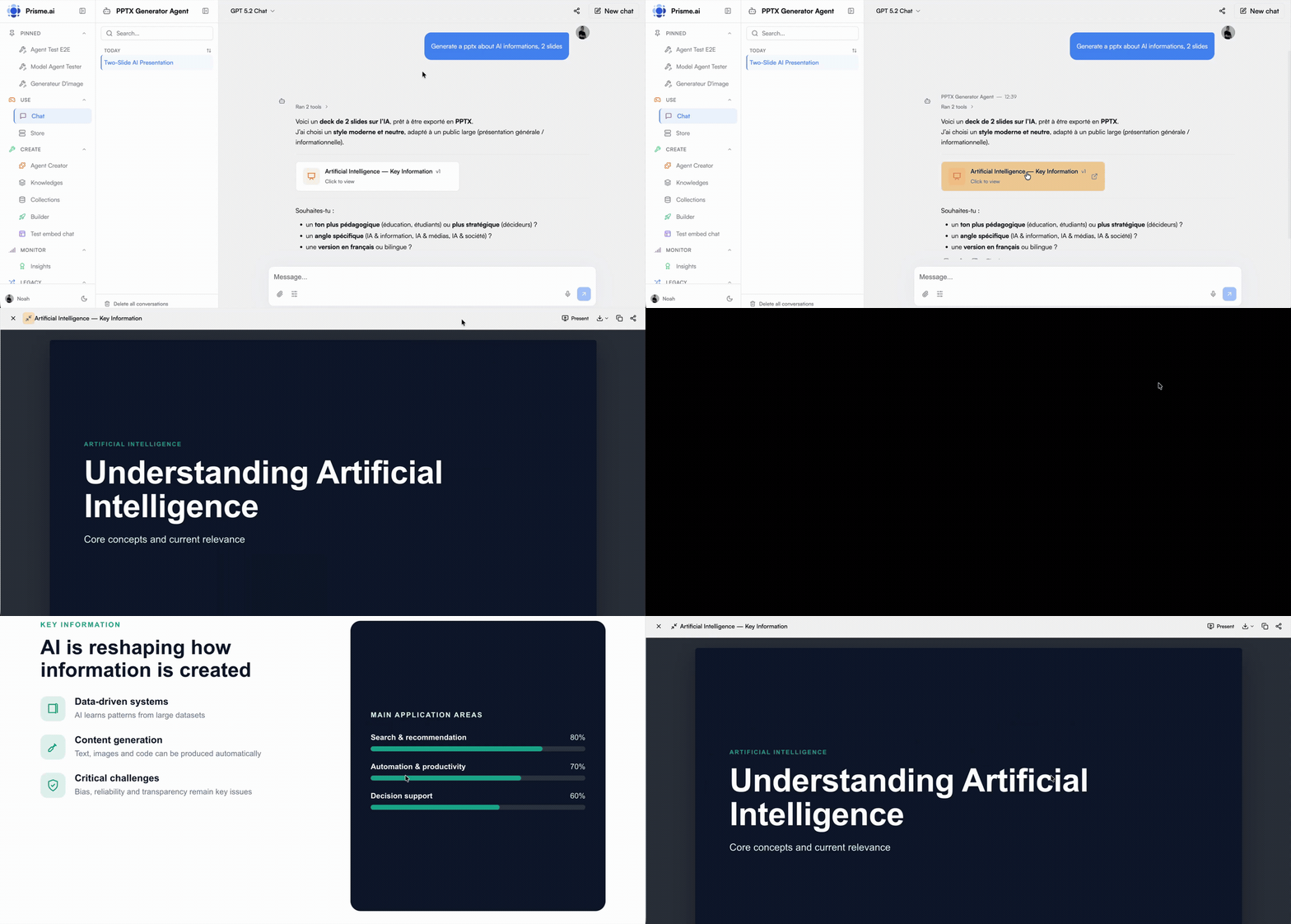
- Chat: Show HITL tool execution details.
-
Collections: Added
minandmaxaggregate functions. - Home: Allow disabling the home agent input chat.
-
prismeai-workspaces: Emit new
workspaces.files.uploadedandworkspaces.files.updatedevents each time a file is uploaded or updated. -
Agent Factory: Now aggregate
last_messages_atper agent every 15 min (refresh-agent-countersschedule), and allow filtering agents with the newlast_message_before/last_message_afterquery parameters. - Knowledge: Server-side search for knowledge bases and documents, fixing broken tag search.
-
Knowledge: Allow re-indexing a file with per-document parser and chunking overrides.
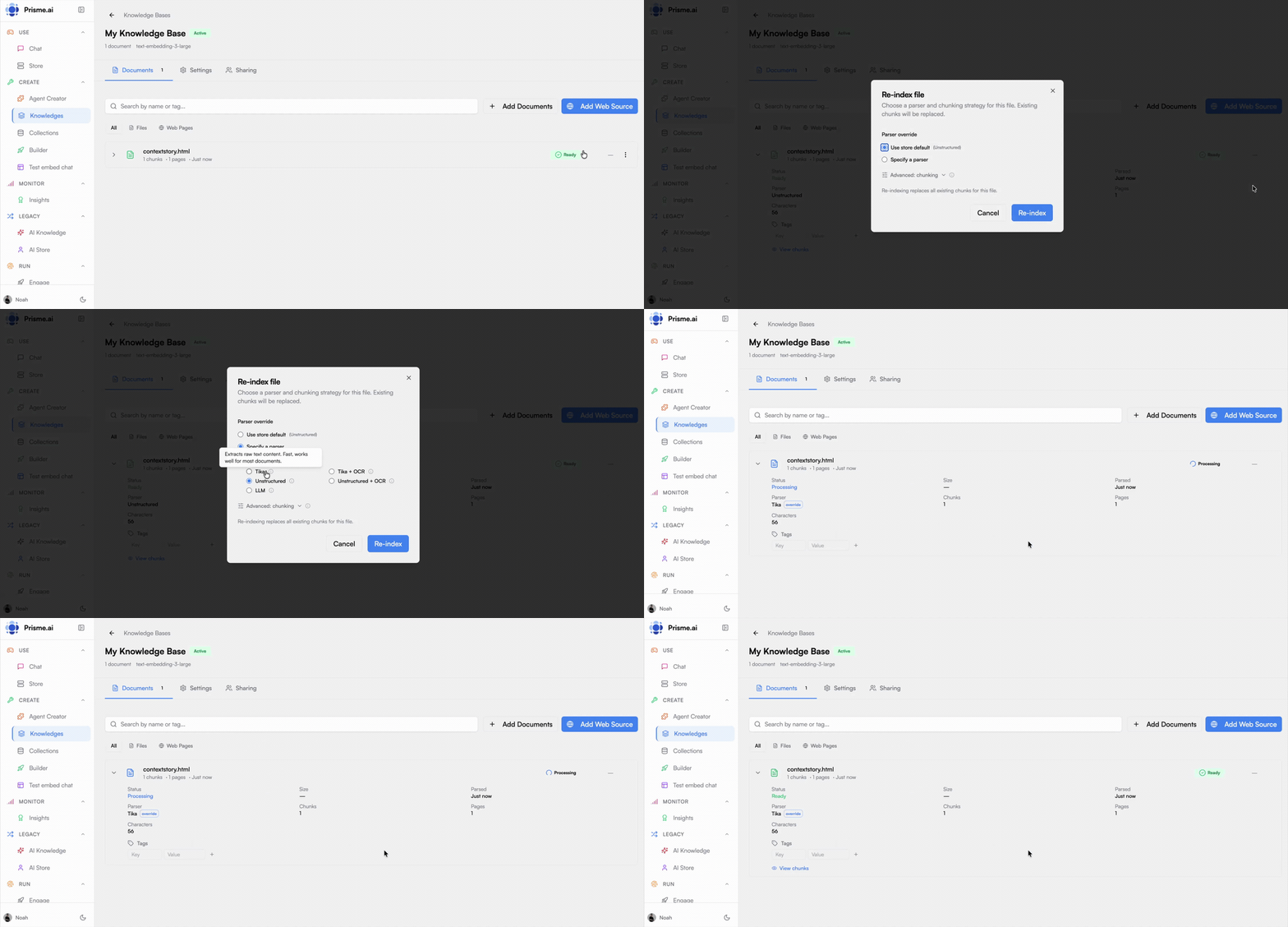
- Prompt Library: Added a REST API to manage prompt categories.
- Brave Search Connector: Support using Goggles for URL whitelisting.
-
LLM Gateway: Support
{user.<path>}placeholders in OpenAI-like custom headers. -
api-gateway: Allow injecting environment variables inside the
authprovidersconfig.
- Platform: MFA is now enabled by default for local accounts (SSO is not affected). See Multi-Factor Authentication (MFA).
- Governance: Added a confirmation prompt when deleting a member of a group.
- Chat: Interleave chat text and tool activity chronologically.
- Chat: Don’t open tools/mentions when pasting URLs or emails.
- Agent Creator / Chat: Tools requiring approval (“Always ask” mode) now display their friendly name, matching the auto-approval behavior.
- LLM Gateway: Stop injecting empty Anthropic text blocks and normalize Vertex/Azure Claude streams to OpenAI chunks.
- Docker: Keep only each service’s own production dependencies.
- Documentation: Rewrote and improved the Self-Hosting documentation.
- Helm charts: Added secret protections by default for master keys, improved the README around master-key management, and prevent accidental overwrite.
- Helm chart prismeai-core:
1.9.11: Updated the default Kubernetes resource requests/limits with a Balanced profile. See Kubernetes Resources & Autoscaling.1.9.10: Added thesecretKeys.passwordvalue for all MongoDB/Postgres databases.1.9.8: Added theglobal.proxyvalue to globally configure an HTTP/HTTPS proxy.1.9.7: Added theglobal.extraCABundlevalue to inject a custom CA bundle in all core services.
- Helm chart prismeai-apps:
0.5.16: Updated the default Kubernetes resource requests/limits with a Balanced profile. See Kubernetes Resources & Autoscaling.0.5.15: Added thesecretKeys.password&tlsCaFilevalues inglobal.storage.searchengines.0.5.12: Added theglobal.proxyvalue to globally configure an HTTP/HTTPS proxy.0.5.11: Added theglobal.extraCABundlevalue to inject a custom CA bundle in all apps services.0.5.10: Updated default environment variable values with recommended production values (REQUEST_MAX_SIZE=20mb,KERNEL_POOL_SIZE=10) and automatically calculate the functions NodeJS--max-old-space-sizefrom the k8s memory limit. TheNODE_OPTIONSenvironment variable must be removed for the Helm upgrade to succeed, as it is now added natively by the chart.
- Builder: Fixed an issue where autocompletion wasn’t correctly indented.
- Builder: Fixed the workspace name not displaying on the browser’s tab.
- Agent: Fixed starter card icons display on conversations.
- Agent: Fixed a case where a conversation could be blended into another agent’s conversation while switching during response generation.
- Agent Creator / Chat: Preserve HITL turn state and fixed an issue where the default model was used following an HITL instead of the current model.
- Agent Factory & LLM Gateway: Fixed calling APIs from another workspace using
Authorization: Bearer <JWT>orx-prismeai-api-key <ApiKey>headers. - Knowledge: Fixed organisation and group shared knowledges not being displayed in the frontend platform.
- Knowledge: Fixed sharing knowledge bases with a group.
- Crawler: Normalize Tika metadata before Redis storage, avoiding errors such as
Invalid input of type: 'list'for specific files. - prismeai-workspaces: Fixed the api-gateway readiness test: prefer
INTERNAL_API_URLoverAPI_URL, as the publicAPI_URLmay not be reachable in some environments.
Features:
- AIG & Knowledge: Added platform-level and org-level default max number of documents for agent knowledges and user knowledges.
- Knowledge: Show an error message when the maximum number of documents has been exceeded.
- Postgres ORM: Implemented
$existsquery on nullable array columns. - Connectors: All Google app + MCP connectors (Drive, Docs, Sheets, Calendar, Mail, Search) received security updates and now follow the PascalCase
AppSlugnaming guideline. - Docs: Added app connector logos to the connectors catalog.
- Docs: Added the filterable models catalog (by provider and region).
- AWS Bedrock: Handle
tool_choice=nonewith Bedrock models by converting history tool calls to text messages and entirely stripping the tools config. - Knowledge: Decoupled
/statsfrom page render to unblock the dashboard on slow stats. - Agent Creator: Improved conversation-title generation prompt to respect the user’s language instead of always defaulting to English.
- Platform:
WEBSOCKETS_DEFAULT_TRANSPORTSenvironment variable is now respected again (it was ignored since the new platform, which always usedpolling,websocket). - Platform: Default value for
WEBSOCKETS_DEFAULT_TRANSPORTSis nowwebsocket,pollingto ease deployment/configuration for websockets (covers 99% of scenarios). - Chat: Wait 3 s before displaying the network issue banner; it could briefly appear during page loading.
- Chat: Detect upload MIME type from the first signature bytes instead of relying on the file extension (which could be wrong and cause request errors with the Bedrock API).
- Agent Creator: Fixed the agent search input in the Sub-agent capability selector.
- Agent Creator: Fixed calling
messages/sendormessages/streamtwice with the samecorrelationId: always generate a uniquetaskIdso the second call no longer crashes on task DB insertion. - Agent Creator: Preserve
tool.parametersonextractConfigso system/memory edits no longer reset to schema defaults on reload. - Agent Creator: Fixed the evaluate judge model picker to honor the org IAM allowlist.
- Agent Factory: Fixed the final message displayed when the budget is exceeded after multiple tool calls on a Bedrock model: the end user is now notified of the issue and informed of what was completed.
- LLM Gateway App: Fixed methods being non-callable because of
required: true.
Features:
- AIG: Enable org-based anonymous sessions (configured from the Authentication page, where SSO also lives).
- Chat Embed: Anonymous authentication is now supported from the embedded chat.
- Agent Creator: Introducing “user-first” tools: hide tools from the agent until the user summons them from the chat input. Works for function tools and whole MCP integrations, and composes with the existing approval policies.
- Agent Creator: Allow adding permission exceptions for skills.
- Agent Creator: Allow unpublishing agents.
- Agent Creator: Allow removing system tools (
memory, …). - Agent Creator: Show a warning or error message below the selected model when it has been removed, disabled, forbidden, or hidden by platform/org admins.
- Knowledge: Added the parser selector (
tika/tika-ocr/unstructured/unstructured-ocr) to the Settings tab so it can be changed post-creation, not only at store creation. - Chat: Auto-open the canvas when a new artifact starts streaming.
- Image Generation: Image generation features are back (see Configuration check below for required setup).
- Governance: Added
tool_memoryto seed capabilities. - Salesforce connector: New connector available.
- api-gateway: Use a per-request fork of the global database ORM so each request runs its own MikroORM UnitOfWork and cannot poison the shared global ORM, preventing the cascade where one bad request would break all future transactions.
- prismeai-functions: Reuse existing
vm2workers instead of recreating them on each execution (previously slowed down functions that imported packages on slow filesystems). - AIG > Agent Controls: Automatically remove stale model IDs from the org’s allowed models when they no longer exist at platform level.
- AIG > Agent Controls: Search also now matches agent descriptions, mirroring the agents store search behavior.
- Store: Removed the “Create agent” button.
- Platform: Enhanced SSE keepalive on stream start to prevent network errors on long-running tasks.
- Platform: Activity timeline made more discreet, with a shimmer label while running.
- Crawler: Lowered the default download size limit from 1 GB to 120 MB to prevent zip bombs or broken HTML pages from saturating the crawler’s RAM.
- api-gateway: Fixed a gateway crash when an external SSO provider sent
firstNameorlastNameas a string, corrupting the MikroORM unit of work and making every subsequent ORM flush fail. - AIG > Agent Controls: Fixed listing agents with their allowed models as a non-super-admin.
- AIG > Groups: Fixed the “add users” input to search matching users across the entire organization.
- Governance: Fixed model search for users that do not have full platform access.
- Platform: Fixed live notifications during platform pull, and closing the pull modal at the end.
- Knowledge: Per-file delete now also removes the crawler-side document; vector store
DELETEsurfaces external-cleanup failures as retry-able errors. - Agent Creator > Import:
agents.mdimport now always recreates theconversation_file_searchvector store instead of reusing the source agent’s. - Agent Creator: Fixed crash when a parameter has
type: json. - Agent Creator: Fixed 406 responses from spec-strict MCP servers: full
initialize/notifications/initializedhandshake with SSE response support. - Agent Creator: Fixed the handling of custom values for
token_budget,max_turns, andtool_call_budget(they were being overridden by the profile’s default values). - Agent Creator: Leave conversation names empty on creation so the frontend chat shows the proper “New conversation” translation.
- Agent Creator: Fixed generating the conversation title when the first message requires a tool approval.
- Chat: Fixed rendering of markdown tables inside the canvas.
- Chat: Fixed conversation-title generation (some models were replying to the user message instead of generating a title).
- Chat: Fixed conversation-scoped model selection: when opening a conversation whose last message used a non-default model, the model picker keeps that custom model; when creating a new chat from such a conversation, the picker resets to the agent’s default model.
- Chat > Canvas: Download button now respects the LLM-generated filename and extension.
- OpenAI / Azure: Image uploads with Azure OpenAI models now work correctly and no longer trigger Azure jailbreak guardrails.
Features:
- AIG > Members: Added members CSV import/export buttons.
- Agent Creator: Patch agent from
agents.md. - Agent Creator: Drag & drop to import
agents.md. - Agent Creator: Enabled message stats in the playground for
correlationId. - Agent Creator: Enabled tool choice in the playground.
- Agent Creator: Scope the activity feed to one single agent.
- Chat: Force Canvas.
- Chat:
embed-chat: addedauth:tokenmode. - Chat: Added option to
disablePaste. - Chat: Proactive OAuth for tools in PromptInput.
- Chat: Ask Agent with a selected snippet.
- Platform: CRUD personal access tokens UI in user settings.
- Builder: Rich automation-graph editor and assorted UI updates for all missing DSUL instructions (
run,rateLimit, …).
- Governance: Clarified PermissionTree hierarchy.
- Governance: Renamed LLM permissions to match LLM Gateway ones.
- Various bug fixes and minor improvements across the platform.
Features:
- Builder > Activity Feed: Show Export button on any active activity filter.
- prismeai-runtime: Added new API key related instructions to the access-manager runtime module.
- AIG Observability > Usage: Added total unique users & unique users over time.
- AIG Observability & Agent Creator: Added 5-minute granularity for periods ≤ 2h.
- AIG Observability Feed: Added user and text search input, duration filtering, and display of user names & execution duration.
- AIG Observability Usage > Daily Activity: Added a second line for executed automations over time.
- AIG > Members: Invite modal now shows the configured default role in the role input.
- AIG > API Keys: Display only governance API keys by default; allow filtering by vector stores or agents API keys only.
- AIG > Models Providers: Google Vertex provider now also handles arrays of providers and
options.excludeParameters. - LLM Costs: Separate input & output counters.
- Agent Creator: Added capabilities graph view.
- Agent Creator: Added agent-scoped API key generation and revoke.
- Agent Creator: Added API key management widget in the Sharing tab.
- Agent Creator: Enabled starters configuration.
- Agent Creator: Enabled file upload in the playground.
- Storage: Added API key management widget in the Sharing tab.
- Chat & A2A: Added
limits_reachedstatus type to the chat activity timeline. - Chat: Replaced
connector_auth_requiredSSE with HITLexternal_auth. - Platform: Added guided tours to all built-ins.
- Platform: Added pinned items to the shell sidebar with server persistence.
- Platform: Wired A2UI surface actions to HITL approval.
- Insights: Added fullscreen expand mode to the graph page.
- prismeai-runtime: Always emit
runtime.automations.executedwith error details on the innermost failing automation (previously the error itself was emitted but not the correspondingruntime.automations.executedevent, which skewed execution statistics). - prismeai-events: Always configure
aggPayloadmapping for native fields fromruntime.automations.executed&runtime.interactions.triggeredplatform events, enabling advanced analytics aggregation. - AIG Observability: Error tables now include a link to the workspace Activity Feed page with the corresponding filters.
- AIG Observability: The “Recalculate metrics” button now refreshes the entire selected range, not only the last opened hourly bucket.
- AIG Observability: Always show the 20 first entries in “Top…” widgets, with frontend pagination.
- AIG Observability: Always display the 20 most active workspaces in the workspace picker.
- AIG Observability & Agent Creator: Show analytics computation date & scheduled next refresh date.
- AIG Observability: Synchronize filters with URL query parameters.
- AIG Observability Metrics: Latency Over Time now also represents interactions over time.
- AIG Observability & Agent Creator: Improved Date Range Picker (now also includes time).
- AIG Observability & Agent Creator: Allow selecting a custom date-time range using drag and drop on the timeseries charts.
- AIG > Observability: Documentation updated.
- AIG: Deleting a user account now removes all of its org & group memberships.
- Imports: Always restore the workspace
index.ymlif it has been removed from object storage, and raise a warning in the import result. - Builder: Activity payload expand modal & execute modal UX improvements.
- Chat: Show agent header on hover and cleaned up chat UI.
- Agent Creator: Improved tips.
- Insights: Various improvements and fixes.
- Front: Updated dependencies and removed unused
i18next-http-backend.
- Builder > Activity Feed: Fixed filters disappearing from URL query parameters after refresh.
- AIG Observability: Fixed empty timelines.
- AIG Observability Feed: Fixed observability feed tab.
- AIG > Infrastructure: Fixed testing the vector store when the default embedding model had a configured dimensions value different from 1536.
- Builder: Fixed dependency matrix to show only connections between workspace automations and installed app automations.
- Governance: Fixed dark mode in MenuEditorPage.
- Agent Creator: Fixed empty agent message bubble and agent card height.
- Chat: Fixed fetching artifact content from backend when empty on click.
New features :
- AIG: Allow restricting models to specific orgs
- AIG: Added a new infrastructure page to configure the vector store and test all DB connectivity/configuration
- AIG > Models: Added an LLM providers edition tab
- AIG > Models: Added a Test button to models
- AIG > Org Models: Allow sorting the allowed models list per organization
- AIG > Models / Providers: Allow importing model/providers config from legacy AIK
- AIG > Models Providers: Allow importing/exporting providers from/to JSON config files
- Knowledge: Added headers configuration for automatic crawling, removed legacy options
- Storage: Increased user uploaded files default expiration from 30m to 30d
- Chat: The selected conversation now moves to the top of the list when sorted by date of the last message
- Chat: User profile photo is now displayed in conversations when available
- Builder: Native variable autocomplete in the editor optimized
- Builder: Better handling when creating an automation with an existing slug
- Builder: Custom Code function parameter names are now editable from the UI
- Builder Automations: Complex conditions previously required YAML; they are now fully supported in the UI, including branch deletion
- Builder Automations:
repeat, previously only available via YAML, is now configurable from the UI - Canvas: UX and UI enhancements
- Platform UI: Dark mode optimized across several components
- Agent Creator: Ability to assign non-technical display names to Tools, MCP, and Skills
- Agent Creator: Search replaces filter for faster agent discovery
- AIG: Display an error message when an invited member is already in the org
- AIG: Prevent saving embedding models without the dimensions field
- AIG: Automatically convert legacy roles & groups to the corresponding org role & group when a user automatically joins an org through join rules
- AIG > Models: Show an error for models not provided by any provider
- AIG > Models: Added multi-select with export/delete actions
- AIG > Models: Added autocompletion of available model ids when creating/cloning a new model
- prismeai-runtime: Implement
WORKSPACE_SECRET_*environment variables so workspaces can maintain the same config content whether secrets were configured through environment variables or workspace secrets - prismeai-runtime: Implement
/*multiSegmentParamssyntax in automation endpoint patterns so path params can include/(fixes deletion of models with/in their id) - prismeai-workspaces: Added
/workspaces/:workspaceId/configGET & PATCH APIs - prismeai-searchengine: Removed initial website fetch when configuring a new website, so searchengine no longer needs internal TLS certs
- Chat: Fixed chat input border color in dark mode
- Shared conversation: Fixed user message font color not taking the org custom theme into account
- Shared conversation: Fixed invisible links in the shared view user bubble
- Builder: Better handling of default values when defined as JSON in Custom Code
- Builder: Some Custom Code error logs were previously visible only in the Network tab; they are now available in the UI
- Builder: Fixed usage evolution statistics for newly created workspaces
- Builder: Auto-quote
{{ }}expressions in automation YAML to fix the “[object Object]” bug - Knowledge: Use default parsing models from the LLM Gateway instead of hardcoded ones; declaration is also supported per organization
- Knowledge: When leaving the default value for the embedding model, set the default value in the frontend to avoid cache drift
Features & Improvements:
- AIG: Org owners & admins can now also access the organization audit page.
- Explore: Org members can now also access the explore page.
- Agent Creator: Non-admin users can now also see their recent activity.
- AI Knowledge: Added a tooltip to the legacy SharePoint connector page.
- Knowledge: Initialize the first owner’s binding on vector store creation.
- Knowledge: Filter out the agent’s vector store by default.
- AI Governance (legacy): Auto-initialize the
superadminrole for retro-compatibility. - Crawler & Searchengine: JSON logging for better support across cloud providers.
- AI Knowledge: Improved
getPagewith retry options for ES index synchronicity. - AIG: Reworked Roles / API Keys edition UI.
- AIG: Now allow updating native roles (except for Owner).
- prismeai-runtime: New
bulkUpsertcollection method. - prismeai-runtime: Added
parseUrlutility to the text module. - prismeai-workspaces: Added workspace uploads in-place update API.
- Agent Creator Analytics: Added new metrics: total LLM calls, messages over time, and average number of calls per message.
- Agent Creator Analytics: Display hourly granularity when the range is under 7 days.
- Agent Creator Analytics: Added a custom date range selector.
- Agent Creator: Added icons to agents.
- Chat: Show message dates & agent name/icon.
- Chat: Separate conversations into period groups (today, yesterday, last 7 days, last 30 days).
- Chat: Allow sorting conversations either by last message or creation date.
- AIG: Added import/export menu to Appearance settings.
- AIG: Added a new “Legals & Warnings” tab under the Appearance page to customize the organization’s terms of use, privacy policy, chat disclaimer, and any custom app warning modal.
- AIG: Added favicon & light/dark icons upload forms.
- AIG: Allow configuring the default homepage URL from the menu builder.
- AIG: Added missing translations.
- Securechat: Canvas can now appear between two paragraphs and not only at the end.
- Securechat: Canvas can now be shared & viewed from a separate page.
- Securechat: Removed duplicate copy / download buttons.
- OpenAI app: Fixed
allowed_toolsand function workarounds to use the supported OpenAI format. - Agent Creator Analytics: Fixed OpenSearch compatibility.
- Agent Creator Analytics: Fixed users metric: it now counts real users instead of sessions.
- Agent Creator Analytics: Fixed messages metric: it now counts real messages instead of LLM calls.
- Builder: Fixed pages preview & pages deploy button.
- Agent Creator: Fixed
messages/streamAPI never showing error details. - Agent Creator: Fixed evaluations not taking the selected model into account.
- Agent Creator: Fixed playground: it now always uses the current agent config instead of the published config.
- Agent Creator: Fixed playground: it no longer creates conversations in Securechat.
- Agent Creator: Fixed guardrails
maskaction. - Securechat: Fixed rating agents.
- Securechat: Fixed uploading documents as an org member.
- Securechat: Fixed processing large documents (they are now directly uploaded to the native files API with
multipart/form-data). - Securechat: Fixed canvas instructions missing on warm start.
- Explore: Fixed displaying “Request access” on the agents explore page even when the current user had already been granted access.
- Home: Fixed uploading documents from the home page.
- Models Picker: Fixed hiding disabled or hidden models.
- Models Picker: Fixed displaying the selected model name instead of its slug.
- Chat: Fixed displaying the selected model name instead of its slug under message details.
- Conversation share view: Fixed canvas rendering to match the chat.
New Features:
- Storage Permissions Management: Fine-grained access control on storage resources, letting teams define who can read, write, or manage files across workspaces.
- Native Auth Binding for Storage: Storage now integrates directly with the platform’s native authentication layer, removing the need for external token handling and simplifying secure access.
- Knowledge Base File Cleanup: Storage files linked to knowledge bases are now correctly auto-deleted when their parent resource is removed, preventing orphaned data.
- Vector Stores Webpage Limit: The
webpage limitsetting on vector stores is now properly initialized, ensuring crawling stays within the configured bounds from the first run. - LLM Gateway Default Models Cache: Fixed a cache inconsistency when fetching default models from the LLM Gateway, so the correct models are served on every request.
- AWS Bedrock Image Uploads: Image uploads now work reliably when routing through AWS Bedrock providers.
- Organization API Key on Agent Creator API: Organization-level API keys are now properly accepted by the Agent Creator API, unblocking org-scoped automation.
- InvalidAPIKey Errors: Resolved spurious
InvalidAPIKeyerrors that could occur during authenticated calls.
The Agentic AI Platform for the Enterprise: Create, orchestrate, and govern enterprise-grade AI agents in real time.Prisme.ai One Platform is a fully modular, composable architecture for deploying AI agents at enterprise scale. Every service is API-first, independently deployable, and built around open standards: A2A (Agent-to-Agent), MCP (Model Context Protocol), and A2UI (Agent-to-UI).
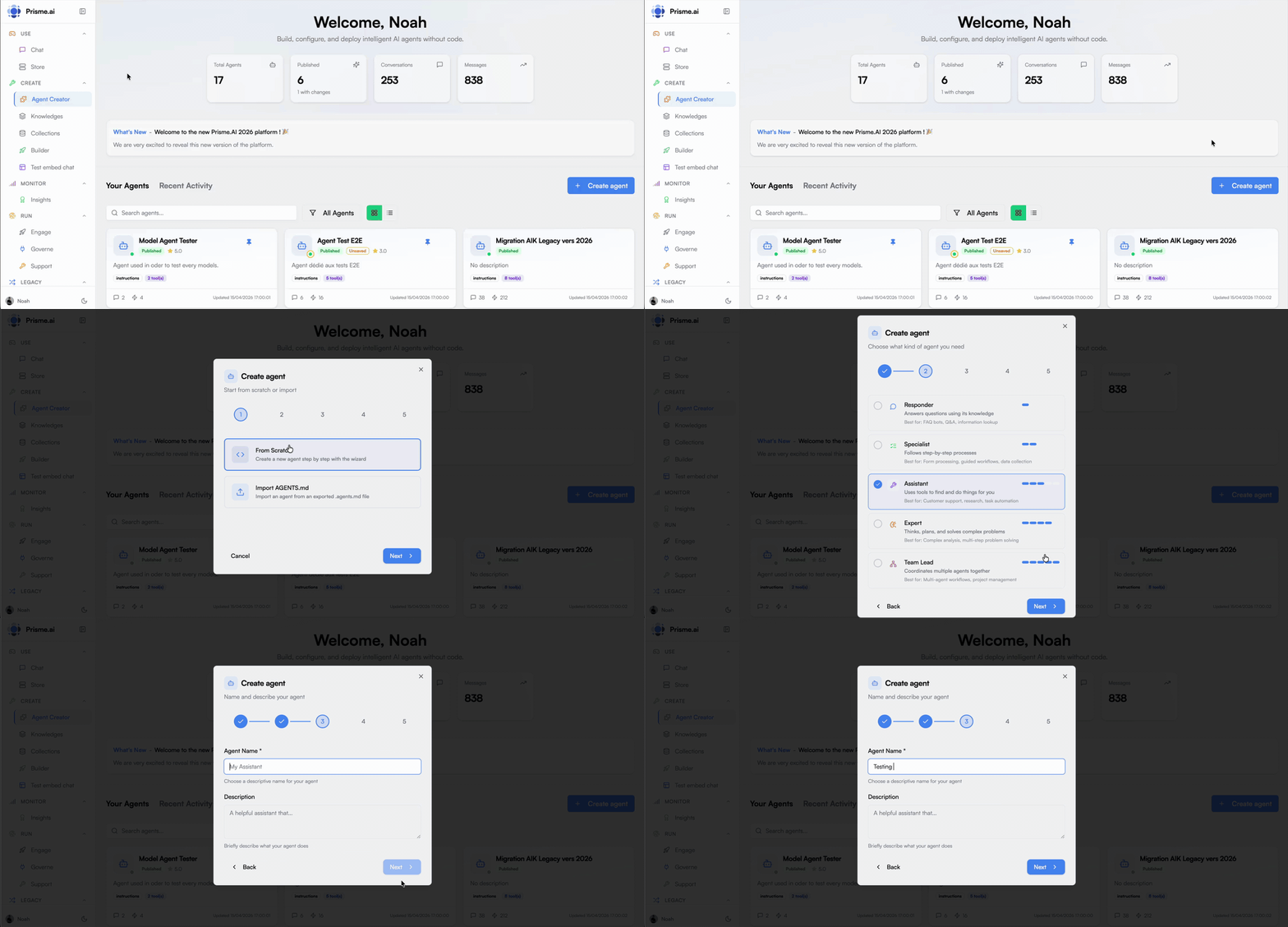
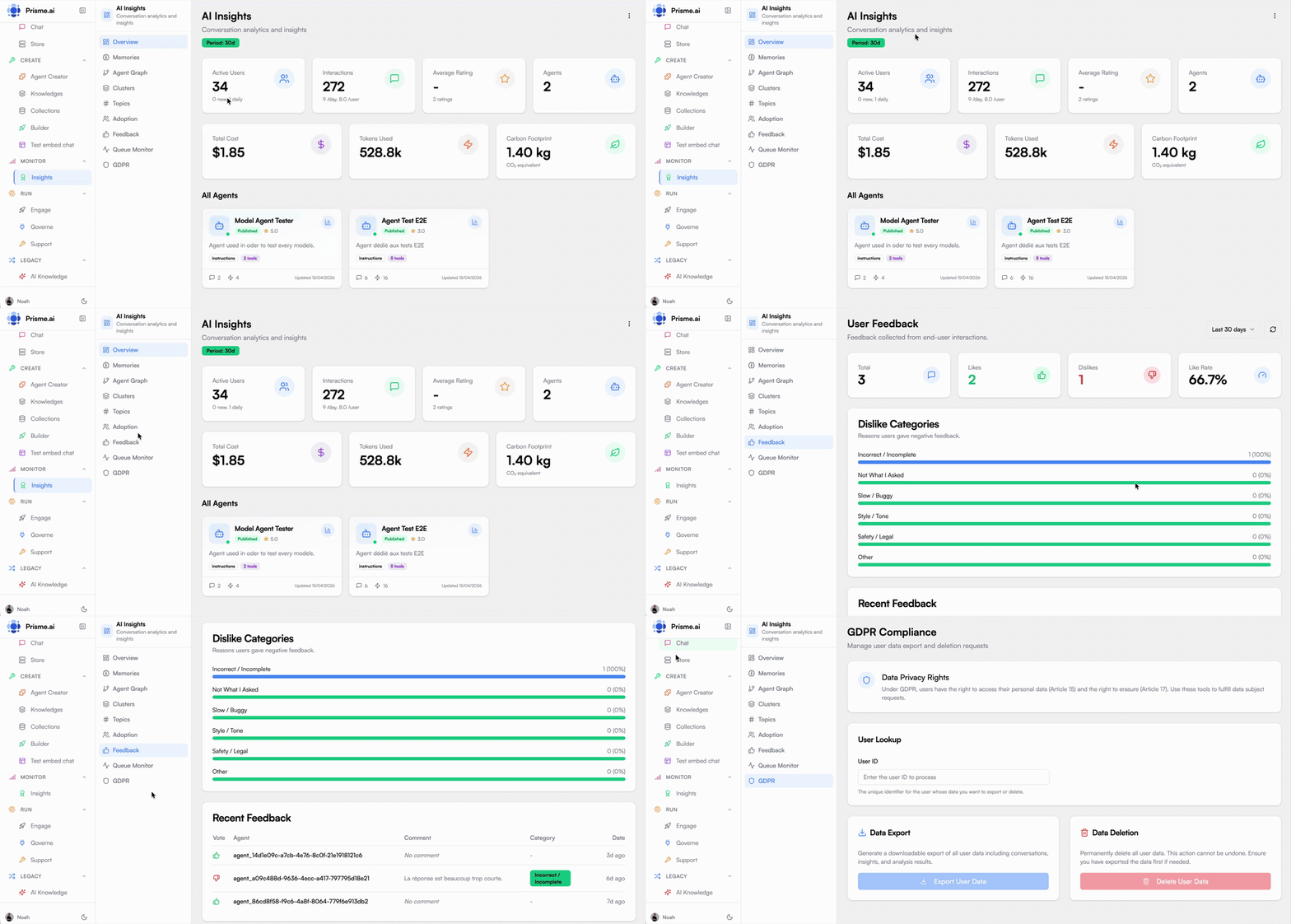
- Organizations: Unified scoping layer across all products: users, workspaces, billing, permissions, and quotas managed centrally.
- AI Gateway (AIG): Single entry point for all agent traffic, enforcing org-level policies, quotas, and routing across every Prisme.ai service.
- Agentic Workflows: AI agents, automations, event-driven pipelines, real-time streaming.
- Connect IT Systems: Legacy systems, connectors, webhooks, enterprise integrations.
- Built-in Observability: Correlation IDs, audit trails, activity monitoring.
- Full-Stack Apps: Web applications with React, Tailwind CSS, and Prisme.ai backend automations.
- Agent Creator: Create and manage agents with 5 profiles (simple to orchestrator), A2A Protocol, human-in-the-loop, streaming, and 15+ system tools (planning, memory, delegation, reflection, budget tracking).
- Storage: Unified files, vector stores, and skills backend with chunking, web crawling, and RAG, pluggable with Elasticsearch or OpenSearch.
- LLM Gateway: Multi-provider routing (OpenAI, Azure, Anthropic, Vertex, Bedrock, custom) with cost tracking and carbon footprint monitoring.
- Capabilities: Unified catalog of tools, guardrails, skills, sub-agents, and memory, all MCPised and composable across the platform.
- Prompt Library: 10 categories of reusable prompts, available as MCP tools.
- Guardrails: Input / output / action safety with configurable sensitivity.
- Memories: Long-term memory (facts, preferences, relationships, instructions) with similarity-based recall.
- Web Search: Grounded search via Azure AI Foundry.
- AI Collection: Structured data operations via MCP.
- AI Insights: Conversation analytics, evaluation criteria, GDPR anonymization, memory clustering, tiered plans (Free to Enterprise).
- AI Governance: Platform observability, cost monitoring, audit trails, and role-based access.
- Agent Evaluations: Automated scoring with test cases, batch runs, nightly scheduling.
- Agents App & LLM App: Importable modules so any workspace can manage agents or call LLMs without raw API calls.
Features & Improvements:
- prismeai-events: Lowered the default socket.io polling interval to 15s to prevent gateway timeouts (the previous 25s interval exceeded the gateway’s default 20s timeout). Added
SOCKETIO_PING_INTERVALenvironment variable (in ms) (Internal Ticket #3296) - prismeai-crawler: Added support for the
pdf_ocr_strategyTika option via theX-Tika-PDFocrStrategyheader (Internal Ticket #3970) - AI Knowledge: Default models are now displayed in AI parameters (#3671)
- AI Knowledge: Added OCR support in analysis mode for per-document configuration
- AI Knowledge: Falls back properly to recursive splitting when functional splitting is unavailable (e.g., when using Content Analysis mode) (#3906)
- AI Knowledge: In MCP settings, tools are now shown as enabled by default and disabled tools are correctly enforced as disabled (#3570)
- Studio / AI Knowledge / AI Store / AI Insights / AI Collection: Workspace and agent photos are now automatically compressed or resized to reduce load size (#3531)
- Crawler: Added support for offline dependencies for spaCy and YOLOX in unstructured mode
- prismeai-workspaces: Fixed a git versioning error (“Please tell me who you are”) when pulling for the first time without a saved local state, caused by missing default
user.nameanduser.emailvalues - prismeai-workspaces: Fixed workspace bulk import from a git platform repository: workspace enumeration did not take the configured
*_DIRPATHvariable into account - AI Store: Fixed an issue where the agent creation button was displayed but inactive for basic users without agent creation permissions
- prismeai-crawler: Fixed a numba exception (
cannot cache function 'projection_by_bboxes': no locator available for file) when starting the crawler as a user other than the defaultapiuser (UID 1000), as in OpenShift environments (Internal Ticket #4019) - AI Knowledge / AI Store: Display an error when the assistant reaches the tool call limit and can no longer respond (Bedrock-specific, as it does not support
tool_choice: none) (#3749) - AI Store: Fixed copying messages that contain block lists (#4033)
- Studio: Fixed SSO button layout when labels are very long (#4038)
- AI Store: Reduced paragraph line spacing in agent messages (#4037)
- Runtime: Fixed a crash on empty JSON responses when the
Content-Typeisapplication/json(#4046) - AI Knowledge: Fixed an issue where the selected model was not persisted in testing tab.
Features & Improvements:
- AI Knowledge & AI Store: Filters can now be applied on both categories and tags (#3916)
- AI Knowledge: Tags can now be edited from the project parameters (#3916)
- prismeai-runtime: Introduced a new text runtime module with a recursive
splitTextfunction. - AI Knowledge: Removed
@langchain/textsplittersdependency, replaced with the runtime nativesplitText. - prismeai-functions: Now includes all npm packages required by the native Prisme.ai AppStore, removing the need for the npm registry (docs).
- prismeai-crawler: Reduced image size from 13.4GB to 4.14GB; dropped experimental support for JS websites, HTML form authentication, and Docling.
- prismeai-functions: Reduced image size from 1.74GB to 954MB; removed
geopandasandlangchain-communityPython libraries. - Studio / Pages: On WebSocket error/disconnection, reconnect using the configured
WEBSOCKETS_DEFAULT_TRANSPORTSvariable instead of always falling back to['polling', 'websocket']. - AI Collection: Modified queue behavior to prevent deep nested calls from being throttled by the platform.
- AI Store: Resolved an issue where very long texts did not wrap correctly.
- AI Store: Resolved an issue where the “My Agents” filter appeared only for admins.
- AI Knowledge: Resolved an issue where the “My Agents” filter appeared only for admins.
- AI Knowledge: Improved KPI document querying to prevent display issues with high quantities.
- Versioning: Fixed an internal error on some git pull merge conflict edge cases.
- Versioning: Merge conflicts on
.import.ymlfiles are now automatically resolved, as these files are regenerated on each push. - Helper Agents: Resolved an issue where categories were not initialized on agent creation (#3916).
Features & Improvements :
- Runtime: Introduced a secrets module to store encrypted secrets from automation code. Secrets can only be retrieved by the
fetchinstruction. - Events: The events API now supports workspace slug in addition to workspace ID.
- AI Builder: The automation schedule now displays both UTC time and the local user time based on timezone.
- Native workspaces: AI Knowledge, AI Governance, and other native workspaces are now bundled in the
prismeai-workspacesimage and can be imported from the Platform workspace UI (super admins only). - Platform Versioning:
- Added filesystem driver support for platform repositories, enabling local directory-based workspace storage alongside Git.
- Platform pull now executes sequentially with dependency-aware ordering.
- Platform pull skips workspaces that already have the version tag specified in their
.import.yml. - Platform push skips workspaces with no changes since the last push.
- Platform pull and push can be triggered directly from the Platform workspace versioning UI.
- Automatic workspace import on startup via the
AUTO_BUILTIN_WORKSPACES_IMPORTenvironment variable.
- Imports: New workspaces now retain the same ID as in the imported archive or repository.
- AI Knowledge: SharePoint connector is now available, enabling automatic synchronization of documents from SharePoint. Refer to the official documentation for setup instructions.
- OpenAI: Allow sending custom headers, user ID, and correlation ID to OpenAI-compatible APIs (#3888).
- AI Knowledge: Updated the injected system message for document summaries; it is now injected into the summary chunk sent to the LLM, fixing the
file_summarytool on Mistral models (#3888). - OpenAI: Streaming requests now send the correct
Acceptheaders, improving compatibility with strongly typed backends. - Redis: Slightly increased auto-reconnection backoff delay and maximum value to reduce network spam when the Redis server is unavailable for extended periods.
- prismeai-functions: Implement
NODEJS_PACKAGES_WHITELIST_IMPORTandNODEJS_PACKAGES_BLACKLIST_IMPORTenvironment variables. - prismeai-functions: Implement
PYTHON_BUILTIN_MODULES,PYTHON_PACKAGES_WHITELIST_IMPORT,PYTHON_PACKAGES_AUTO_INSTALL, andPYTHON_PACKAGES_DIRenvironment variables. - Helm prismeai-apps 0.5.6: Updated the default port for the crawler HTTP debug endpoint from 80 to 3000, as non-root users cannot bind to port 80.
- Helm prismeai-apps 0.5.7: Added the
PYTHON_PACKAGES_DIRenvironment variable to theprismeai-functionsservice for Python package persistence. - Helm prismeai-core 1.9.5: Enabled automatic creation of master keys for the new secrets module. Upgrade is highly recommended to use the SharePoint MCP or SharePoint Connector within AI Knowledge.
- AI Knowledge: Fixed the default analysis mode (background analysis) not being pre-selected in the input, which could lead to ambiguity.
- AI Store: Resolved an issue that prevented swapping threads on an edited message.
Features & Improvements:
- AI Knowledge: Added the ability to send custom headers in an agent’s webhook (#3837)
- Runtime: Webhook HTTP calls now support
workspaceSlugin addition toworkspaceId
- AI Knowledge: Fixed display of parasitic messages in the activity feed to improve user experience (#3641)
- AI Knowledge: Resolved an issue that prevented editing a document name (#3850)
- AI Knowledge: Resolved an issue where the chat input was not automatically cleared after sending a message to an agent
- Dialog Box: Resolved an issue where the chat input content was not cleared after sending a message on Firefox
Features & Improvements:
- Crawler: Initialize documents index mapping to avoid fields mapping explosion due to PDF/OXML metadata extraction (Internal Ticket #3861)
- AI Knowledge: Added Project Manager, allowing project admins to clone, export, and import AIK projects
- AI Knowledge: Replace
langchain/text_splitterpackage with the newer@langchain/textsplitters, fixing split chunks occasionally exceeding the configured max chunk size - Workspaces: Automatically remove security rules with reason
REMOVE_ON_DUPLICATEon workspace duplication - Readiness API: New
/v2/readinessconfiguration check that verifies all database connections from all services (core + apps), HTTP connections between internal services, and returns detailed errors - Helm chart prismeai-apps 0.5.2: Expose crawler debug and
/sys/readinessHTTP endpoints behind a Kubernetes service - Helm chart prismeai-core 1.9.3: Allow
securityContextconfiguration for all pods (#1287) - Helm chart prismeai-apps 0.5.3: Allow
securityContextconfiguration for all pods (#1287)
- AI Knowledge: Resolved an issue where sending a file to a model without a configured limit resulted in an infinite loop
- AI Knowledge: Fixed Serper integration with “news” and “search” types
- AI Knowledge: Resolved an issue that prevented the project users list from displaying when a member had incomplete or empty tags
- AI Knowledge: Fixed an issue where the
/documentsendpoint didn’t set theincludeContentparameter to its default value (false) - SSO: Fixed redirection towards studio URL instead of the expected agent page when connecting with SSO directly on the agent
- AI Builder: Re-added the edit menu on cards on the home page
Features & Improvements:
- Crawler: Add 7-day TTL (configurable with
REQUESTS_QUEUE_TTL) to*:requestsRedis keys (Internal Ticket #3254) - Crawler: Allow configuring HTTP cookies via the
Cookiesheader (Internal Ticket #3718) - Searchengine: Validate cookie header format
- API Gateway: Add
createdAtandupdatedAtfields to users, along withcreatedBeforeandcreatedAfterquery parameters on POST /contacts API for user statistics (Internal Ticket #3571) - AI Knowledge: Optimize project loading performance
- Vector Store: Fix
dropIndexwith OpenSearch
Features & Improvements:
- Crawler: Always remove previous crawler after changing crawler app config (
crawlerIdor mainwebsiteURL) - Crawler: Add memory debug HTTP endpoint for memory profiling (opt-in, local only)
- Crawler: Remove
skipped_urlsfrom memory offload to Redis - Crawler: Close headless browser to avoid memory hogging
- Workspaces: Raise error when attempting to import a bulk workspaces archive to a specific workspace
- Git Versioning: Implement platform-wide repositories
- Git Versioning: Prevent pushes when remote branch contains commits not pulled by the platform yet
- Git Versioning: Gracefully merge remote commits with platform commits, or raise merge conflict errors when manual merge is required
- Git Versioning: Add real-time notifications during pull/push operations
- Git Versioning: Workspaces cannot be updated during a pull, push, or manual merge conflict resolution
- Git Versioning: Add
dirpathconfig option to repositories to specify a root subdirectory - Git Versioning: Automatically initialize branches if they do not exist yet
- Git Versioning: Raise error on pull and imports if the pulled folder does not contain any
index.yml
- Crawler: Fix
save_crawlers_statscrash - Crawler: Fix Docling integration
- Code Interpreter Tool: Fix an edge case where messages could be misformatted when other tools had been executed before
January 2026 Releases
January 2026 Releases
Releasing version v26.01.271346
Features & Improvements:
- Crawler: Add
DEFAULT_ENGINE_WEBPAGES_LIMITenvironment variable - Crawler:
initializeCrawlercan now updatewebpages_limit - Crawler: Support new
headersoption inwebsites_configto configure headers sent to the target domain - Crawler / Searchengine: Add new
REDIS_TLS_CA_FILEenvironment variable - AI Knowledge: Initialize crawlers with a 500,000
webpages_limit(instead of the default 30,000 limit) - AI Knowledge: Support sending
workspaceAPI key for image generation tool on Vertex and AWS APIs, allowing non-owners to use it
- Vector Store (ES/OS): Fix deleting existing chunks when “Replace existing doc” option is enabled upon reindexing a document
- PostgreSQL: Fixed inserting question mark characters (?) inside JSONB columns (#3690)
- Platform: Fixed links color on the home page
- Block Functions: UI improvements
- AI Store: Removed the deprecated “date” app
Releasing version v26.01.201500
Features & Improvements:
- Prismeai-workspaces: Add a default security workspace rule allowing editors to test automations
- Vector Store/OpenSearch: _search query to OpenSearch do filters the embedding in order to save space (#3441)
- AIG: getUserCustomPlatformRole added to excludes by default in zip and git imports
- Automations: (prismeai-runtime, prismeai-workspaces) Support for dynamic path parameters in webhook endpoints, enabling RESTful API patterns like /v1/users/:id directly in Prisme.ai automations
- AIK/AIS: added
${user}context variable to consider user firstname, lastname and metadatas in prompt
- Prisme.ai Crawler: Improve stability once memory threshold are hit
- Vector Store: Fix nearestChunks query method on OpenSearch queries to improve RAG on context only (#3617)
- All Products Home: New filtering inputs to order products by owners and tags
- AI Store: Fix display datasource on agent home (#3655)
- Block-Functions: Fix an issue when deleting a function wasn’t saved automatically (#3466)
- AI Knowledge: lowered limit when querying documents on OpenSearch simultaneously to avoid launching too many actions (#3644)
- AIK: Fixed issue when uploading twice the same doc with “replace” option was not replacing but creating a new doc
- AIK: Removed frequency testing input that was a deprecated feature
Releasing version v26.01.130922
Features: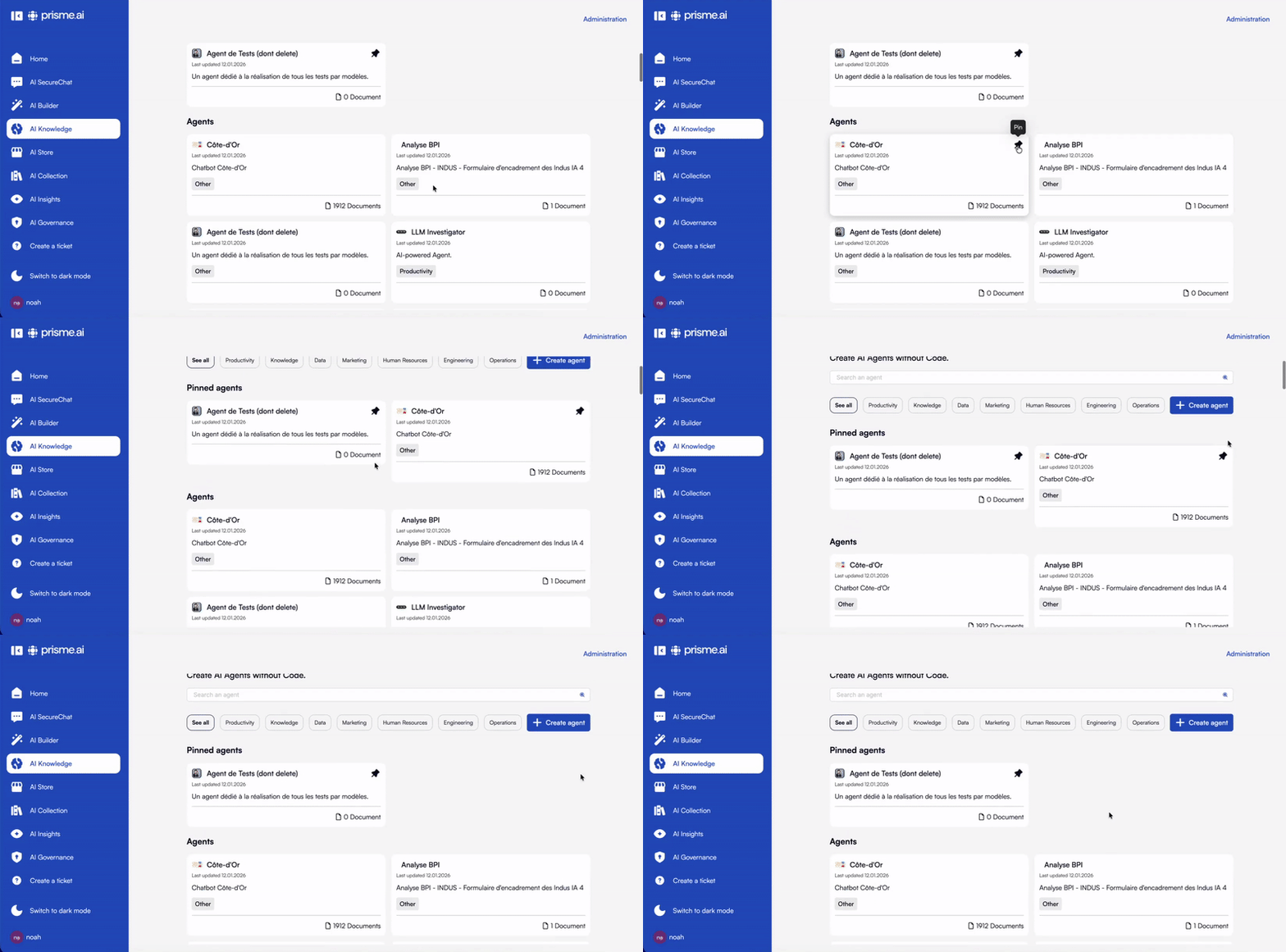
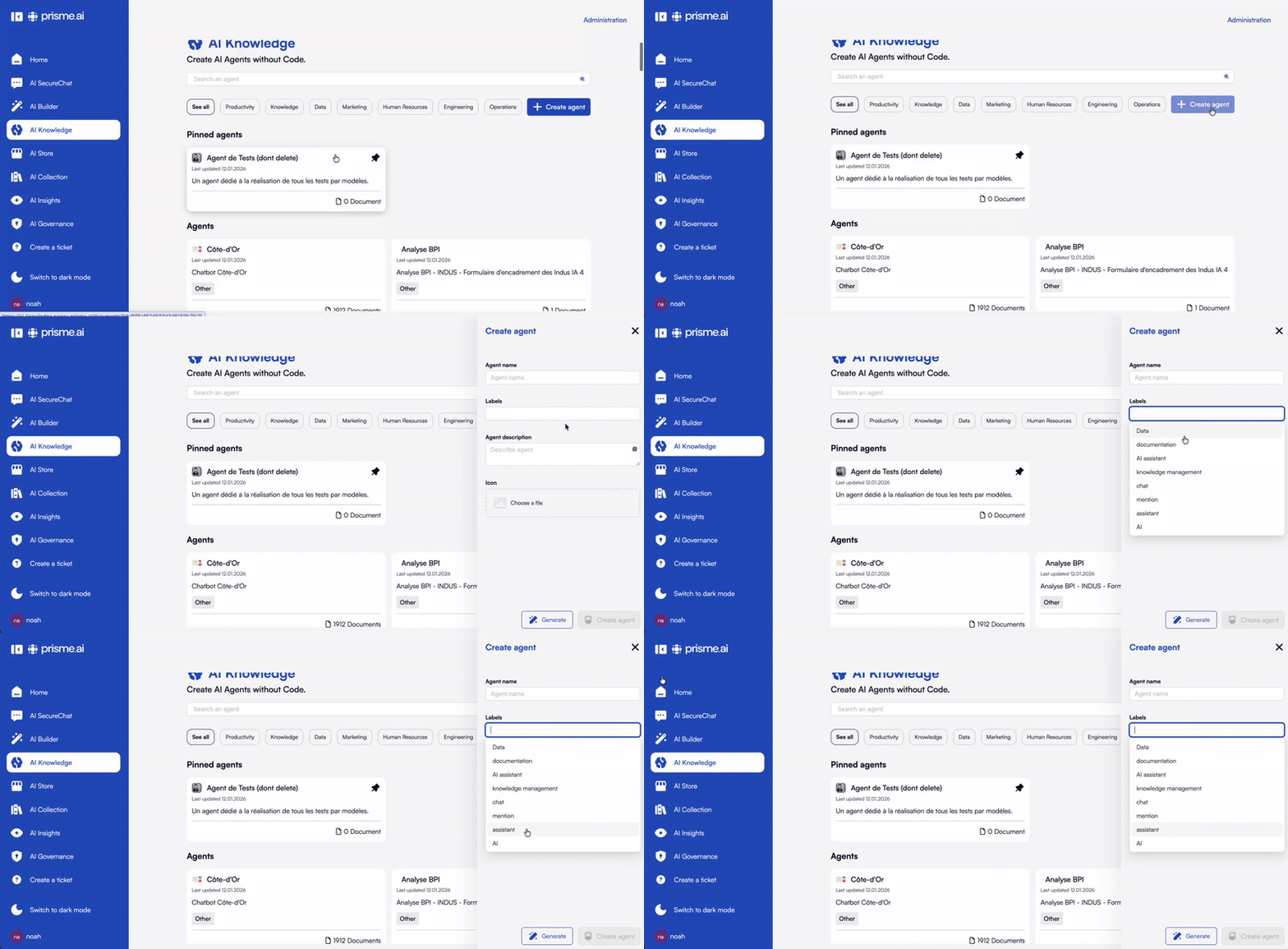
- Builder, AI Knowledge, AI Store, AI Insights, AI Collection: Workspaces and agents can now be pinned to the top of the product home page
- Builder, AI Knowledge, AI Store, AI Insights, AI Collection: Tag suggestions in the agent/workspace creation form
- AI Store: You can now download markdown canvas content as PDF files
- AI Store: Suggested questions no longer block the input (#3626)
- AI Knowledge: Invitation email is now sent based on the role given when sharing an agent (#3622)
- API Gateway: Support auto-limit setting when reaching /contacts API, even for Super Admin. This fixes an issue where Super Admins could see users as “undefined undefined” in share modals.
- Includes also important bug fixes and hardening improvements.
Releasing version v26.01.080927
UI Improvements & Bugfixes: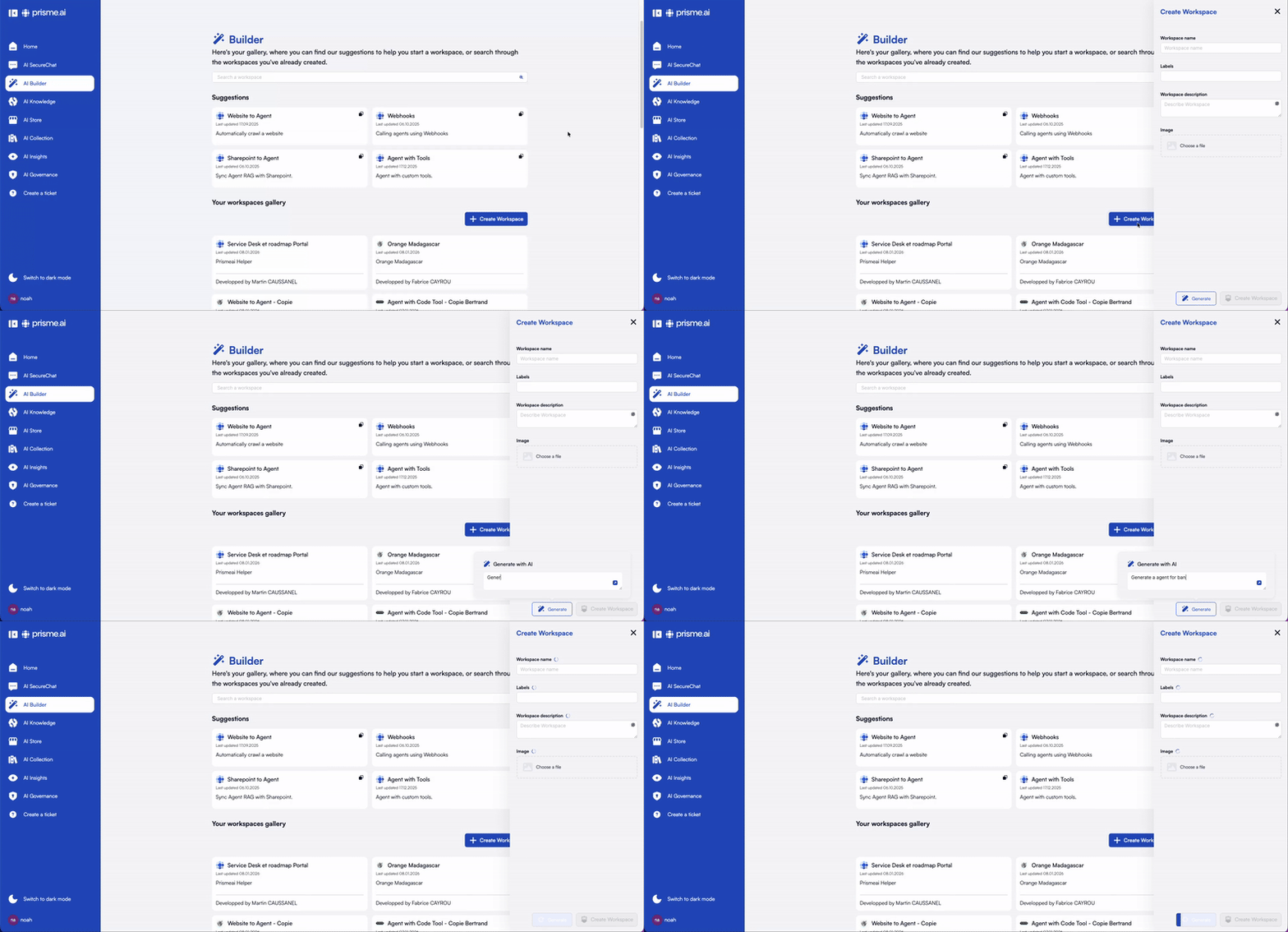
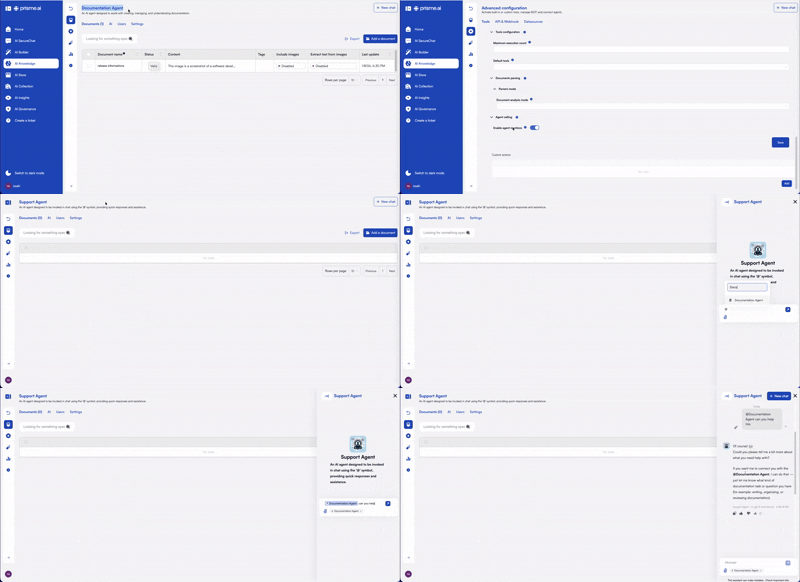
- Studio: Fixed opening and closing bugs
- AI Store: Improved agent home chat page view and spacing
- Studio, AI Knowledge, AI Store, AI Insights, AI Collection: New agent creation workflow featuring the initial integration of helper agents within the interface
- AI Store: Agents can now be called using @mentions in chat
December 2025 Releases
December 2025 Releases
Releasing version v25.12.290944
Features & Improvements :
- AI Builder : Stabilize & optimize workspace imports : fix missing / not updated automations, notably reduce S3/object http requests throughput.
- Popover : Authentification with SSO opens a popup and now closes it on successful authentification while reloading the original page.
Releasing version v25.12.221335
Configuration changes
The new Viewer role won’t be automatically added to already existing environments since the RBAC configuration is excluded from updates.To manually add this role :
- Open the AI Knowledge workspace
- Open Settings
- Advanced
- Manage roles
- Add a
viewer: {}line at the beginning, beloweditor: {} - Add these lines at the end of the files, under
rulessection :
Bugfixes
- AIS : Send button reappears after an error
- AIS : Agent’s model is now current set in agent home
- AIS : Fix navigating in tools picker with arrow keys while searching
- AIK : Parsing using model send the file as base64 instead of url to support more providers
- AIK : fix wording typos in callAgents option
- AIK : Add new viewer native role, with read only access to workspace, pages (including the troubleshoot page) and its own user/session events only.
- Collections : Fix count with an undefined query (counts all records)
- AIG : CSS customization now works
- AWS : Fix embeddings with cohere.embed-v4:0 model (output embeddings now are in embeddings.float instead of embeddings)
Releasing version v25.12.181015
Features & Improvements :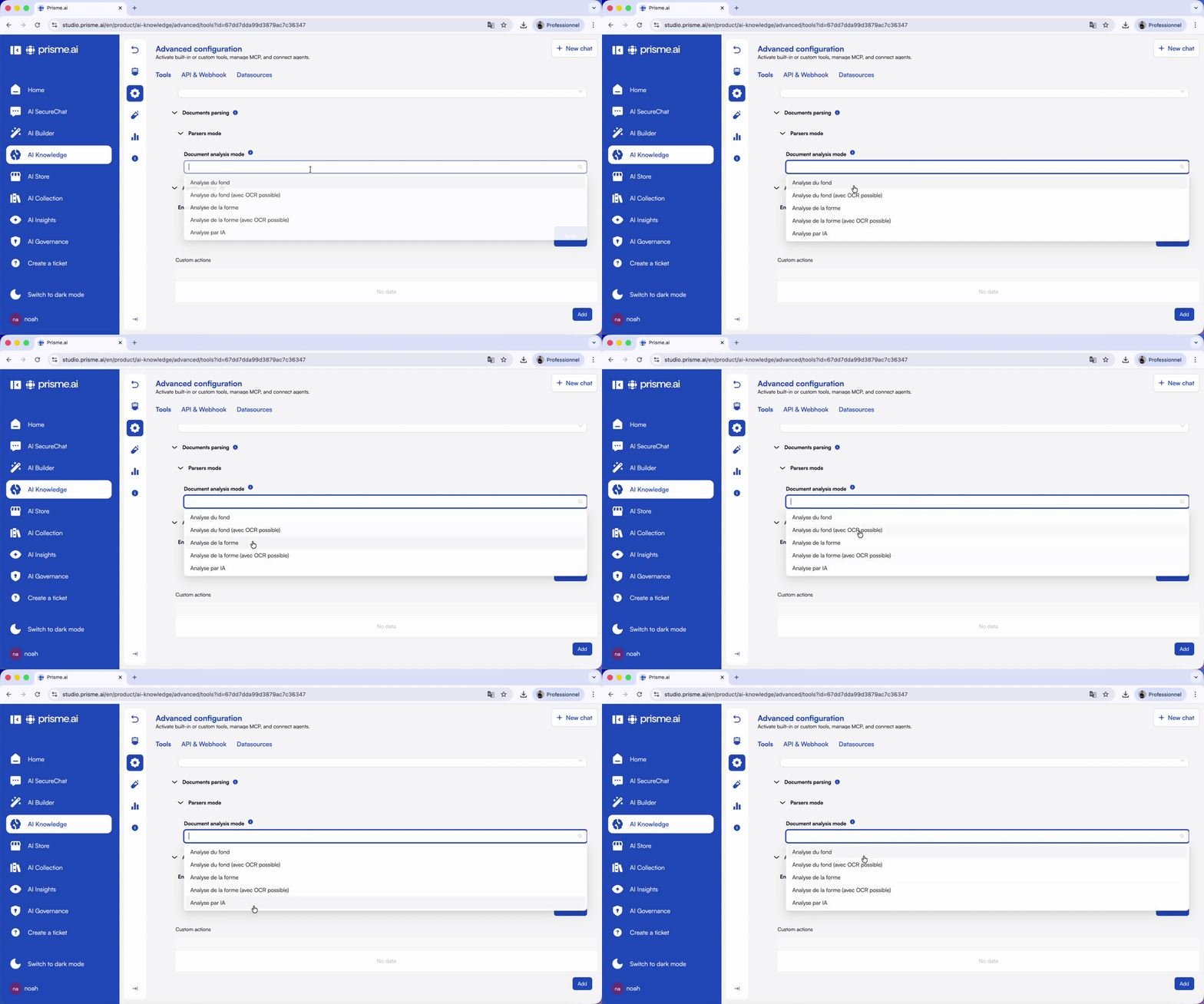
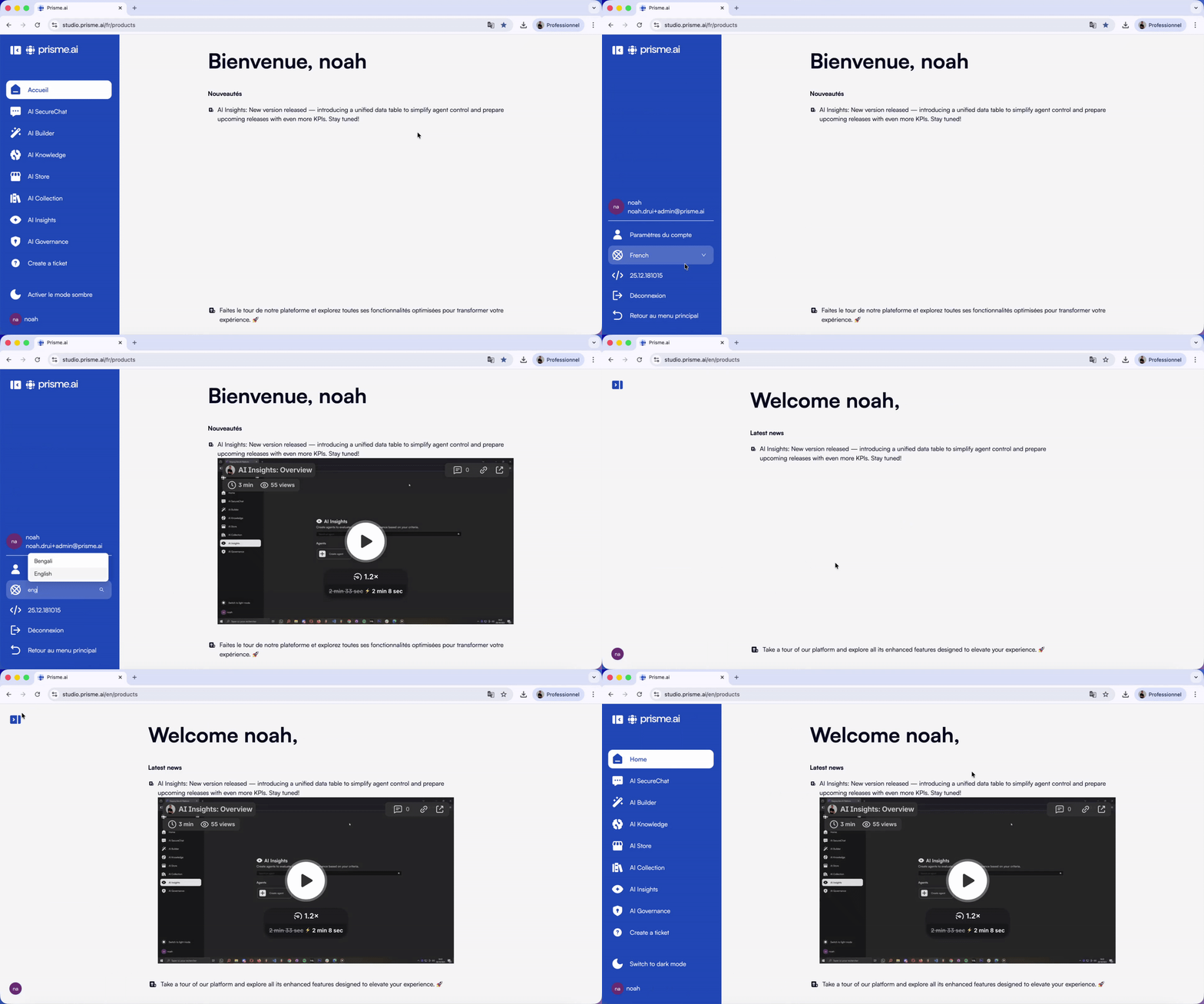
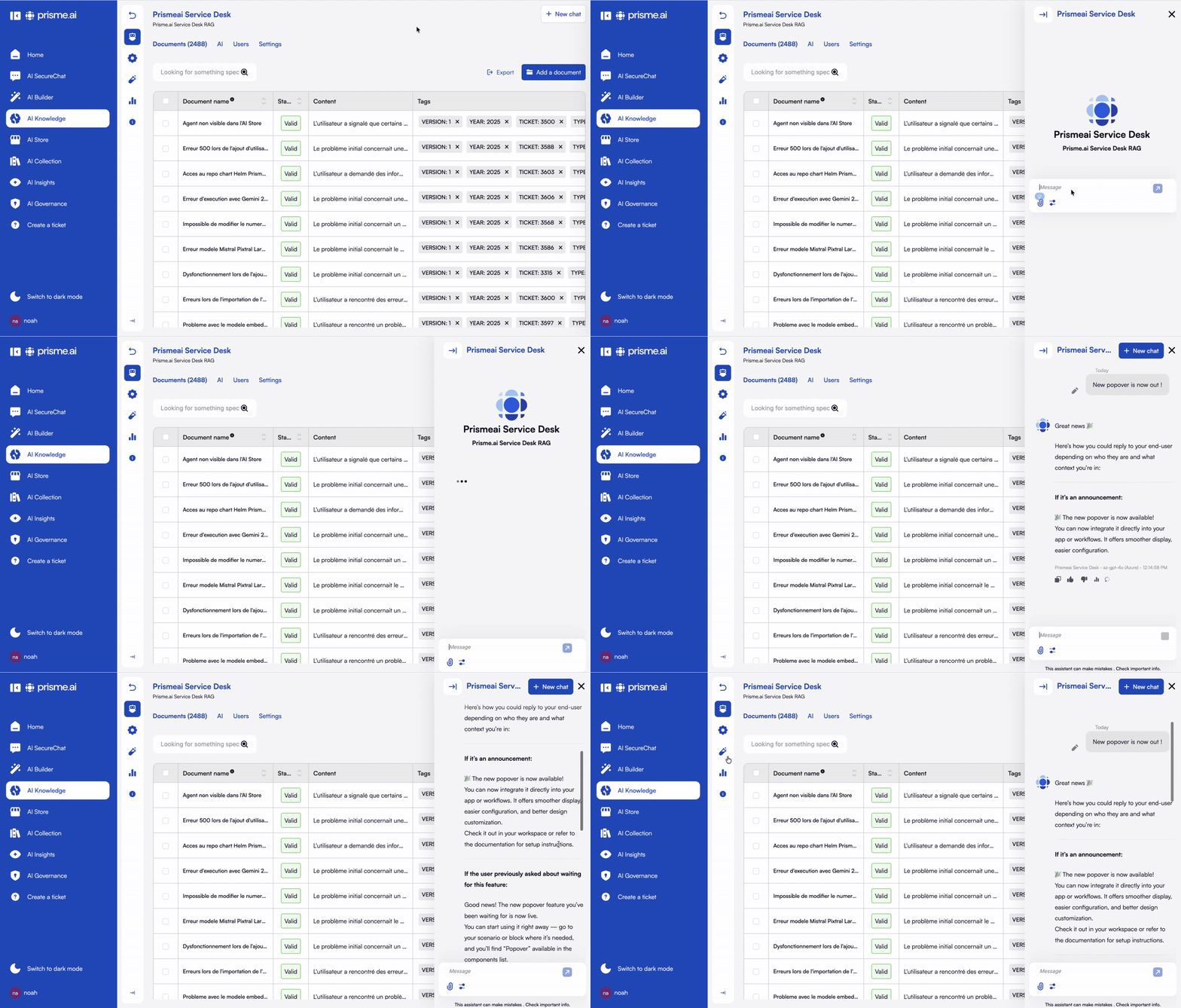
- AI Store : Conversations history in sidebar rewritten for better performance and stability
- AI Store : Agents now have a home view without creating an empty conversation before first message
- AI Store : High-performance front-end upgrade
- AI Store : Pasting an image into the DialogBox input now uploads it as an attachment
- AI Knowledge : Added support for image and audio upload in RAG
- AI Knowledge : Ability to choose whether a file should be analyzed by a language model
This includes new fields fordefaultModelsto set which model analyzes which file type: - AI Knowledge : Ability to specify which crawler to use per file
- AI Knowledge : Added possibility to choose parsers with or without OCR
- Studio : Support for multiple SSO providers with customizable display
- Studio : SSO provider is automatically deduced from the user’s email
- Crawler : Reduced default polling interval (1s instead of 5s)
- Crawler : Added ability to override Unstructured OCR configuration through parsers configuration
- Crawler : Allow forcing skip_ocr=false even if environment defaults set it to true
- Crawler : Adjusted default values for memory throttling
- Studio / Pages : Fix display of backtick (`) character in input fields by switching to Fira Code font
- Studio / Pages : Language selector added to user menu
- Studio / Pages : Updated link colors in news section
- AI Store : Display a proper loading state while streaming images
- AI Store : Agent home no longer creates a conversation until the first user message is sent
- Global : Fix typo in French welcome popup
- AI Knowledge: A popover can now be opened directly from the AI Knowledge project to chat with the agent.
- Helm - prismeai-core : Enable prismeai-events horizontal pod autoscaling by default
- Helm - prismeai-apps : Increase default resource requests and limits to production recommendations
- Helm - prismeai-apps : Add values for apps elastic user/password
- Crawler : Set default Apache Tika server timeout to 10 minutes (instead of 5 minutes)
- prismeai-crawler and prismeai-searchengine : Add ELASTIC_USER and ELASTIC_PASSWORD environment variables
- All services : Dependencies security upgrades
- AI Knowledge Client : chat-completion-openai-like now correctly uses config.apiKey when no apiKey is explicitly provided
- AI Knowledge Client : Fix automation argument handling for file inputs
- AI Knowledge : Fix changing the default tool deleting custom tools defined for an agent
- AI Knowledge : Fix buttons overlapping in Admin view datatable for project management
- AI Knowledge : Fix graph average requests per day
- AI Knowledge : Fix tools not being properly parsed in streaming mode with models such as Gemini 2.5 Pro
- AI Knowledge : Fix files from RAG being incorrectly sent to Vertex LLM with File capability when reranking was disabled
- AI Knowledge : Fix nearbyChunks returning empty chunks causing display issues
- AI Store : Fix troubleshoot link on messages
- AI Store : Fix display of empty activity details
- AI Store : Fix reset of pagination in conversations list after navigation
- AI Store : Fix display issues when streaming
<img>tags - AI Insights : Fix conversations message count column when using PostgreSQL
- Studio : Fix login on non-validated accounts briefly showing “wrong email or password”
- Studio : Fix refresh of products list on next sign-in after platformRole is updated
- Pages : Fix DataTable block client-side pagination
- Workspace : Fix workspace property not being correctly updated after add/remove from suggestions
- Amazon Web Services : Fix Bedrock Converse response not being fully parsed in classic (non-streaming) mode
- Crawler : Fix aggressive throttling causing slow crawls on large files
- api-gateway : Always initialize users groups to an empty array on signup to avoid mongodb error ‘Cannot apply $addToSet to non-array field’ when adding groups
- Crawler : Apache Tika and Unstructured now skip OCR by default
- Crawler : OCR (using Tesseract) provides better accuracy but uses significantly more resources.
Releasing version 25.12.011029
Features
- Platform: Implemented passwordless authentication using Azure Entra ID for both PostgreSQL and Redis
- api-gateway: Added a text parameter to the /contacts/search API to search across id / email / firstName / lastName
- AI Knowledge: Supporting options.excludeParameters with Azure providers
- AI Governance: Search input now queries across id / email / firstName / lastName instead of only emails (Internal Ticket #3477)
- Helm chart prismeai-core:
- Increased default CPU/memory requests/limits to production recommendations
- Added new maxWorkers runtime value for RUNNER_MAX_WORKERS (default: 4)
- Automatically computes NodeJS —max-old-space-size for all core services (removing the need for NODE_OPTIONS)
- Added nodejsOldSpaceSize Helm value to manually set —max-old-space-size per service
Bugfixes
- AI Knowledge: Fixed cases where Canvas content was displayed in the chat in addition to the Canvas
- AI Knowledge: Fixed translated agent categories not displaying correctly on the home page
- AI Knowledge: Fixed non-streaming /query API calls that could incorrectly switch to streaming mode when any tool was invoked
- AI Knowledge: Fixed a crash in the code interpreter for Anthropic models when combined tool calls occurred
- AI Governance: Adding a workspace as a suggestion no longer removes its labels, and removing it only removes the suggestions label
- VectorStore App: Fixed getNearbyChunks returning each chunk twice (Internal Ticket #3484)
November 2025 Releases
November 2025 Releases
Releasing version 25.11.241042
Features
- AI Builder: Add sortable attribute to allow sorting DataTable from events
- AI Store: Display a loading while img is streaming
- AI Builder: New TimeList block
Bugfixes
- AIC: Fixed an issue where the number of lines in AI Collection was not displaying, depending on a certain height of the Datatable.
- Postgres: Fix $in query filter between 2 arrays to be a OR search and not a AND
- AI Builder: Fix “Automation not found” error event that was missing in workspace activity feed
- AI Store: Fix markdown display in AgentMessage responses
Releasing version 25.11.171950
Features
- AI Store: UX/UI - Canvas can be expanded
- AI Store: UX/UI - Input is centered on new conversation
- AI Store: UX/UI - Enhanced Chat welcome view with question suggestion
- AI Store: UX/UI - Mobile use header for user-space and sidebar
- AI Store: UX/UI - Mobile view of products use enhanced sidebar and layout
- AI Store: UX/UI - Updated some Icons look
- AI Store: UX/UI - Look and feel of DialogBox
- AI Store: UX/UI - Updated Canvas button and Canvas look
- AI Store: UX/UI - Enhanced DialogBox loading time and reduced size of downloaded JS bundle
- AI Store: UX/UI - DialogBox builtin block
- AI Store: UX/UI - AgentMessage block in DialogBox displaying live activity, sources and images
- AI Store: UX/UI Display isTyping in AgentMessage
- Studio: UX/UI - New look for main sidebar
- AI Knowledge: Refactor of the analytics dashboard and fixes on the displayed data.
- AI Knowledge: New
${datetime}prompt variable added to retrieve the full date+time with ISO8601 format - prismeai-crawler: Implement Apache Tika parser
- prismeai-crawler: Make documents parser configurable with DOCUMENTS_DEFAULT_PARSER crawler environment variable
- Crawler: Allow configuring custom parsers config from individual document indexing request
- Crawler: Allow configuring default documents parser with searchengine root parsers config only (without specifying any website_config for a specific domain)
- AI Knowledge: Add a new parsers configuration option in advanced settings to select between tika or unstructured
- AI Knowledge: New
promptCache.systemoption available in modelsSpecifications, only available with some Bedrock models
Bugfixes
- AI Knowledge: Fix analytics loading is now properly synchronized with filters.
- AI Knowledge: Analytics filters are persisted
- Functions: Fix timeout handling, let others functions finish executing properly, and terminate the worker only $ms later
- AI Store: UX/UI - Fixes on long assistants names
- AI Store: UX/UI - Hide model picker in mobile view
- AI Store: UX/UI - Fixes on iOS mobile view
- AI Store: UX/UI Fix Scrolling down
- AI Store: UX/UI Fix scroll when large chunk of content received at once
- AI Store: UX/UI Fix cases where activity from tool calling have empty content
Releasing version 25.11.071634
Bugfixes
- AI Knowledge: Fix custom embeddings setting: was missing in Projects collection schema
- AI Store: Update visual bubble for user messages (Internal ticket #3121)
- AI Store: Tags field now trigger onChange when deleting a tag, and when closing the selection dropdown instead of every tag selected.
Releasing version 2**5.11.061024
Features
- AI Knowledge: Default prompt optimisation.
- AI Knowledge: Support domain to overwrite azure api domain. Default to openai.azure.com, can be changed to cognitiveservices.azure.com for example for dall-e-3
- Backends: Implement configurable contexts size limit, only emit errors for now and do not prevent set from executing
Bugfixes
- AI Governance: Fix on the display of team members (Internal ticket #3186)
- AI Governance: UI updated on teams management for an user
- AI Knowledge: Pass content_type & filename to unstructured to help detecting document types. This allows returning proper ‘Not a valid XLSX file’ error for invalid xlsx (& others) files, instead of the previous ‘Partitioning is not supported for the FileType.UNK file type.’
- AI Knowledge: Fix Permission denied error on huggingface cache directories mkdir with restricted user/permissions
- AI Knowledge: Tags can be specified for a user or a group, which will only show document with these.
- AI Knowledge: Fixed Docling not working properly with HTML content
- AI Knowledge: Remove NULL characters from crawled text content as they are invalid in SQL queries (and by extension incompatible with Postgres Prisme.ai platforms) (Internal Ticket #3397)
- AI Knowledge: Fix an issue with tool calls while changing models in the same conversation.
- AI Knowledge: Improved default tools description, mainly to avoid contradicting themselves. You might want to update these manually on your own deployment.
- AI Store: Tags and tools stay selected for a conversation
- AI Store: Fix scroll issues for long canvas
- Backends: Make sure we recreate workers (i.e after a crash) with the same name they had to avoid having 2 workers with the same name
- Backends: Make sure we cant get stuck 120s (or GRACEFUL_SHUTDOWN_TIMEOUT) when trying to close the same worker twice at the same time
- Backends: Cleanly respond TerminatedWorker error to all running tasks/http requests when their worker is terminated (because of a crash or any other reason)
- Backends: Fix runtime startup: Do not start processing requests until all workers are ready.
- Backends: Fix worker recreation (i.e after a crash): Do not start processing requests until worker is ready
- Builder: Fix displaying png shortcuts (Internal Ticket #3395)
- Dialog Box: Updated style, prompt library compatible with new input, support custom tool/datasource icons, fixed dark theme issues
October 2025 Releases
October 2025 Releases
Releasing version 25.10.281531
Bugfixes
- Backends: Fix unhandledRejections to be logged with pino on a single line (Internal ticket #3178)
- AI Knowledge: Improved session ID management for certain MCP servers.
- AI Knowledge*: Vertex Generated image are now store in a private bucket
- AI Insights: New version released, introducing a unified data table to simplify agent control and prepare upcoming releases with even more KPIs. Stay tuned!
- UI Enhancements: Several interface improvements across products for smoother usability and visual consistency
- AI Store: Ability to disable public sharing of agent and conversations
Releasing version 25.10.241424
Features
- Builder : Sidebar enhanced to provide more space on smaller laptops.
Bugfixes & Improvements
- prismeai-workspaces with PostgresSQL : Fix scanner_yyerror postgresql exceptions when importing pages with no labels defined (this sometimes resulted in an invalid SQL insertion query with no value at all between 2 “,”)
- prismeai-workspaces : Force appInstances update during imports even if there was no difference between previous & updated dsul in order to force underlying apps to execute ‘onConfigured’ automation (and easily repair broken platforms
- Collections : When applying an invalid collection schema, keep previous schema in memory (if available) so the collection stay usable despite the update error
- Collections : Fix creating indexes with PostgreSQL & columns named like a reserved keyword as ‘from’
- Collections : Save collections schema error in database & return these detailed errors on collection calls (instead of the basic ‘Unknown collection error’)
- Collections : Prevent updateSchema from executing twice at the same time since it would raise concurrency issues & make collection updates/creation fail
- Collections : Prevent from reloading the same namespace collections twice at the same time for better performances (instead wait for the previous reloading to finish).
- Collections: Fix concurrency issues when reloading updated schemas while persisting other schemas update to database
Releasing version 25.10.211604
Bugfixes
- api-gateway: Fix runtime variable session.id which was set to ‘at:undefined’ when executing webhooks with a user AccessToken instead of the expected session.id ‘at:tokenId’
AIK
- Fix agent tags list french translation (was always shown in english)
- Do not raise validation error on /projects API if received data include null fields (as it can be the case for uninitialized fields since ORM migration)
AIS
- Do not raise validation error during agent settings update when some uninitialized settings are null
Collections
- Fix shared app collections ; isolate data with the currently running workspaceId instead of the first workspace which initiated the shared collection
Releasing version 25.10.201550
Bugfixes
- prismeai-workspaces : Add MongoDB index to workspaces createdAt / updatedAt fields for CosmosDB compatibility (Cosmos require an index for all column which needs sorting capabilities)
- api-gateway (Azure AD SSO) : Missing link between Azure and newly introduced ORM - Internal ticket #3356
- AIK : Fixed tool calling with Vertex AI Gemini. - Internal ticket #3349
Releasing version 25.10.171028
Releasing version 25.10.162120
Releasing version 25.10.161126
Features & Improvements
- Backends: All database queries refactored using a new ORM package compatible with both MongoDB and PostgreSQL.
- Collections: Refactored using new
runinstruction and native ORM (MongoDB + PostgreSQL). - AII: Usernames are pseudonymised in conversations; user IPs and IDs have been removed.
- AIK:
- Admin now includes new fields: Category, Documents count, and Created at.
- If
nearestChunkshas no default value in AIK config, it now defaults to1. - Manual tag selection in AI Store always takes precedence over automatic self-query.
- Enhanced tags and tools selection, which persist and reload when changing conversation.
- Usage Analytics now display total number of tool calls and per-tool call count.
- Improved suggested questions to avoid language mismatch.
- Web Search: Prompt now defined only in AIK config. (Internal ticket #3290)
- Compression Tool: Improved prompt and contextual flow for Gemini 2.5. (Internal ticket #3290)
- LLM now uses an agentic flow leveraging tool calling capabilities. (Internal ticket #3180)
- Added security when a project AIK is not found. (Internal Ticket #3268)
- Pages:
- Form block date fields now take user timezone into account.
- New look for DataTable block.
- Home screen now allows html rich texts (Internal ticket #3285)
- Dialog Box: New UI for Tools and Datasources.
- Documentation:
- Launch of Prisme.ai Academy (v0).
- Added documentation for PostgreSQL driver.
Bug Fixes
- AIK: Fixed edge cases with undefined
nearestChunks. - AIS: Fixed minor issue with model cost display in chat window. (Internal Ticket #3291)
- Builder: Fixed crash when form fields were set to
null.
September 2025 Releases
September 2025 Releases
Releasing version 25.09.301703
Features
- API Gateway: New PATCH bulk endpoint for
/users. Allow bulk modifications of users. Pretty useful when you want to make a set of users part of a given group.
Bug fixes
- Block Dialog Box:
- Improve stability of canvas by deleting outdated debounced update for MD and Code Editor.
- Update Milkdown dependency.
Releasing version 25.09.261245
Bugfixes
- Builder : Fix creating corrupted automation/appInstance/page when their slug ends with a whitespace
- Builder : Clicking on output block does not copy its value anymore
- api-gateway : Fix returning custom claims from Azure AD auth provider
- api-gateway : Keep runtime user contexts synchronized with latest SSO authData during authentication
- prismeai-runtime : Fix user switching (with set on user.id) not working on some edge cases where given userId had corrupted data in Redis contexts cache
- prismeai-workspaces : Fix UPLOADS_DEFAULT_VISIBILITY environment variable
- AIK : Fix duplicate documents on OpenSearch when creating document with “upsert” option by API
Features & Improvements
- AIK : Can disable rerank/contextual compress per agent
- AIK : Summary / web search don’t rerank/compress
- AIK : Added support for Google Search as a provider in the Web Browsing tool
- Docs : Added configuration option for ElasticSearch as a Vector Store
- Docs : Improved configuration process for third-party models on Vertex
- prismeai-crawler : New ROBOTSTXT_OBEY environment variable
- App Crawler : Make webhook timeout configurable to account for ES/OS clusters specific config (defaults to 3s)
- AIK : Improve Web Browsing Tool default prompt to enforce HTML tags for quotations
Releasing version 25.09.151922
Bugfixes & Improvements
- AIK : Fixed a warning about chunk token estimations triggering on project save way below the limit
- AIK : Fix chunks sent by tool, without a tool key, causing a crash of the query
- AIK : Don’t rerank and filter chunks if there is less than 4 chunks
- AIK : Image generation bypass rerank/filter and contextual compression
- Builder : Fix updating appInstances config when updating a workspace secret/config they depend on
- Builder : Fixed accessing workspaces whose index file had been deleted from S3 storage following a desynchronization with the database. Automatically recreate these workspace index files on imports.
- Backends : Now always use standard pino logger for event validation errors in order to properly format json errors in a single line
- Runtime : Fix ‘Could not fetch user’ runtime errors on invalid
GET /merequests although API_URL were correctly configured
Features
- AIK : Send RAG files directly to the LLM as base64 if the model support it
- Runtime : Added utilitarian function deepmerge . Can be used to deepmerge two objects.
Releasing version 25.09.101738
Bugfixes & improvements
- AIK: Fix warning on saving agent if only maxContext is provided but not maxResponseTokens
- AIK: fixed an issue on Vector store when using Elastic Search (index.knn)
- Crawler: Increased default max length
- Crawler: Added more mimetypes
- Crawler: Made “ROBOTSTXT_OBEY” configurable with a .env variable
June 2025 - v25.06.251802
June 2025 - v25.06.251802
Platform Enhancements
- Elasticsearch Vector Store: Full compatibility with Elasticsearch for vector operations
- Optimization:
- JWT caching for 2 minutes instead of regenerating on each request
- Fetch all contexts in single mget redis command
- Full user details caching with /me API synchronization
Runtime Improvements
- HTTP Proxy Support: Fixed fetch instruction HTTP(S)_PROXY variables support
- Event Processing: Dropped support for high-load events in wait instruction
- Error Handling: Better redis disconnection error handling during graceful shutdown
Crawler Enhancements
- Request Tuning: New environment variables for precise request polling rate control:
- CONCURRENT_REQUESTS
- CONCURRENT_REQUESTS_PER_DOMAIN
- DOWNLOAD_DELAY
- REQUEST_QUEUES_POLLING_INTERVAL
- REQUEST_QUEUES_POLLING_SIZE
May 2025 - v25.05.131105
May 2025 - v25.05.131105
New Applications
- Notion App: New integration available in App Store
- Google Cloud Storage App: Enhanced cloud storage capabilities
AI Knowledge Features
- Reindex API: New /reindex endpoint for document reindexing
- Tool Routing: New prompt setting for enhanced tool routing
- Date Integration: Current date automatically added to tool routing prompts, $ keyword support
- JSON Output: Added response_format.type: “json_object” for forced JSON output
Agent Permissions
- Granular Control: New publishAgent permission for AI Knowledge agent publishing
- Usage Analytics: Enhanced global usage and costs dashboards with model filtering and time selection
Document Processing
- Docling Integration: New option for efficient document and HTML parsing
- Image Extraction: PDF documents can now return images with proper configuration
April 2025 - v25.04.281620
April 2025 - v25.04.281620
Security & Authentication
- Local Signup Control: New DISABLE_LOCAL_SIGNUP environment variable
- SSO Fixes: Resolved occasional SSO authentication failures
AI Knowledge Improvements
- Batch Processing: Added batchSize option to embeddings automation (default: 96 texts per request)
- Temperature UI: Improved temperature setting interface
- Timeout Handling: File processing now continues in background when exceeding timeout
- Analytics: Renamed Users metric to Sessions, added Users metric
Builder Enhancements
- Regular Expressions: regexp() can now be used with replace() function
- Error Handling: Enhanced fetch error events with response headers
- Secrets Management: Fixed issue with removing some secrets
- Form Validation: Improved SchemaForm validators with custom messages
Reliability
- Rate Limiting: Applied MAXIMUM_SUCCESSIVE_CALLS limits across automation HTTP calls
- Style Tags: Allow
<style>tag in RichText blocks without allowUnsecure option - Message Processing: Fixed handling of user messages longer than maximum embedding context size
March 2025 - v25.03.261523
March 2025 - v25.03.261523
New Major Feature: Canvas with AI Collaboration
For Non-Technical Users
- Rich Content Editor with an intuitive interface
- Intelligent Context Menu allowing you to:
- Generate short or long responses
- Translate content into multiple languages
- Finalize and polish your texts
- Export Options to PDF and Docs formats for easy sharing
For Technical Users
- Advanced Code Editor with syntax highlighting
- Specialized Context Menu offering:
- Automatic documentation generation
- Unit test creation
- Code review
- Adding logs
- Code porting to other languages (Java, Python, etc.)
- Real-time Web Code Preview:
- Form rendering
- Chart generation
- Various visualizations
- Direct Export of generated code
Multi-modal Support for End Users
- Ability to attach images or audio files (if the model supports multi-modal) to:
- Query content
- Get detailed explanations
- Option to import images directly into Canvas for post-processing
New Administration Options: Tools & Focus
- Administrators can now:
- Allow end users to manually activate Canvas and Tools
- Enable document tag display to target RAG towards specific documents
- Enhanced error messages in AI Store agents (document support, LLM errors, etc.)
Tool Enhancements
- AI Knowledge - New image generation tool
- AI Builder - Addition of a template with customizable tools
- AI Knowledge - Improved consistency between placeholders and default values in RAG settings
Interface Simplification
- AI Knowledge - Redesigned AI parameter interface to prevent configuration errors:
- Simplified user interface
- Temperature with removal of top_p and penalty parameters
- Technical users retain full access to advanced parameters via API or Builder
Other Improvements
- Easier sharing of active conversation during multiple simultaneous threads
- AIK monitoring updates every 10 minutes (via AI Knowledge and API)
- Fixed “Chat completion” error at the end of Stream
- Various security updates and bug fixes
Previous releases
Previous releases
Stay Informed
- Join our mailing list to receive update notifications
- Follow us on LinkedIn for announcements
- Check this page regularly for the latest information